You might find the Split feature helpful. Once you’ve written or pasted text you can break it up into “scrivenings” little chunks of text that are automatically outlined in the “Binder” and can be viewed together as one flowing document. These sections can then easily be reordered in the Binder by drag-and-drop.
So, for example, if you write or paste:
Nutrition
A paragraph about nutrition.
Exercise
A paragraph about exercise.
Lorem ipsum…
Fruits
A paragraph about fruits.
You can select “Fruits” then go to the Documents menu and choose Split > Split with Selection as Title. You’ll have a new document piece (“scrivening”) that shows up in the Binder as Fruits. Repeat for “Exercise” and you can then drag Fruits before Exercise in the binder.
Your Editor (writing window) in Scrivenings mode will then show:
Nutrition
A paragraph about nutrition.
Fruits
A paragraph about fruits.
Exercise
A paragraph about exercise.
Lorem ipsum…
You can put your cursor before “Lorem ipsum” and then with Split > at Selection you’ll then break Lorem ipsum into a new scrivenings section. It’ll appear in the binder probably with the first words as an italicized temporary title which you can change.
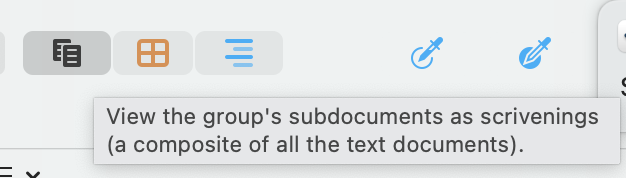
*To enable Scrivenings mode (all selected and/or subsections as one document) there’s a toggle button on the toolbar.
This is one of my favorite Scrivener features, but you don’t have to think about it until you need it. You can just, as has been said, write.