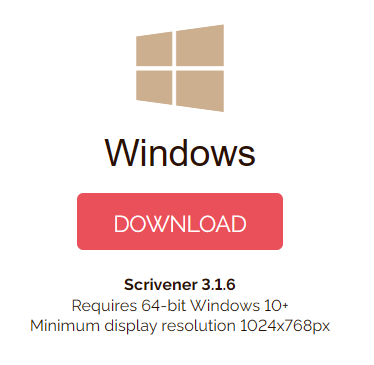
Unfortunately, Scrivener for Windows has a minimum required resolution of 1024x768:
Most probably your scaling setting has decreased your effective resolution to below that minimum.
Parts of certain panels becoming inaccessible is a result of this.
You might find a workaround by tweaking fonts or trying the other solutions offered upthread, but, to repeat, scaling is the likely culprit.
Best,
Jim