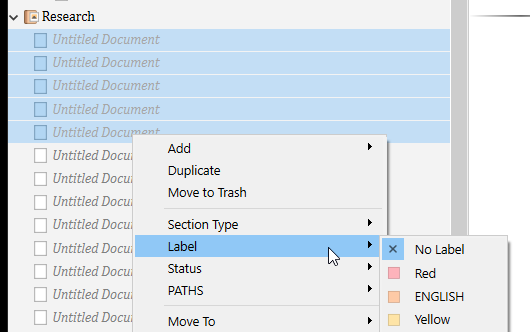
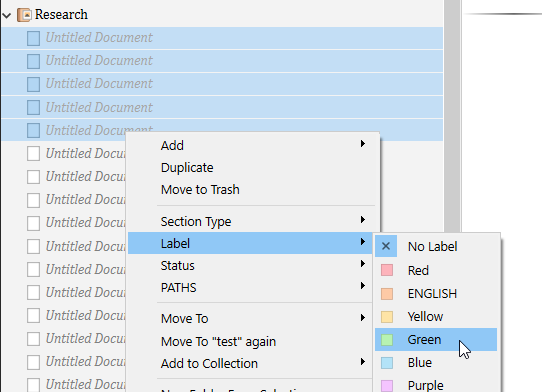
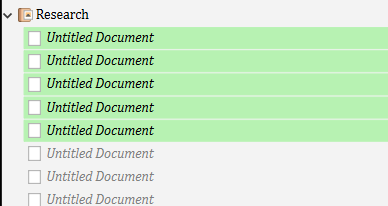
You can Ctrl-click multiple items (or Shift-click for a contiguous group) in the binder, outliner, or corkboard, then right-click to set a label for them all. Status and some other custom metadata can be assigned in bulk this way as well.
1 Like
In addition all the tips and tricks shared in this thread, which I’ve merged your query into, there is also §10.4.7, Setting Metadata to Many Items, in the user manual PDF, which goes over all of the different kinds of metadata for which there are batch/bulk application tools (and lists which do not).
1 Like
I could not figure out the exact steps. I am assuming this does not work in Research, but only in Binder?