Hi, fellow scriveners! I’m not sure if I’m doing something wrong or I run into a bug. This is the situation:
I have my editor settings using Sitka Text, size 12, spacing 1.0, pretty much the default.
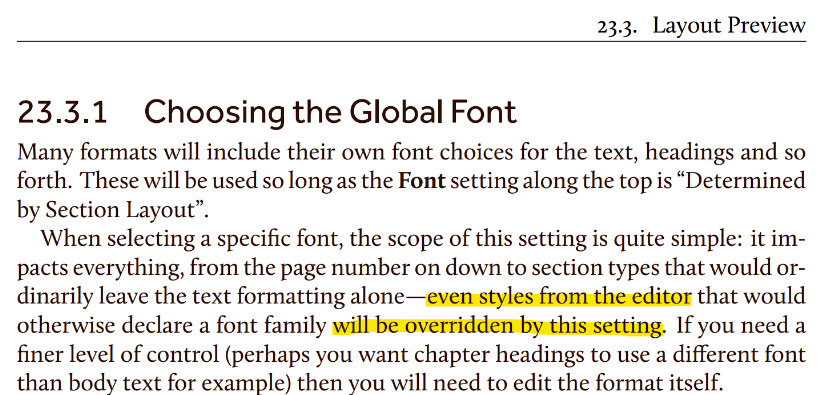
I’m also using the Paperback 6x9 compile template, with Font: Determined by Section Layout. Then I noticed that some styles came out with a font I want to avoid, so I simply applied Font: Courier Prime, as global font just for testing purposes:
Analysing the compiled file in Word I can confirm that some styles still not had the Courier Prime font applied, but Palatino Linotype or Times New Roman instead.
Yes, applying a Style command to text overrides essentially all of the Compile formatting options. (Redacted because I was mistaken.) You can change the Style in the Compile Format editor (there’s a Styles tab for this purpose.)
On testing it in the Mac version, you are correct. The font override affects all fonts, including Styles. So yes, failure to do that in the Windows version would be a bug. I’m sorry for the confusion.