You must do this manually in your Compile format. You set up your Heading 1-3 styles in the Compile Style Editor pane, and then you use these styles in the Compile Section Layout Editor pane.
This is the result in Word’s document map:
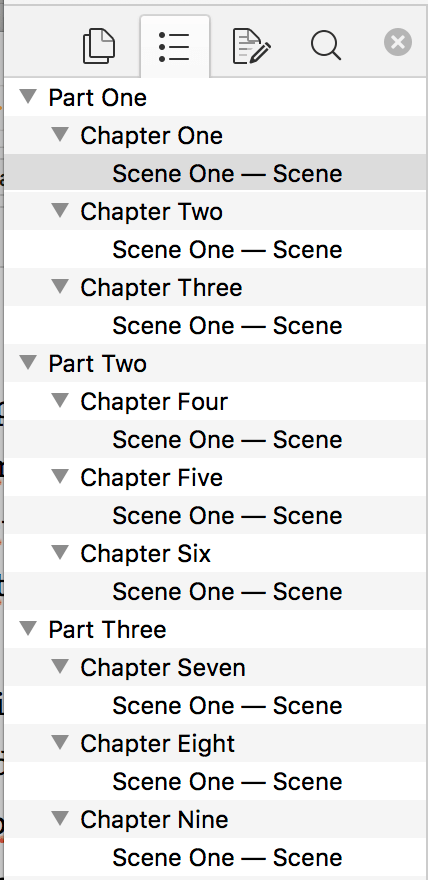
See a test project that demonstrates this here
Heading Test.scriv.zip (87.2 KB)
Pandoc does this automatically, and many other things besides. I actually consider the Pandoc workflow simpler, in that it handles most document structure styles without fussing (and uses a Word template: you edit a Word file in Word, set it up how you want, then Pandoc uses this as a base for any new files it generates). But Scrivener 3 can still do most of this natively which keeps everything in one place…