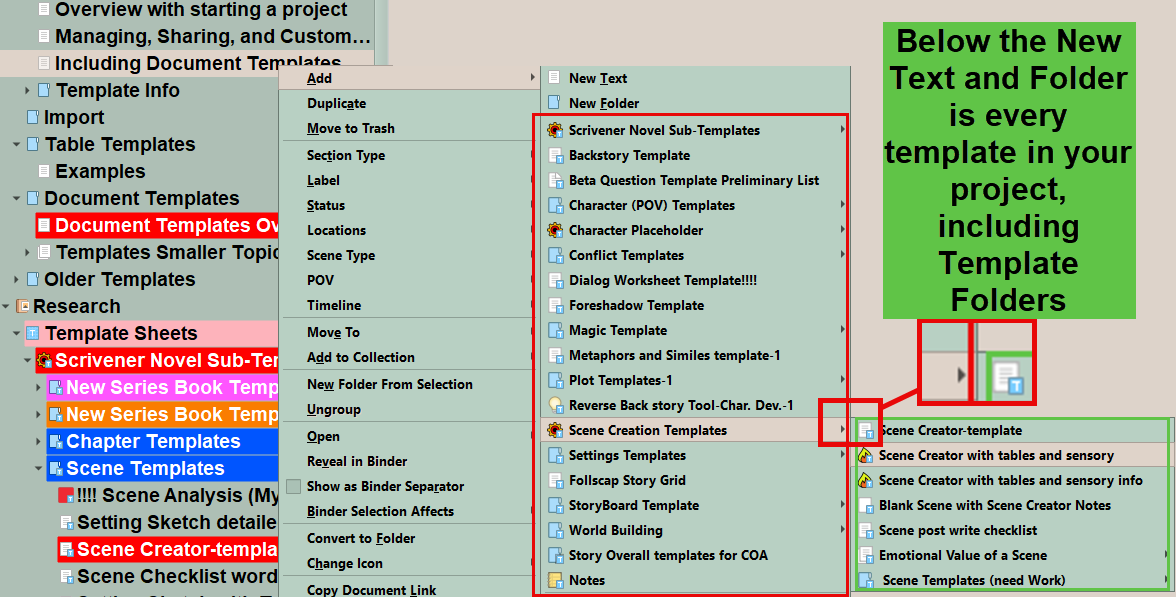
I created several additional Template sheets (sketches) in the Template Sheets Folder (all of them by duplicating the two existing ones). In addition to Character and Locations, I have one for Houses, Flora, Fauna, etc. I changed what is in each document.
I did all this because I’m finally getting around to creating a series codex and I’m going through each scene I wrote and using right-click > Link to document > New Link to create these codex entries. The problem is that even when I choose the right folder (like Fauna, Flora, Houses) I’m not getting the template setup, but a blank text document.
The templates do not work at all, except for the original two, Characters and Locations.
No, I’m not going in and creating the files from the + symbol at the top, because that puts the newly created entry in the manuscript instead of the folder for Houses, for example. I also do not create these entries ahead of time but as I work my way through the scene.
I am wondering if there’s a setting I’m missing or if I’m doing something wrong here and that’s why I’m getting this odd behavior from the Sketches.
Any suggestions on making this work (that is not for me to create these codex documents first) would be appreciated.
Thank you.