100 projects? 100 documents within a project? Would it be a hundred changes in Calibre?
One EPub file, one change per body.xhtml file within that (it’s a big book). I’ve installed Sigil, and I’m going to have a play and see if it can be fixed without too much pain.
The same ‘error’ will be in any other EPubs I compile from Scrivener, but I don’t think it will matter – this is the only one I’m uploading on Draft2Digital. Kindle Previewer doesn’t complain about it.
I’ve merged your post with a recent discussion on this output condition. Here is the solution.
Hi Amber,
Since you mentioned the old ePub2 format …
It is still important that this format option is available for the compile process and that the corresponding ePub2 compiler is maintained, even without reloading the legacy format.
The reason is quite simple: Many eBook shops are still stuck with ePub2 and do not accept ePub3. If I want to offer my eBooks at Thalia, Weltbild, eBook DE, and others, I have no luck with ePub3. Amazon, GooglePlay and AppleBooks allow the upload of the modern ePub3 format, but many other shops unfortunately do not.
So I still use your ePub2 compiler and wish the world would move faster.
Regards,
Thomas
The problem being reported here is a simple switch—that isn’t in fact even available to the legacy ePub 2 setting—that essentially generates invalid ePub 3 files for the sake of one or two services that are reported to work better that way.
I would tentatively say that in most cases it would be better to stick with using Scrivener’s ePub3 export, and if it is necessary to deal with an archaic service, convert the ePub using Calibre or another tool along those lines.
The issue that may not be factored in here is that the ePub2 generator in Scrivener is based on old code, and old methods for creating ePub files from the v2 days. It’s obsolete, frankly, and inferior in every way to the new methods. That is why it is a legacy format that only pops up on projects that once used it, so that backward compatibility is maintained. As I say, you’ll get a better result compiling as ePub 3 and downgrading the specification in a converter.
1 Like
Thank you! That works perfectly now.
That is an additional production step but I’ll try it out today. Thank you much for your advise. I really appreciate it.
I would add a third production step as well, making the total checklist look like this:
- Compile to ePub3 from Scrivener.
- Convert to ePub2 in Calibre or similar.
- Copy and paste prepared form letter to the book vendor and file a bug report that their system is woefully out of date, and using a version of ePub that has been superseded over a decade ago. Back when ePub 2 was still relevant, people still used PowerPCs, Blackberries and Mac OS X “Lion” was still brand new.

More seriously though, myself I would entirely automate this process with a tool like Hazel, which lets you set up a “watch” on a folder, that when certain files match a specific criteria, trigger some action on your behalf. In this case, Calibre comes with a suite of command-line tools, such as “epub-convert”. Thus, you would compile into a central output folder that is watched, it picks up the presence of a new .epub file, converts it to epub2, and outputs that result to another folder. Seconds after compiling I’d have both an epub3 and epub2 copy ready to go.
But that’s how I’d do it, for others it may be more efficient to spend the two minutes clicking buttons every time, rather than learning automation tools and command-line interfaces.
2 Likes
Thank you much for your advise. I’m on it …
I encountered the same issues as Max in July 2022. Amber’s solution fixed the problem!
1 Like
Hello Scrivener Team. I updated to macOs Ventura earlier this week. Yesterday I compiled two eBook issues (ePub3, German, Japanese) for the first time after the update.
In both cases there were problems uploading to KDP, Apple Books and Google Play.
While the portals initially only gave me cryptic error messages regarding some metadata, I was able to fix the error at least for the German edition by specifying the language code in the compiler (DE).
In the case of the Japanese edition, at least Amazon and Apple have accepted the eBook, but the Google Playstore remains stubborn and shows me the following error message (see screenshot).
With iBooks and the Kindle Viewer, the file is displayed perfectly (screenshots).
What can I do? Is the error related to the Ventura update?
Greetings,
Thomas
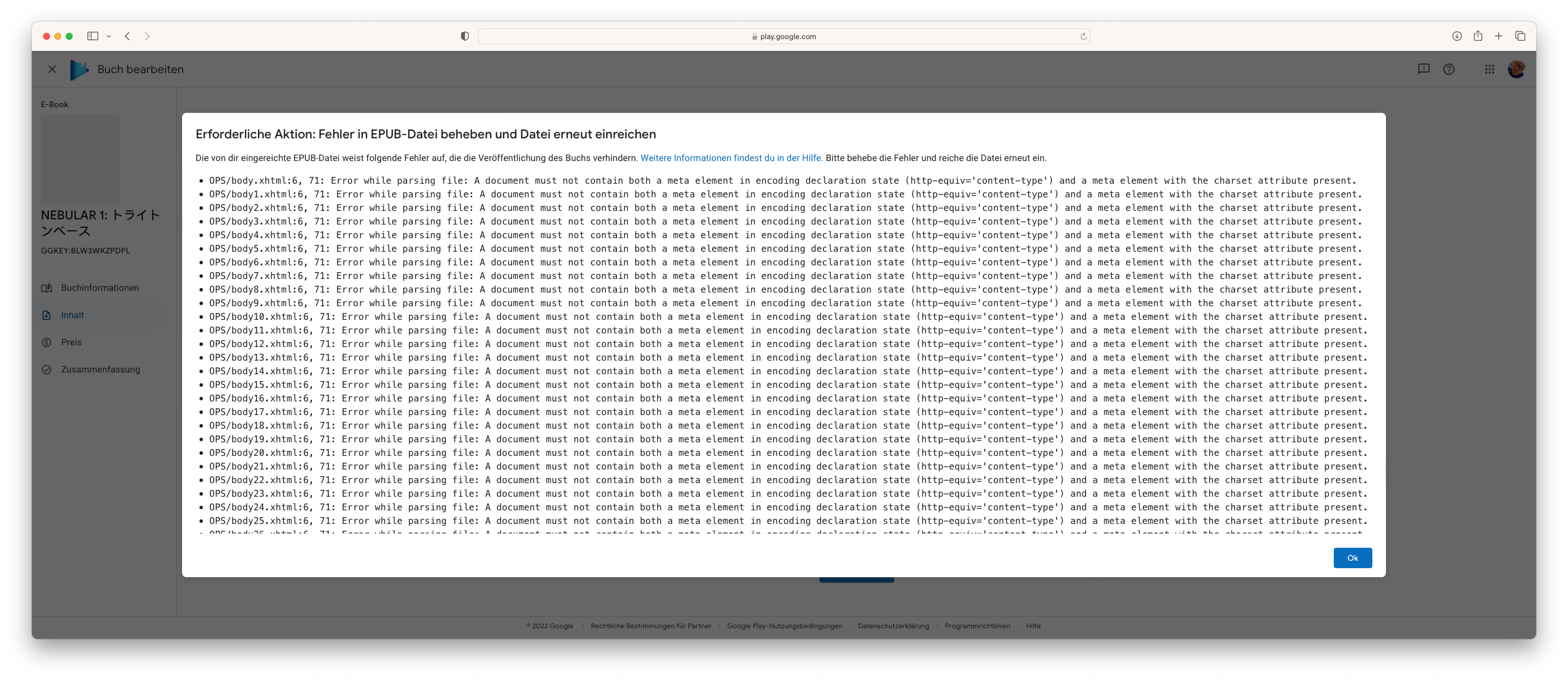
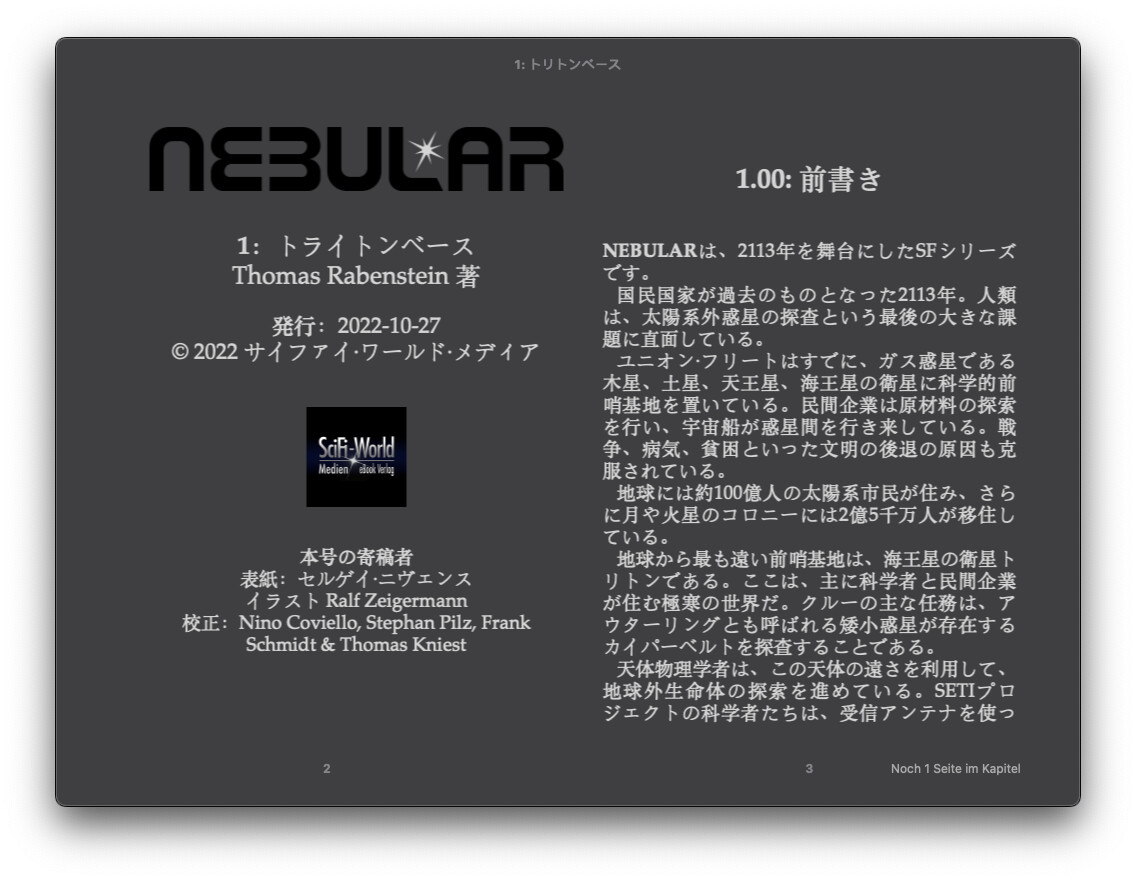
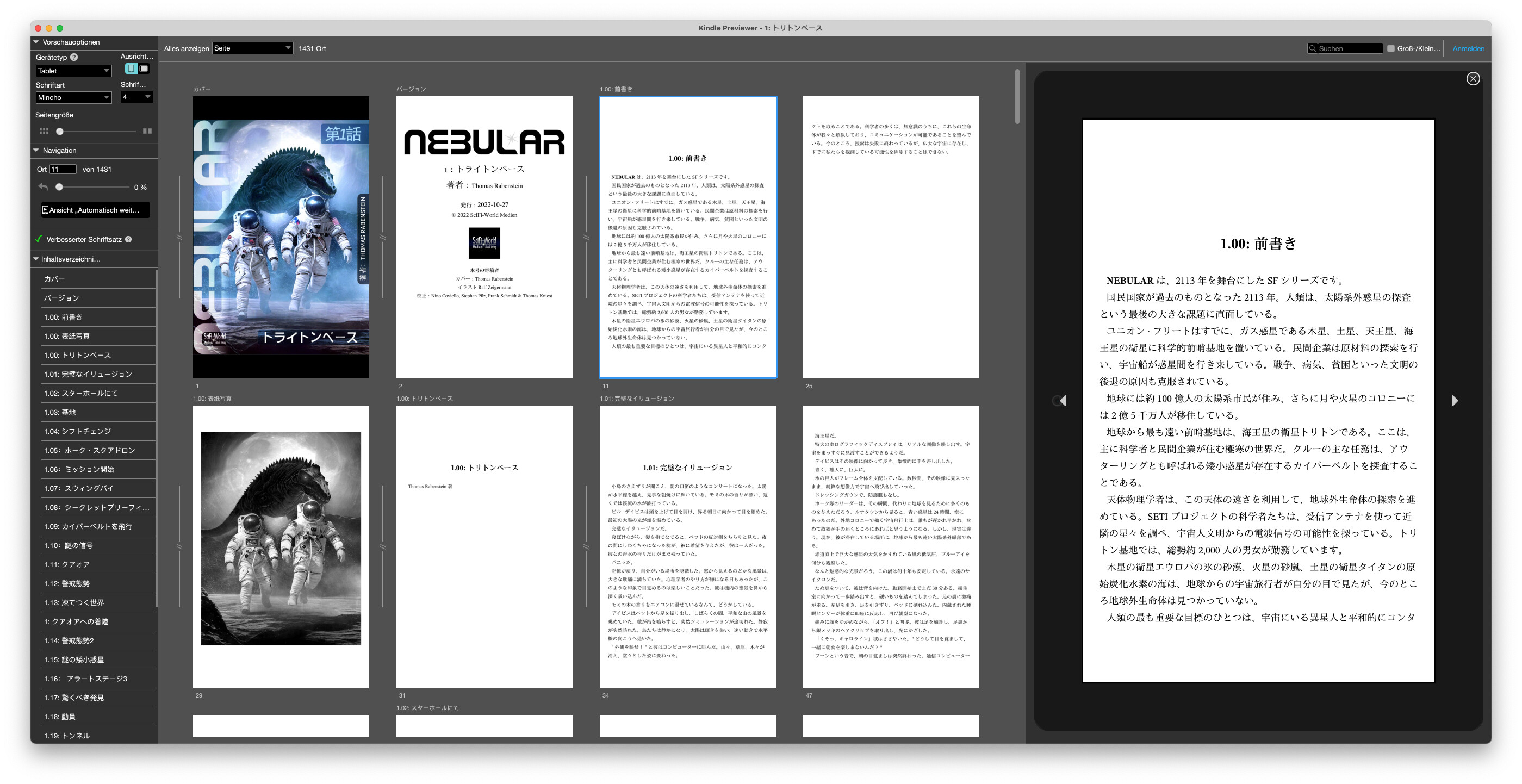
Does no one have any idea what this error means? It only occurs when compiling the Japanese version.
Have you scrolled up in the thread this report was merged into? Your error message matches one you already reported, and a solution was provided before. Let me know if that’s not the problem though.
1 Like
Hi Amber, I have to admit that I overlooked the error description at the beginning and am now happy to say it was exactly this problem.
After deselecting the “Optimised for Kindle” option, everything went smoothly and my Japanese translation has now been successfully picked up by the Google Playstore.
Thank you!
Great! Glad to hear that’s all it was.
1 Like
I’ve had this same issue for a couple of months, and this solved it. Thank you so much and happy new year.
1 Like
If you’re dealing with html, it’s not that difficult to write a script that will delete 1 line across 100 files. Sounds like a job for AWK. An epub is of course a .zip and I don’t know if AWK can open zips.
It’s entirely academic at this point, since the lines in question were generated by a checkbox—which in fact no longer even exists in the software—that deliberately generated broken ePub files for a purpose made obsolete years ago.
But if one really needs to automate any kind of post-compile ePub work that would be inefficient to do in Sigil every time, by hand, it is usually going to be most efficient to go into the General options tab of the compiler and enable the Save source files in a folder with exported ePub File. This not only saves all of the files that the ePub will require, to the disk, it also includes a handy script that will turn those files into an .epub once they have been modified.
2 Likes