I have recently purchased a new Mac running OS 27.0.1. For quite a few years I was using Scrivener on my old Mac, running OS Monterey. I have three books written, the final one is my memoir and I am about halfway through an edit. The files have been brought across to my new Mac.
The version of Scrivener on my previous Mac is V 3.2.3 (14869).
I have an updated “box” on my new Mac on the top righthand corner of my screen. However, I cannot proceed further and I am very confused.
The “box” shown in the top right-hand position on the screen will not be dragged to the applications folder. When I click on the Scrivener “box” all it does is to open a browser window that reveals the file, and that file is dated December 18th, 2025.
If I understand correctly, you need to continue following the instructions on that page a bit further. The first illustration shows which button in the website to click on, that isn’t something you would drag anywhere. It downloads a DMG, which the rest of the instructions explain how to use. When you get to dragging to Applications, you’ll see what is shown in step 4.
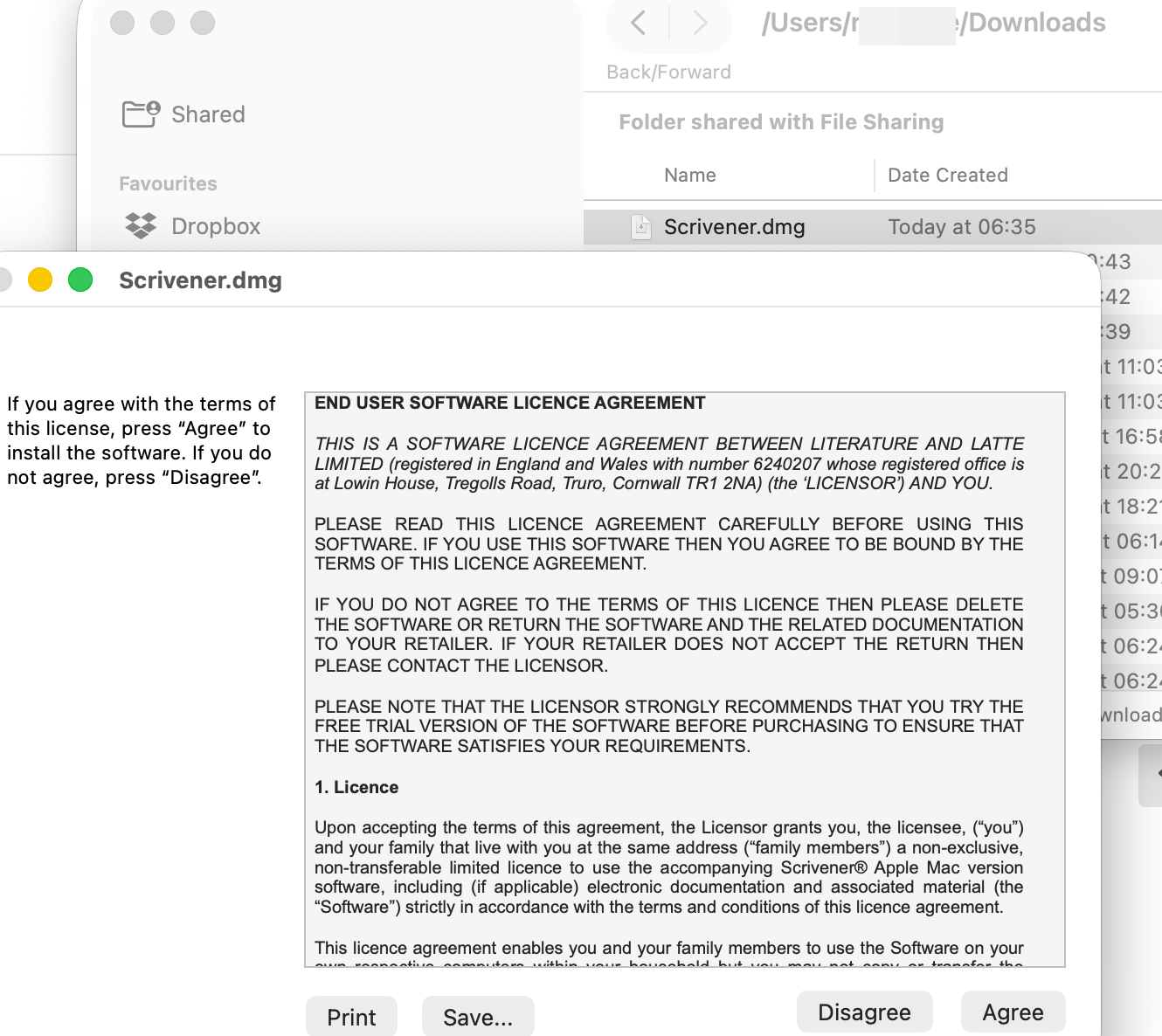
We await to see the screen shot as that will help clarify your situation. I just downloaded the Scrivner.dmg file to remind myself how it works.
Downloading the Scrivener.dmg file puts it in the ~/Downloads folder by default. From Finder go to that folder, and double click on that file. It will launch a window which launchs the install process. A copy of my screen shot shown