I’ve found a very useful Ribbon UI library: GitHub - czyt1988/SARibbon: Ribbon Control for Qt · GitHub. It is licensed under MIT, so it’s free for commercial use. The library can be used to build a Ribbon menu bar for Qt applications and supports many features, such as placing tabs on the title bar, hiding the ribbon area, and allowing users to customize the ribbon. It also supports Windows 11 Snap Layouts.
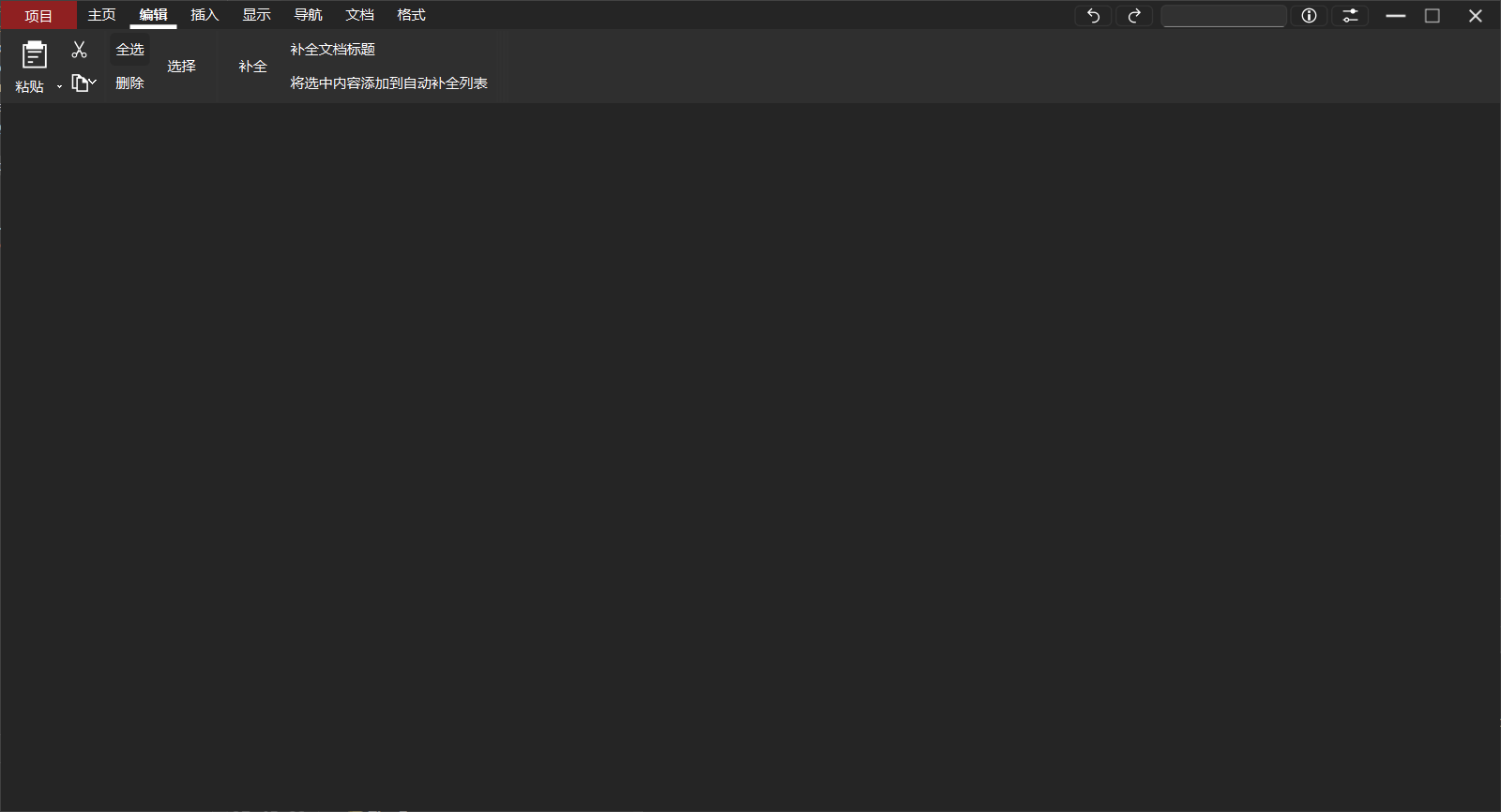
I put together a simple demo using dark mode with Windows 11 style. The ribbon area can be completely hidden when not in use, which saves more space compared to the current always-visible title bar + menu bar setup.
In the current version of Scrivener, most features are placed in the menu bar, toolbar, and formatting toolbar. Based on a significant amount of feedback I’ve received from Chinese users, many people feel that the learning curve is somewhat high.
However, after carefully reviewing the features, I found that the main issue is simply that there are too many menus and the functions are arranged somewhat clutteredly. Microsoft Office faced the same problem at the time, and their solution was to introduce the Ribbon interface in Office 2007 and reorganize the original menus. This has been proven to reduce the learning curve.
Introducing a Ribbon interface to the Windows version of Scrivener—by moving the existing QActions from the standard menu bar into the Ribbon and incorporating the full set of new icons already designed for the macOS version—might be an effective way to lower the learning curve.