I am experiencing strange ‘sync warnings’ and hope someone can help. My project is on an iMac running Sequoia 15.7.9. It is set up to back up on closing and on opening and to ‘sync’ with my iPad via Dropbox. When I shut down and reopen on the iMac, without opening and syncing on my iPad I get a ‘sync’ warning, comprised of 4 sequential mini screens, each one offering to cancel or continue. I continue. When the project opens the usual left hand sidebar appears detailing the same 6 or so ‘synced documents’ but these have not been synced since the last time I closed down the project. Anyone got anything too offer? I’m stumped.
1 Like
I’m not sure if you are seeing these warnings on your M or on your iPad, but it seems to me that the issue is resolved by syncing your iPad. Does that resolve it?
The messsages appear on the iMac. Syncing with the iPad doesn’t resolve it I’m afraid. What I’ve done tonight is delete Scrivern from the iPad and reload it from the Papple App Store. It’s downloading files just now so I hope that sorts it.
Thanks for the reponse.
I do hope that reinstall of Scrivener has the fix that you hope. My experience is that reinstall of software apps rarely does that. @jcarman is on target to suggest something with the sync by Dropbox (a third-party service). Look closely at Dropbox status logs to ensure all synced completely on the three places your data resides–the iMac, Dropbox’s servers, and your iPad.
1 Like
Thank you RMS and sadly you were correct. No difference after the reinstall.
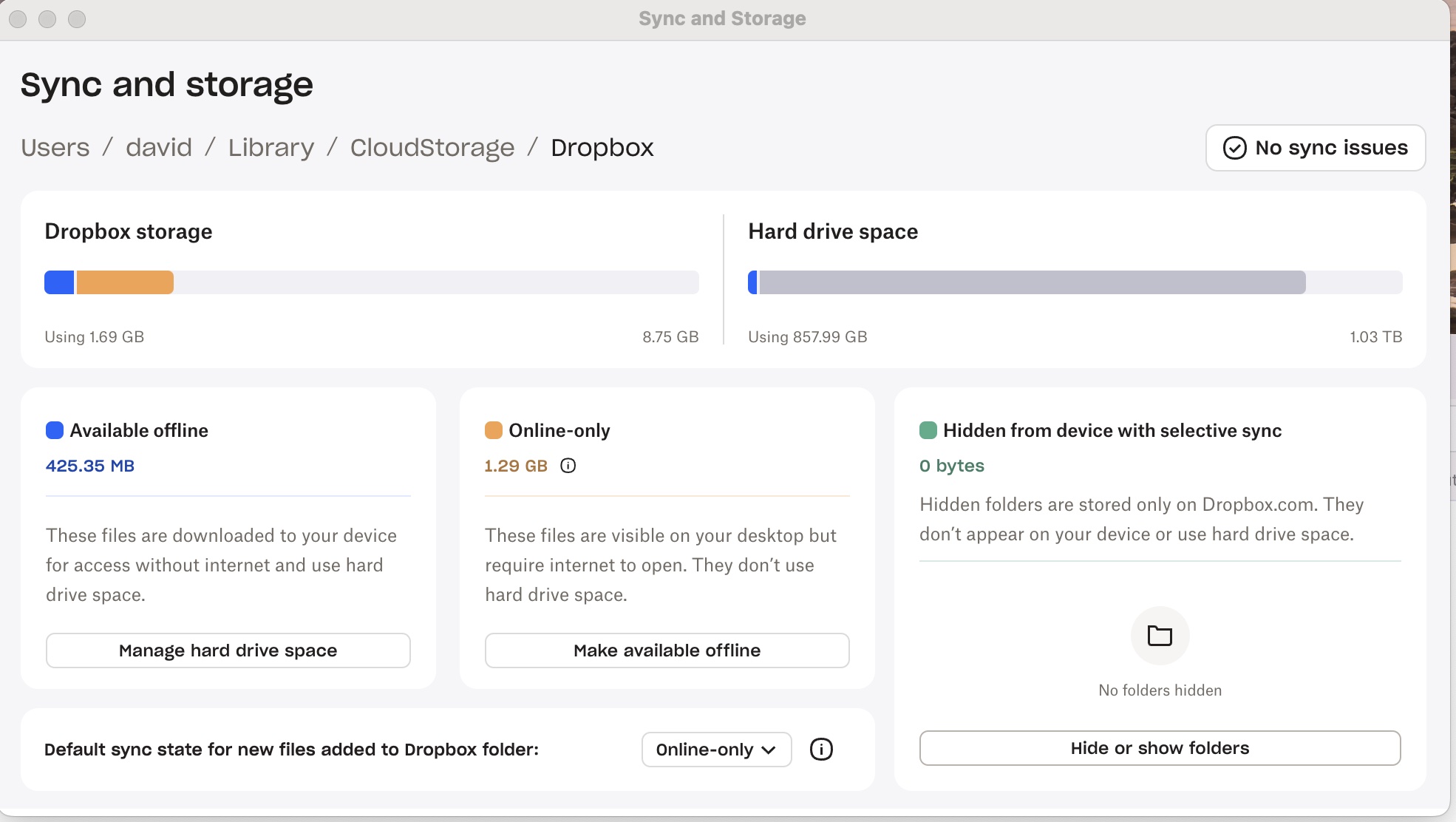
I should perhaps add that I do not open Scrivener until I have had Dropbox confirm that all files are up to date. Attached is the screen confirming no symc issues. I’m baffled.
Phantom conflicts like this appear to come from the interactions between Dropbox and Apple’s File Provider system. Something appears to have changed in that interaction in July of this year: we’ve seen a lot more errors like this.
In my own experience with this issue, it seems to be more likely the less time elapses between syncing changes to the Mac and actually starting to work in Scrivener. That is, the underlying problem seems to be that Dropbox is slow to figure out that the local copy is “newer” than the server copy.
There are two possible workarounds:
- Pause Dropbox sync while actively working in Scrivener. Be sure to remember to restart when done.
- Disable Dropbox’s File Provider integration. Their instructions for doing so are at: Dropbox support for macOS on File Provider - Dropbox Help
You can also avoid Dropbox altogether by using Apple’s File Sharing to transfer projects to/from your device.
2 Likes