[Solved] Unable to create a project AND select a backup folder on Mac — Please help!

Hi everyone,

I downloaded Scrivener from the App Store yesterday and was really excited to start using it, but unfortunately, I keep getting errors and can’t use the program at all.

I’m having two main problems:

1. I can’t select a backup folder.

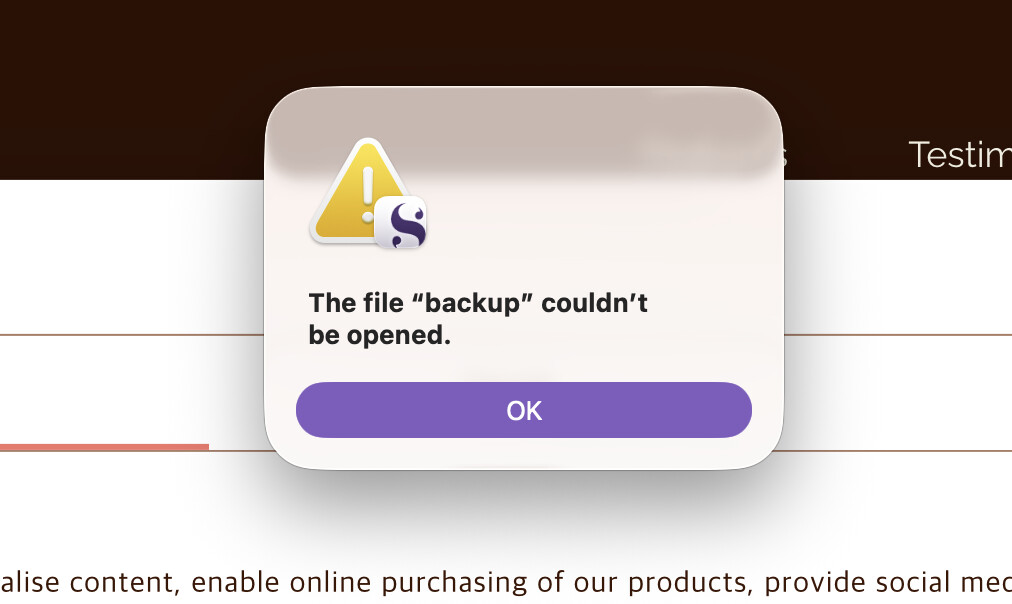
When I try to choose a folder for backups, I get this error:

“The file ‘backup’ couldn’t be opened.”

It doesn’t seem to matter which location I choose. I’ve tried Dropbox, Desktop, and other folders, but I always get the same error.

2. I can’t create a new project.

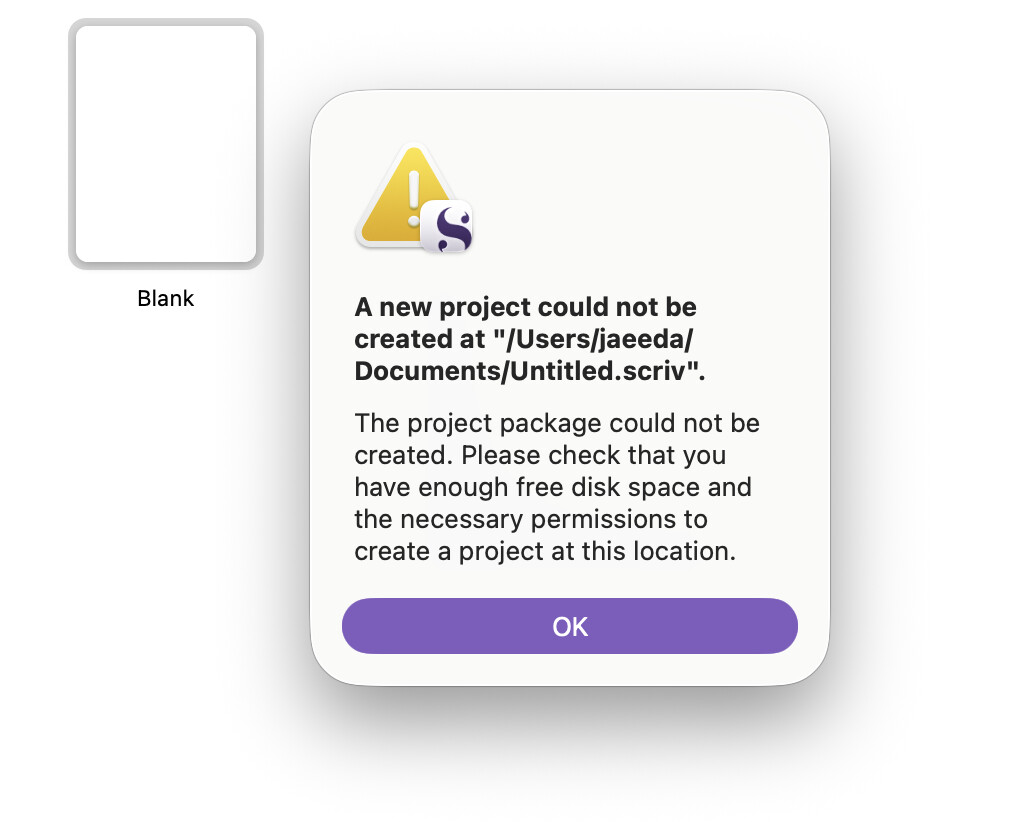
When I try to create a new project and choose a location to save it, I get this error:

“A new project could not be created at /Users/ada/Documents/Untitled.scriv.”

And below that, it says:

“The project package could not be created. Please check that you have enough free disk space and the necessary permissions to create a project at this location.”

However, I have about 300 GB of free storage space, my macOS is fully up to date, and I’ve already given Scrivener Full Disk Access in System Settings.

I’ve also deleted and reinstalled Scrivener several times, but the problem is still there.

I paid for Scrivener because I was really looking forward to using it for my thesis, so I’m honestly very frustrated and disappointed that I can’t even get started.

I’m a graduate student, and I really want to use Scrivener to write my thesis and graduate this year. If anyone knows what might be causing this or how I can fix it, please help me!

I’ve attached screenshots of the error messages below.

I would really appreciate any advice. Thank you so much!
This is likely your problem.

It could be your antivirus not letting Scrivener through with its actions.

Try whitelisting Scrivener in the exceptions. Anywhere in your antivirus that means-ish “Allow these apps to bla bla bla.” Find one place that speaks of disk access etc. Allow to modify files.

(Technically, you shouldn’t have to do that. But… sometimes :man_shrugging:)

3 Likes

The presence of a third-party antivirus software would be more surprising than discovering a dead chicken inside this Mac. :see_no_evil_monkey:

Could be a permissions issue, nonetheless. App Store-apps are bit more sandboxed than “normal” software. Scrivener doesn’t need full disk access, but at least “Files and Folders” probably. Or whatever location prompts for an okay.

I’d probably try the download version and see if it makes a difference. :thinking:

2 Likes

I can reasonably confidently say the issue is not with Scrivener.

Submit a support request.

There are OS specific email addresses on that page.

3 Likes

Wow… I downloaded the trial version from the official website, and everything works perfectly now…
I wonder what was wrong with the App Store version? :face_holding_back_tears:
If that’s the case, would it be better to buy Scrivener directly from the official website rather than the App Store?

1 Like

I purchase direct whenever there is that option.

100% of the purchase goes to the developer, no App Store cut.

3 Likes

Honestly, I have no idea. Pretty sure L&L support can figure it out if you follow RuffPuff’s link.

Since you already bought the App Store version, does the downloaded one recognize this fact (it should) or is it still in Trial mode?

1 Like

My question too. As I understand it, once you have the App Store version, you need to go there for upgrades, and the App Store version doesn’t have a separate licence to enter process.

I always thought the only difference in this case is that “downloaded Scrivener” detects the purchase of “App Store Scrivener” (did you have to launch it at least once? I don’t remember) and then it’s registered and works like normal. E.g. fetching updates from the L&L site.

I bought mine directly when S3 was released.

But where did you buy it?

I got a refund for the App Store version, deleted it, and then downloaded Scrivener from the official website instead. I’m using that version now, and everything is working perfectly!

Like you mentioned, I guess there may have been some kind of compatibility issue between the App Store version and my MacBook’s OS, or maybe it was a permissions issue.

Thank you so, so, so much for your help!!:heart_eyes:

3 Likes

@AmberV

. . . . . . . . . . . . . . . . .

1 Like

This is how it’s supposed to work, but it’s not always reliable.

2 Likes

From Literature and Latte.

The OP has now, too. :slightly_smiling_face: Case closed, as far as I’m concerned. If there’s something wrong with the App Store version in general, I’d expect more such questions starting to pour in.