A lot of people who have thought about such things make a distinction between “quick” notes and “permanent” notes.
Quick notes are, by their nature, ephemeral. They might include an insight from something you’re reading, but also a grocery list, a note from a phone call, your nephew’s shoe size, whatever. The most important characteristic of quick notes is that they are quick.
Permanent notes require a bit more structure. They might be related to other notes, and therefore require some kind of topical organization. They are likely to be retrieved months or even years later, and so they need to be in some kind of robust, searchable format. Digital tools are excellent for managing permanent notes.
But the problem – as noted in this thread – is that tags and hierarchy and all the things that facilitate digital retrieval necessarily get in the way of immediate capture. At the same time, there are few “immediate capture” tools with the management capabilities of something like DevonThink or Scrivener.
One solution is to have some kind of automated workflow to pipe quick notes into the permanent archive. (That’s a strength of Markdown, for instance.) But remember that many quick notes are ephemeral. I don’t want or need to retrieve my grocery list from six months ago, so why should I clutter my archive with it? That implies a need for some kind of filtering step, which creates an opportunity for tagging, building hierarchies, thinking about connections with other notes, and so on.
But the more human-driven filtering you do, the less important the specific tools are.
Here’s my system for quick notes:
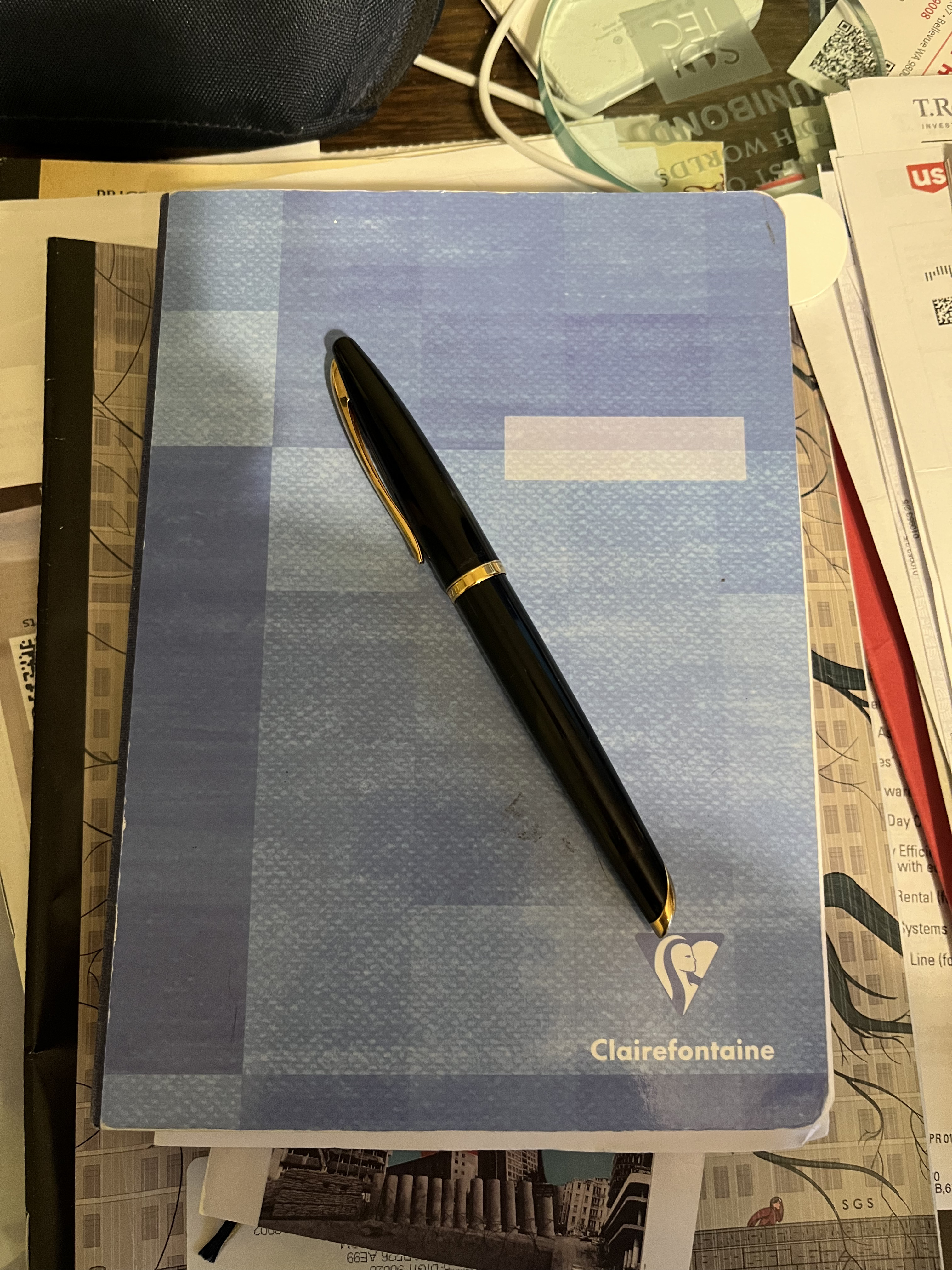
Not searchable! Only sort of indexable! (Date, page number, book number.) But it is extremely fast. There simply is no technology with a lower barrier to entry than paper.
(Although GoodNotes and an Apple Pencil comes close.)
And then every so often, I go through and capture less ephemeral material into my digital system.