Well, personally, I experience this issue with iCloud every single time I use it for a large file.
For instance I place a copy of a file in folder set to sync with iCloud. I back up Logic Pro X projects all the time, and they can be 1.5 GB or so.
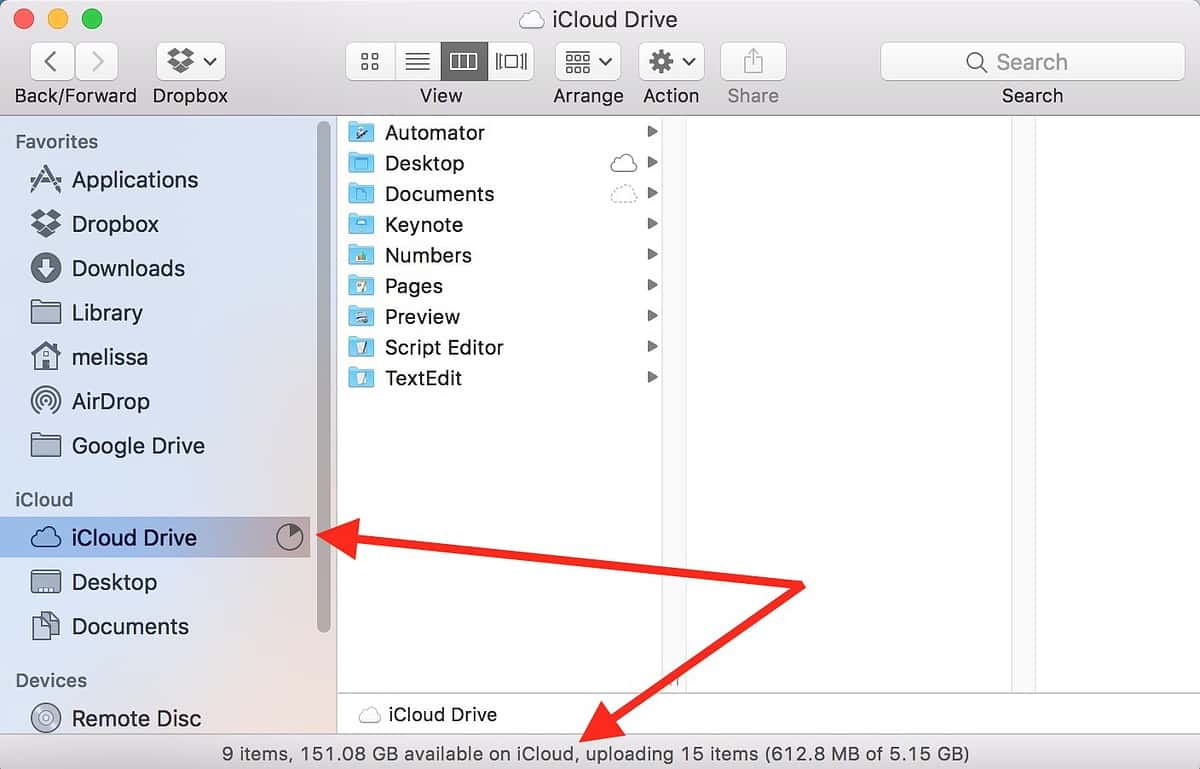
As soon as I place the 1.5 GB copy there, if I check iCloud, it sees the file, transfers it (or begins), and indicates that, for instance, 961 MB of that file still needs to be transferred to iCloud. Instantly.
I don’t believe that for a second. Asymmetrical transfers mean uploads are done at a fraction of download speeds. 549 MB does not upload instantly. It’s not possible.
Then, it continues to say ‘961’, either for 20 minutes or so, or permanently. If it still says ‘961’ after half an hour, which it often does, and I close the laptop in disgust, then open it later, the transfer will have completed. Updating the Finder window manually does not alter this behavior.
The point it it never gives an accurate indication of the transfer. For a file that is large, this is always the way it works.
I also regularly have trouble using iCloud to move files of maybe 40 MB from one computer to another. I put a copy of the file in a iCloud-shared folder, it indicates that it has begun transferring, yet it never (in the next 20 minutes) appears available on the second computer, even though it appears to be there when looking at iCloud from the computer it was originally on. It might not even appear as grayed-out in the Finder of that computer, indicating that transfer is in progress.
I know, there are other, better ways to accomplish that, but a thumb drive turns out to be the easiest and most reliable. I have these regular issues where a 40 MB file doesn’t seem to appear for a long time, yet a 1 GB file might appear in under 5 minutes. Off-sight transfer is complex, I know, but DropBox seems to not have these issues.