I’m very glad you found a writing app that makes you happy and productive, Andrew. I have it on my list to check out OpusWriter based on your feedback about it. Very cool.
1 Like
Subway view? Well, now I really have to check it out, if only to see if the OpusWriter version of the subway view has features I haven’t yet built into my own expansion of Obsidian, haha.
But seriously–and Andrew, I think you remember how many years I begged and pleaded with the folks at Aeon Timeline to add even a simple writing feature that integrates with its various timeline/plotting views–when I finally figured out that I can just roll my own integrated writing app using Obsidian, where I created Aeon Timeline-type subway and other views of my novel, I became a happy camper.
1 Like
Subway view is one of many new features the dev has on his roadmap. It isn’t there yet, Steve, but it should be coming soon. In fact, he is overhauling all of the timeline views in his app also. These I am less interested in. I didn’t focus on time so much in Aeon Timeline. More the story relationships. But I’ve seen the mockups in OpusWriter and they are impressive.
Currently, he is working on a number of new features. One of which is to prove, as much as this can be proved, that AI was not used in the writing of a novel. It will detail the entire journey of a novel from start to finish, the number of words cut in edits every day, the number of words drafted every day, whether words were imported or copied, with every entry cryptographically timestamped and verified via third party services. And with optional excerpts or passages shared by the author to track how changes came about. Again, he has shared some of the detailed report extracts behind it all and the scope of what he has planned is breathtaking.
His app is definitely worth checking out.
I followed your post here with interest by the way. I love what you have done with Obsidian. And yes, not needing to plead for features must be so empowering.
1 Like
Very interesting, but what a shame that he has to spend time implementing a feature like this.
I hate this timeline.
3 Likes
To be honest, I wasn’t expecting them to say anything different. 
1 Like
I had a similar thing with Ulysses support regarding glued sheets. On desktop, you can glue sheets together and read and edit them in one long, continuous sheet. But on phone and iPad, the glued sheets only show one sheet at a time, defeating the purpose of gluing them together. They said it was too difficult to fix. They still haven’t fixed it.
As for a timeline subway view, I’m guessing they haven’t bothered with that because you can sync with Aeon Timeline which has a subway view. I do think Ulysses should have more robust outlining features built in by default though.
Yeah, you’re right. They don’t need to develop a timeline subway view, given the integration with Aeon Timeline. I guess my point was more that their app has a bare bones vibe to it, so there is only so much they can do. Let alone only so much they are prepared to do re new features.
As I said, I do wish them luck. But my patience and my faith in them to make an app I am happy to pay for moving forward has totally run out.

Oh boy - vendor lock-in is why plain text files are future proof. You’ll always be able to access your own data, not necessarily the same bit of software used to create your data.
2 Likes
 %
I do all my technical writing in AsciiDoc for that reason.
1 Like
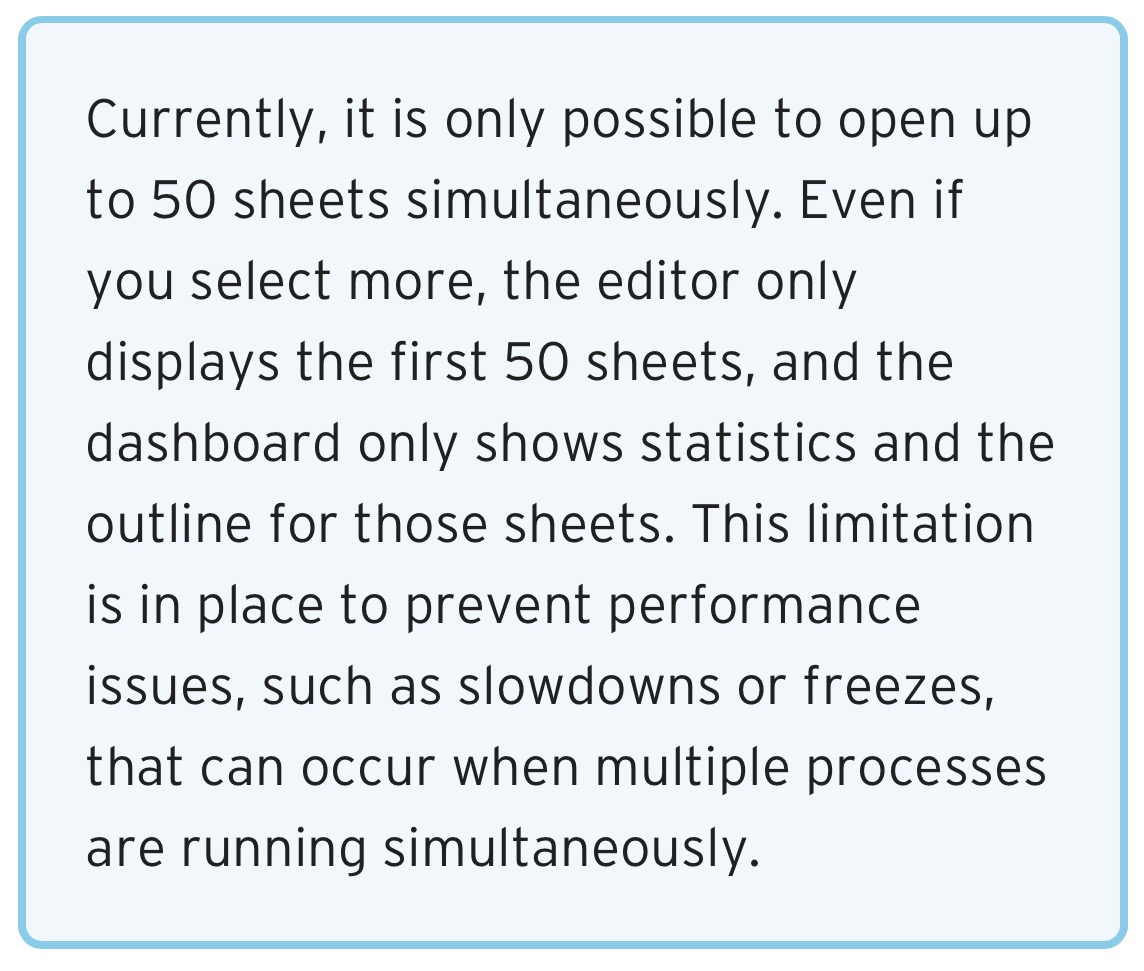
I didn’t know about that limit! Odd thing to limit it by. Are we saying we could have 50 sheets each with a paragraph in them, or 50 sheets each with an entire novel in them, and the slowdown would be the same? It’s irritants like this that make me glad I ditched Ulysses.
1 Like
Good question. I’ve dropped the subscription so I can’t test it.
In either case, if the software freezes with more than fifty sheets, you find out why. What you don’t do is shoehorn in a limitation so you can ignore the problem.
2 Likes
There’s also a long-running issue with splitting and ungluing documents (ie: it doesn’t appear to work properly).
No, you likely don’t understand how Ulysses functions. It allows gluing and ungluing only when group sorting is set to “Manual.” To unglue sheets in Ulysses, every glued sheet in that cluster must be chosen together. Furthermore, the limit of 50 glued sheets at once is largely theoretical, because you can compile and export the entire text group or project simultaneously without gluing or merging the sheets, just like Scrivener.
1 Like
The 50 sheet limit is a real problem when you need to search and replace a character name throughout a whole book.
That’s what I was doing when I first ran into it. I couldn’t figure out why it had only found the occurrences in the first 100 pages.
You’re right! (Switching it to manual sorting would never have occurred to me.)
1 Like
Ulysses for Mac includes Find & Replace, which you can apply to update a character’s name across a book-length project.
To be honest, I am unsure why Ulysses topics are addressed in the L&L forum. If assistance is needed, contacting Ulysses support might be more effective, as they are quite helpful.
Yeah, I was on my iPhone.
I think lots of topics show up here that aren’t related to Scrivener or Scapple.
In this case I think folk were talking about the decision to offer a non-subscription license and the possible reasons behind it — and it kind of expanded from there.