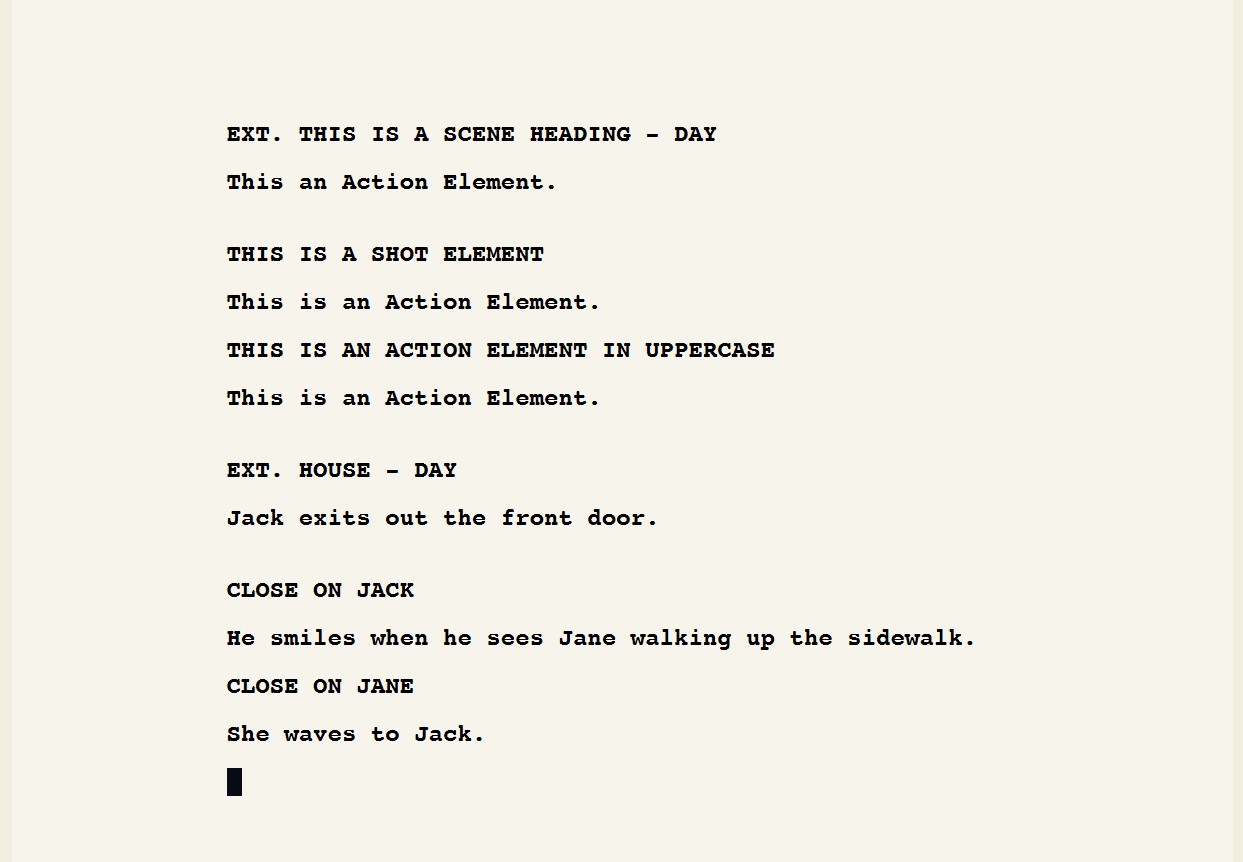
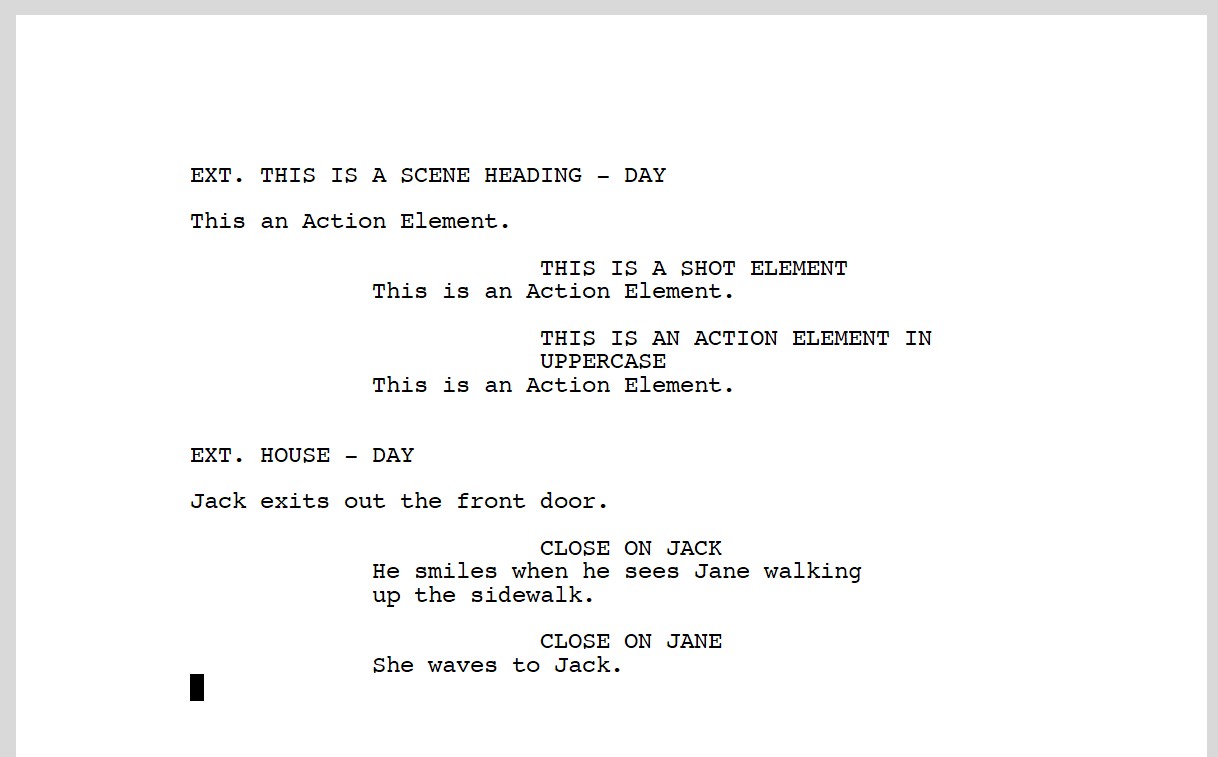
Hello Amber. I don’t believe I wrote clearly in earlier posts. The FDX export bug is unrelated to the Fountain bug. When opening exported FDX files NO CONTENT IS DISPLAYED – the file opens as a series of blank pages. I have tracked the issue and it’s origin is:
- A missing ElementSettings block of type, “General”.
- Improper handling of ParagraphSpec class attributes within all of the ElementSettings blocks.
Additionally, I have found other bugs:
3) The exporter inserts additional empty elements (extra blank lines in the final document) prior to all Scene-Headings.
4) Exporter exports a small number of Action elements as General Text Elements.
BUG 1:
Even if there are no “General Text” elements present in the Scrivener document, it appears to be necessary to include the following block in the FDX file:
<ElementSettings Type="General">
    <FontSpec AdornmentStyle="0" Background="#FFFFFFFFFFFF" Color="#000000000000" RevisionID="0" Font="Courier Final Draft" Size="12" Style=""/>
    <ParagraphSpec FirstIndent="0.00" Leading="Regular" Alignment="Left" LeftIndent="1.25" RightIndent="7.25" SpaceBefore="0" Spacing="1.0" StartsNewPage="No"/>
    <Behavior PaginateAs="General" ReturnKey="General" Shortcut="0"/>
  </ElementSettings>
BUG 2:
Further the ParagraphSpec classes are improperly attributed in all ElementSettings types. For instance, the FDX exported out of Scrivener attributes the ParagraphSpec class of as follows:
<ParagraphSpec Alignment="Left" RightIndent="6.56" Leading="Regular" LeftIndent="0.56" StartsNewPage="No" Style="AllCaps" Spacing="12.0" FirstIndent="0.00" SpaceBefore="24"/>
It should be:
<ParagraphSpec FirstIndent="0.00" Leading="Regular" Alignment="Left" LeftIndent="1.25" RightIndent="7.25" SpaceBefore="24" Spacing="1.0" StartsNewPage="No"/>
I notice that:
- “RightIndent” and “LeftIndent” and “Spacing” are misvalued.
- ‘Style=“AllCaps”’ is not an attribute of ParagraphSpec but, rather, should be declared as an attribute of FontSpec.
Here is a block of all ElementSettings with CORRECT ParagraphSpec attributes (and please note SHOT element SpaceBefore=“12” as opposed to “24” per previous discussion.) Copy and pasting this block over the corresponding block in Scrivener’s exported FDX file appears to resolve the issue of the missing content:
<ElementSettings Type="General">
    <FontSpec AdornmentStyle="0" Background="#FFFFFFFFFFFF" Color="#000000000000" RevisionID="0" Font="Courier Final Draft" Size="12" Style=""/>
    <ParagraphSpec FirstIndent="0.00" Leading="Regular" Alignment="Left" LeftIndent="1.25" RightIndent="7.25" SpaceBefore="0" Spacing="1.0" StartsNewPage="No"/>
    <Behavior PaginateAs="General" ReturnKey="General" Shortcut="0"/>
  </ElementSettings>

<ElementSettings Type="Scene Heading">
    <FontSpec AdornmentStyle="0" Background="#FFFFFFFFFFFF" Color="#000000000000" RevisionID="0" Font="Courier Final Draft" Size="12" Style="AllCaps"/>
    <ParagraphSpec FirstIndent="0.00" Leading="Regular" Alignment="Left" LeftIndent="1.25" RightIndent="7.25" SpaceBefore="24" Spacing="1.0" StartsNewPage="No"/>
    <Behavior PaginateAs="Scene Heading" ReturnKey="Action" Shortcut="1"/>
  </ElementSettings>

<ElementSettings Type="Action">
    <FontSpec AdornmentStyle="0" Background="#FFFFFFFFFFFF" Color="#000000000000" RevisionID="0" Font="Courier Final Draft" Size="12" Style=""/>
    <ParagraphSpec FirstIndent="0.00" Leading="Regular" Alignment="Left" LeftIndent="1.25" RightIndent="7.25" SpaceBefore="12" Spacing="1.0" StartsNewPage="No"/>
    <Behavior PaginateAs="Action" ReturnKey="Action" Shortcut="2"/>
  </ElementSettings>

<ElementSettings Type="Character">
    <FontSpec AdornmentStyle="0" Background="#FFFFFFFFFFFF" Color="#000000000000" RevisionID="0" Font="Courier Final Draft" Size="12" Style="AllCaps"/>
    <ParagraphSpec FirstIndent="0.00" Leading="Regular" Alignment="Left" LeftIndent="3.75" RightIndent="7.25" SpaceBefore="12" Spacing="1.0" StartsNewPage="No"/>
    <Behavior PaginateAs="Character" ReturnKey="Dialogue" Shortcut="3"/>
  </ElementSettings>

<ElementSettings Type="Parenthetical">
    <FontSpec AdornmentStyle="0" Background="#FFFFFFFFFFFF" Color="#000000000000" RevisionID="0" Font="Courier Final Draft" Size="12" Style=""/>
    <ParagraphSpec FirstIndent="-0.10" Leading="Regular" Alignment="Left" LeftIndent="3.25" RightIndent="5.25" SpaceBefore="0" Spacing="1.0" StartsNewPage="No"/>
    <Behavior PaginateAs="Parenthetical" ReturnKey="Dialogue" Shortcut="4"/>
  </ElementSettings>

<ElementSettings Type="Dialogue">
    <FontSpec AdornmentStyle="0" Background="#FFFFFFFFFFFF" Color="#000000000000" RevisionID="0" Font="Courier Final Draft" Size="12" Style=""/>
    <ParagraphSpec FirstIndent="0.00" Leading="Regular" Alignment="Left" LeftIndent="2.55" RightIndent="6.25" SpaceBefore="0" Spacing="1.0" StartsNewPage="No"/>
    <Behavior PaginateAs="Dialogue" ReturnKey="Action" Shortcut="5"/>
  </ElementSettings>

<ElementSettings Type="Transition">
    <FontSpec AdornmentStyle="0" Background="#FFFFFFFFFFFF" Color="#000000000000" RevisionID="0" Font="Courier Final Draft" Size="12" Style="AllCaps"/>
    <ParagraphSpec FirstIndent="0.00" Leading="Regular" Alignment="Right" LeftIndent="5.25" RightIndent="6.75" SpaceBefore="12" Spacing="1.0" StartsNewPage="No"/>
    <Behavior PaginateAs="Transition" ReturnKey="Scene Heading" Shortcut="6"/>
  </ElementSettings>

<ElementSettings Type="Shot">
    <FontSpec AdornmentStyle="0" Background="#FFFFFFFFFFFF" Color="#000000000000" RevisionID="0" Font="Courier Final Draft" Size="12" Style="AllCaps"/>
    <ParagraphSpec FirstIndent="0.00" Leading="Regular" Alignment="Left" LeftIndent="1.25" RightIndent="7.25" SpaceBefore="12" Spacing="1.0" StartsNewPage="No"/>
    <Behavior PaginateAs="Scene Heading" ReturnKey="Action" Shortcut="7"/>
  </ElementSettings>
I believe what is happening is that the misvalued Indent attributes are placing the content out of the renderable area of the document and confusing the software when the file is opened, and additionally, the misvalued “Spacing” attribute is forcing 12x too many lines between the elements resulting in exported documents being of an exceedingly long page count.
BUG 3:
I am not sure what causes this bug. It only occurs when I export any of my completed screenplays (so larger, more complex files). So far I have not able to replicate it with smaller test documents. Prior to every Scene-Heading element the exporter repeats whatever element came before (but with no content.) So if there is a Dialogue element followed by a Scene-Heading the exporter will add an additional (empty) Dialogue element between the two resulting in one additional blank line above the Scene-Heading. If there is an Action followed by a Scene-Heading, the exporter will add an additional (empty) Action between the elements resulting in two extra blank lines (one for the Action element and one for its “SpaceBefore” attribute) above the Scene-Heading. Etc.
An example from the block of a file export by scrivener – note the extra Dialogue Paragraph after the first one:
<Paragraph Type="Dialogue">
         <Text Style="Bold" Size="12" RevisionID="0" Background="#FFFFFFFFFFFF" Color="#000000000000" AdornmentStyle="0" Font="Courier10 BT WGL4 WXX">I don't really care what you think.</Text>
      </Paragraph>
      <Paragraph Type="Dialogue"/>
      <Paragraph Type="Scene Heading">
         <Text Style="Bold" Size="12" RevisionID="0" Background="#FFFFFFFFFFFF" Color="#000000000000" AdornmentStyle="0" Font="Courier10 BT WGL4 WXX">INT. BILL'S BOAT - NIGHT</Text>
      </Paragraph>
BUG 4:
So far I have not been able to replicate this, but the exporter has, in at least one instance, exported neighboring Action elements as General Text elements.