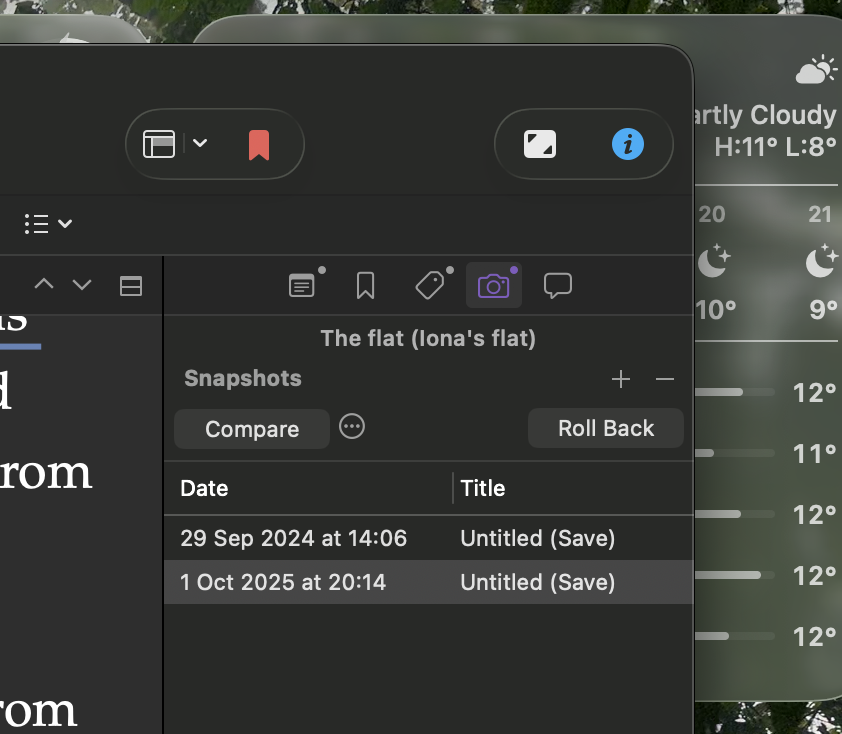
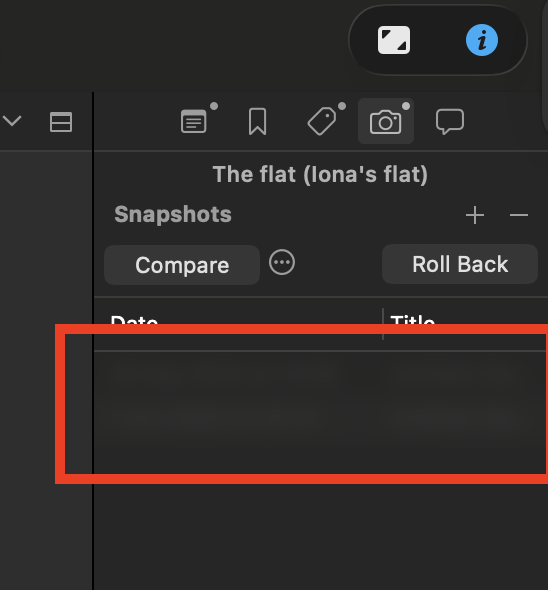
When the Scrivener window is maximized to full-screen, the snapshot list is not being rendered correctly, only the latest snapshot is showed.
But if I get out of full-screen, the list appears correctly rendered.
Tahoe 26.0.1
Macbook Air M1 2020
When the Scrivener window is maximized to full-screen, the snapshot list is not being rendered correctly, only the latest snapshot is showed.
But if I get out of full-screen, the list appears correctly rendered.
Tahoe 26.0.1
Macbook Air M1 2020
Confirmed this bug happens for me too.
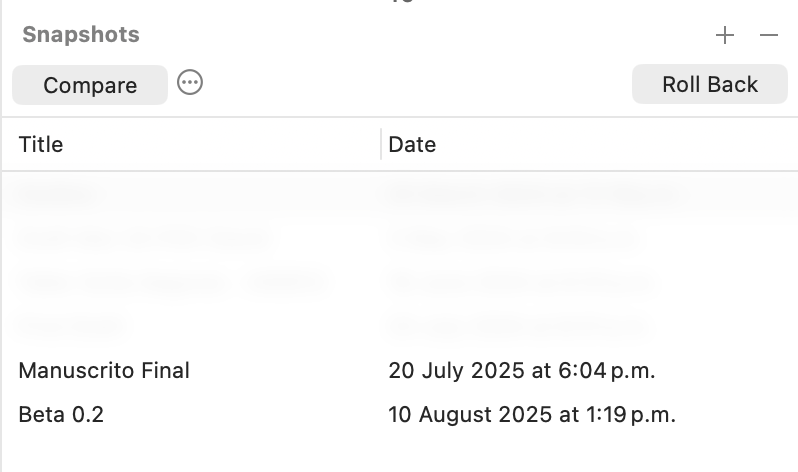
Normal view
Full screen
Scrivener 3.5, macOS 26.0.1, M1 Max MBP
Sorry about that! We already have this written up and expect this to be fixed in the next update. You’ll notice the same thing happens in Outliner in full screen. The workaround for now is to to avoid full screen and just maximize the window.
As Jen says, we have this addressed for 3.5.1. The bug is actually not Scrivener’s but another of macOS 26’s joys - it turns out that if you have a table or outline that uses a header bar in a window with a toolbar, when you go into full screen, the header bar draws a translucent strip beneath itself over the top of the content. It seems that on macOS 26, table header bars install a blurred view behind themselves, and in these circumstances that blurred view becomes too tall. (Filed with Apple as bug ID#FB20651946 along with a simple demo app showing them the issue.) The “fix” is for our code to override Apple’s standard drawing code in table header views.