Is there a way to adjust No Style so that the font size automatically changes when I adjusts to 14, for instance? I’m assuming that “No Style” is the default within the app but there seems to be no way to adjust this within Settings… panel.
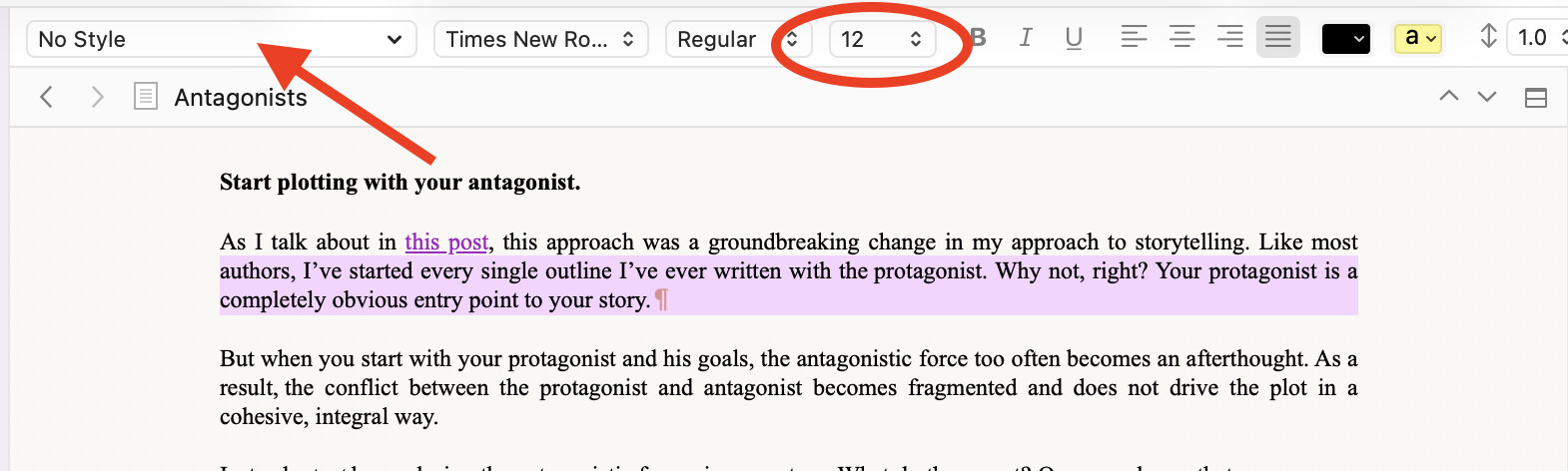
File / Preferences(Mac), Options(Windows) / Editing / Formatting
This is where the global default “no style” formatting is set for all projects.
If you want a project to have a specific default “no style” formatting of its own, that would be set in Project Settings / Formatting. There is a checkbox to tick (Use different formatting for new documents in this project), and a formatting panel similar to the one in the preferences(Mac)/options(Windows).
Alternatively, you can format text in the editor, the way you want your default “no style” to be, and then Format / Make Formatting Default. You’ll then be asked if you want it global, or just for the current project.
. . . . . . . .
Note that the new default formatting will only affect documents created after the change. For your pre-existing ones (imprinted with the previous default “no style” formatting), you have to select them documents in the binder, and use Document / Convert / Text to Default Formatting if you want them of the new “no style” too.
3 Likes
I am not quite sure what is wanted. Is it that you sometimes want to change the font size and then see all No Style paragraphs dynamically reflect that change (become 14pts as it might be)?
If this is what you mean, then I would say two things:
-
If this is about viewing things in the Editor pane in Scrivener, leave the font size alone. The Editor has a zoom setting you should adjust instead. That % setting can be found in a pop-up menu in the footer area of the Editor pane. There are good reasons to leave your body text at a standard font size.
-
If this is about some special font size requirement on your output, you might consider letting Compile set the alt font size for you at compile time. A compile format has total control of what your No Style paragraphs will look like.
As a general rule, your default No Style paragraph should be set to make paragraphs look the way you want to see them when you are working with your manuscript. (Exception: font size should remain standard size; use zoom setting for your vision.) Compile can then render your text in the manner you want your final text to appear.
For example, I like my working typescripts to be in 12pt Courier Prime with no indent and 12pts of built-in space between paragraphs. But I have the Editor set to 175% zoom so the text appears sizeable on all my monitors. When I compile such text, it will typically end up in 12pt Adobe Garamond Pro with first-line indents and no space between paragraphs.
3 Likes
This can’t be said too much.
3 Likes
Thanks! Looks like this is what I want and the easiest way to enlarge files created in other people’s template.
1 Like