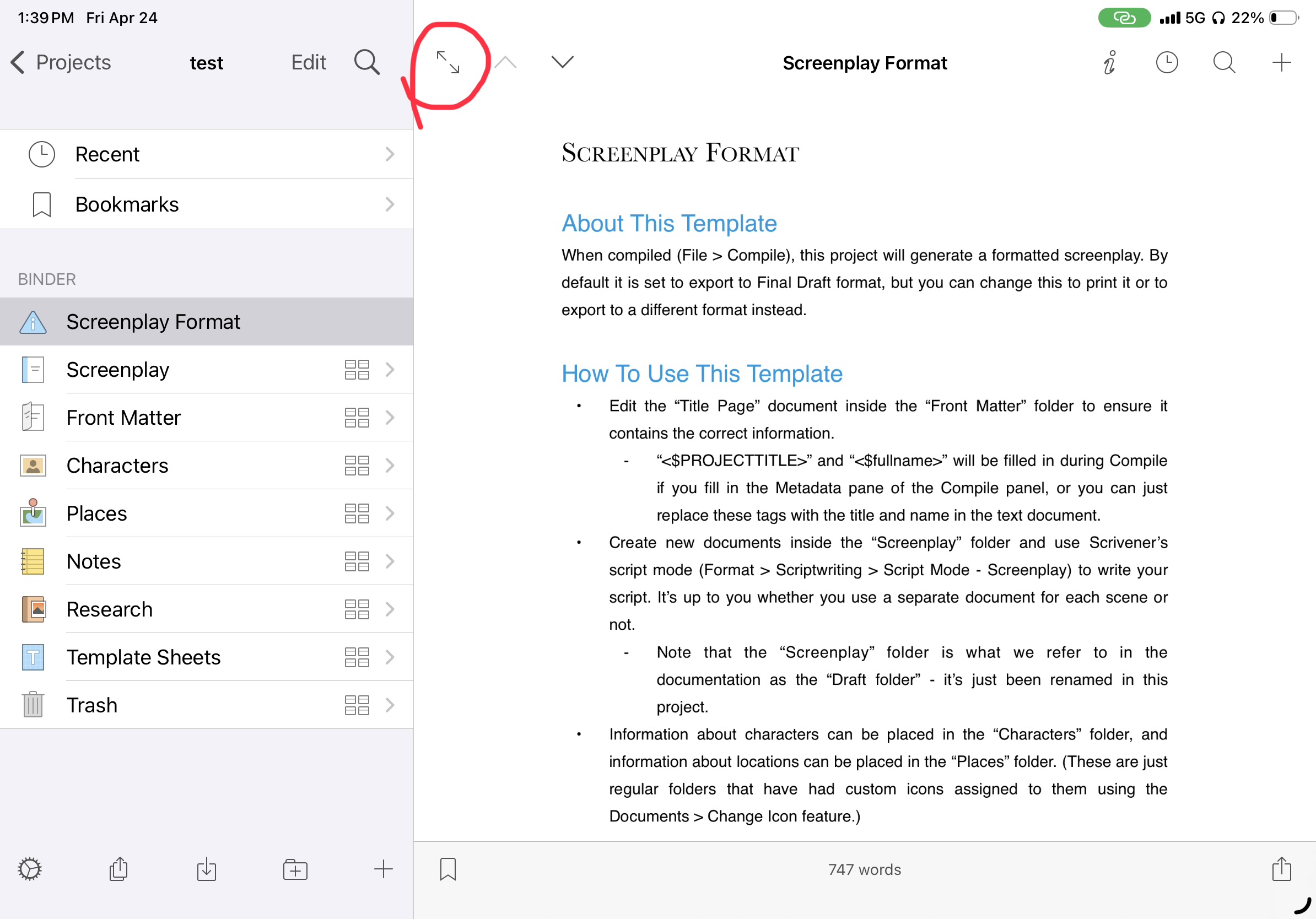
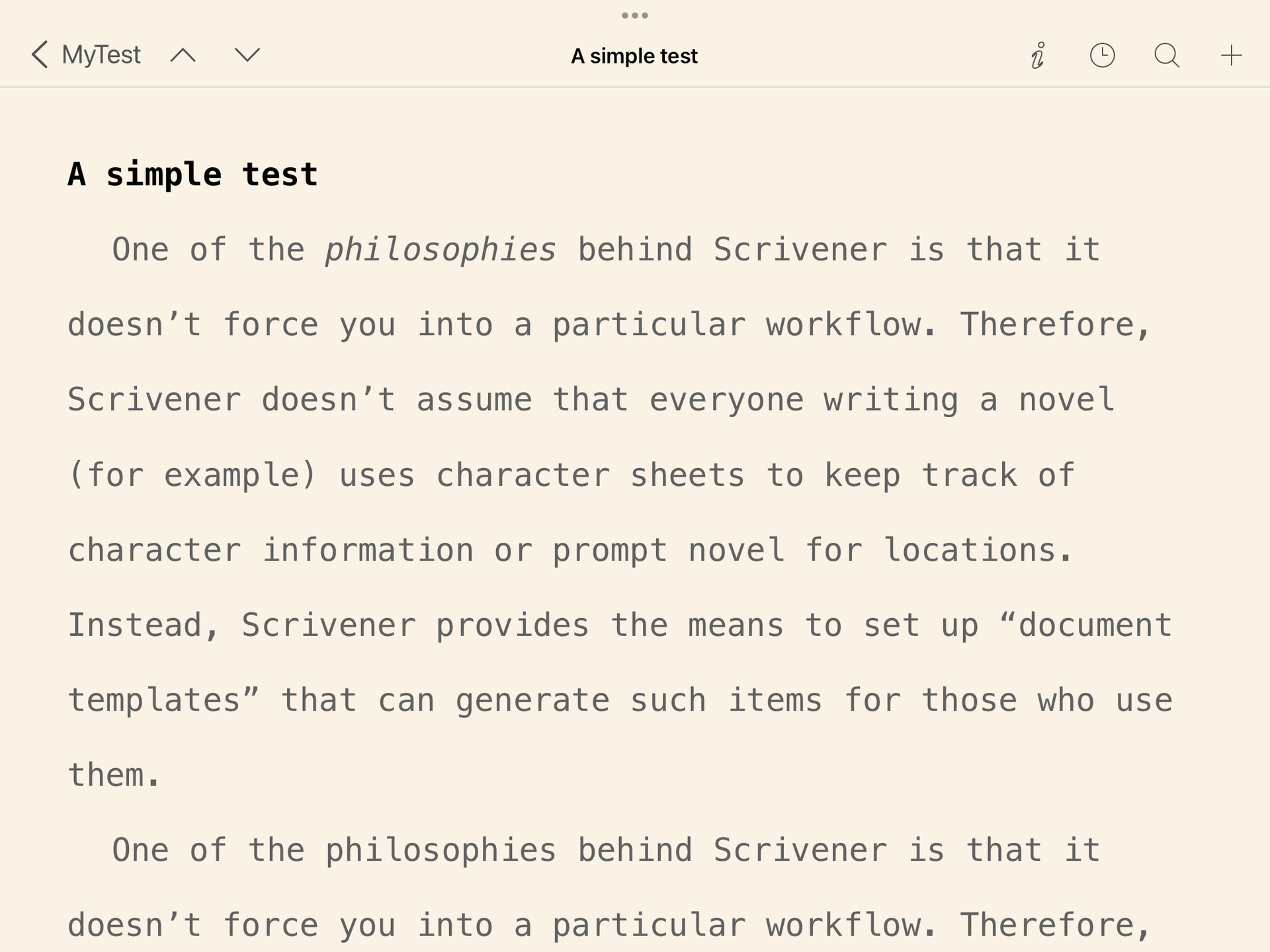
Something missing from Scrivener on the iPad/iPhone is a full screen mode comparable to Compose mode in the desktop version. Some of us prefer to write in this distraction-free environment.
There is sort of a workaround to have at the same time (1) a project entirely available in the mobile device, and (2) edit the individual documents in full screen mode.
On the Mac, move the project to be synchronized into the Dropbox/Apps/Scrivener folder.
In Scrivener iPad/iPhone, synchronize and open the project.
Open the document you want to edit, and share it with a full screen editor, like iA Writer, as a simple text document.
The other app will likely ask you if you want to put the imported file into iCloud Drive. Do it.
For peace of the mind, I would close the project in Scrivener iPad/iPhone, by returning to the top level in the project management page.
When back on the Mac, open the edited document from iCloud Drive.
Copy and paste its content into the original Scrivener project. Paste with the text matching the styles of the target document.
In Scrivener iPad/iPhone repeat the syncing, to have the project again aligned on both devices.
This can work only if the Scrivener documents are very easy, and don’t contain metadata and special features that can’t be transferred via a simple text document.
Paolo
PS: Please note that this is not an officially supported workflow. It might lead to data loss. Please don’t do it if you are not completely sure of what you are doing.
This gets you to where you can work on a single document without distractions, without going through the extra hoops of pulling documents out one at a time.
Another alternative would be to skip iOS Scrivener altogether and use the Sync with External Folder command from the Mac. The External Folder can be placed on a cloud-shared drive, and is the “official” mechanism for accessing the contents of a project with third party tools.
Unfortunately, not close at all. You still get the top and bottom bars, all crowded with icons and accessory text.
I was just wondering if this wasn’t a better way. The only issue is that you have to export the documents you plan do work on before leaving the studio. Or maybe exporting is fast and painless enough that it can work even with big projects? I must do some tests.
By re-reading the manual, I see that synchronizing the whole Draft folder is the default behavior. So, yes, this should be the right way of doing it.
An alternative, with bigger projects, is synchronizing a collection, maybe only containing the parts, chapters or documents you are currently working on.
Shame formatting will be lost, when saving as plain text. But, again, I must accept this is a limited solution for hard times.
I just found a bug in Scrivener for iPadOS 15. When you share a document, and return back to the editor, the footer disappears. It seems to only reappear when opening the binder again.