Does anyone know if possible is to compile two formats one after the other each time without the need to manually compile twice. I compile pdf and txt many times in order to read the novel on my iPad. Even writing a short code which hooks to scrivener is an option for me as I need to compile quite a lot
1 Like
Others can comment but I’m unaware of any setting in Scrivener to do as I understand you want to do–automatically run two sequential compiles each with it’s own format.
As you report in your profile you use MacOS version of Scrivener, my hunch is you could use (or something like it) the app Keyboard Maestro to setup something to do this for you. Perhaps give it a shot.
Meantime, others might have an idea.
4 Likes
As @rms said, there’s no automated way to do this within Scrivener.
May I ask, though, why you need both versions? A Scrivener-generated PDF does have a text layer and is therefore searchable, for instance.
1 Like
Keyboard Maestro has been mentioned as a means to automate this.
Another idea: If all the steps to compile both versions can be performed via keyboard shortcuts (no mouse), a single key on the Elgato Stream Deck could be configured to automate your document creation in Scrivener. Like Keyboard Maestro, it’s essentially a drag-and-drop tool, but, unlike Keyboard Maestro, it requires a Stream Deck device.
That said, unless you have or otherwise can make use of Stream Deck, it sounds like Keyboard Maestro would be your best path.
BetterTouchTool (BTT) can do this sort of thing as well.
1 Like
Cool. Not being a Mac user, I’ve not used Keyboard Maestro or BetterTouchTool. They seem pretty useful, for sure. In reading about BTT, I like how it can be used with other hardware to roll your own solution.
For those of us well-meaning souls on a PC, we’d probably reach for AutoHotkey or, less commonly, Stream Deck.
The main idea is that if something can be accomplished with keyboard navigation, it can likely be automated with tools like these, and perhaps others of their ilk.
SCN, I have installed Maestro but honestly do not know how to execute the action. How to activate Scriviner and perform the actions. Can you explain?
Ah, sorry. I see you are not a mac user
rms,
I have installed Maestro but honestly do not know how to execute the action. How to activate Scriviner and perform the actions. Can you explain?
No, I cannot assist. Sorry. While I have done things with Keyboard Maestro using guidance gleaned from the Keyboard Maestro User Manual and hence I know about it and suggested it to you, this a forum for Scrivener. If you need to discuss your project, there is also the Keyboard Maestro Forum where my hunch is you can get sage advice from experts. See links to both of these on the Menu: Help in Keyboard Maestro.
I’ve learned (in my relatively old age!) digging into a lot of self-made automation on my Mac usually becomes unproductive. It’s fun to make this sort of stuff work, but I tend to spend more time than really it’s worth making some automation work. And then when some of my stuff breaks, I have to re-visit and re-learn how I did it–or abandon when I realise I rarely used it. Again, great way for me to procrastinate, but in recent years I’ve backed off doing that sort of stuff and reserve my tech tinkering to my number-crunching work (which pays better!!). All that aside, there are many people out there who love and use Keyboard Maestro.
1 Like
OK,
So far I managed to activate Scrivener and launch the compile action. Now struggling to set the format (PDF, txt)
Hope i’ll find the way.
Thanks
1 Like
oh for the love of god just compile it twice. it takes maybe 3 seconds.
stop inventing ridiculous excuses and get back to writing.
3 Likes
I perform it so many times a day that it worth the bother. Whenever I update the file and wish to read it on my iPad as well as allow the device to read it allowed. (for some reason reading allowed the pdf reads twice every page)
And for god, when I see him/her I’d love it
1 Like
no it isn,t. get back to writing.
2 Likes
Yes Sir 
Thank you
@Hadas, I think you make a good case for finding a way to automate a compiling process you do multiple times a day. For me (and maybe for you), tending to my writing tools is an important part of the author journey, so long as I am mindful to keep writing. Personally, I write each morning from 4 a.m. to about noon, with quick breaks to refresh my mind. I reserve my afternoons for figuring out things like you’re exploring, in this case, batch processing your Scrivener compiling.
For me, having automations and buttons in front of me in Stream Deck removes much of the friction in the writing process. Here are some Scrivener buttons from my Stream Deck:
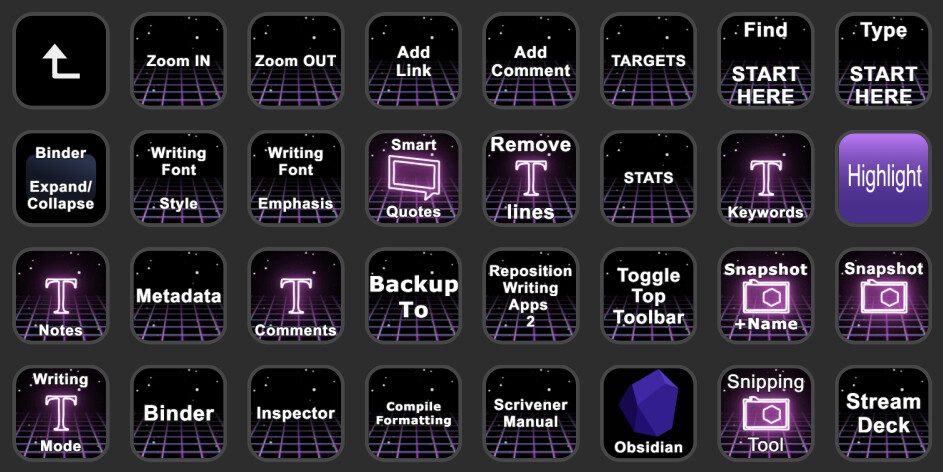
Here are some Aeon Timeline buttons that let me quickly shift views of my story structure:
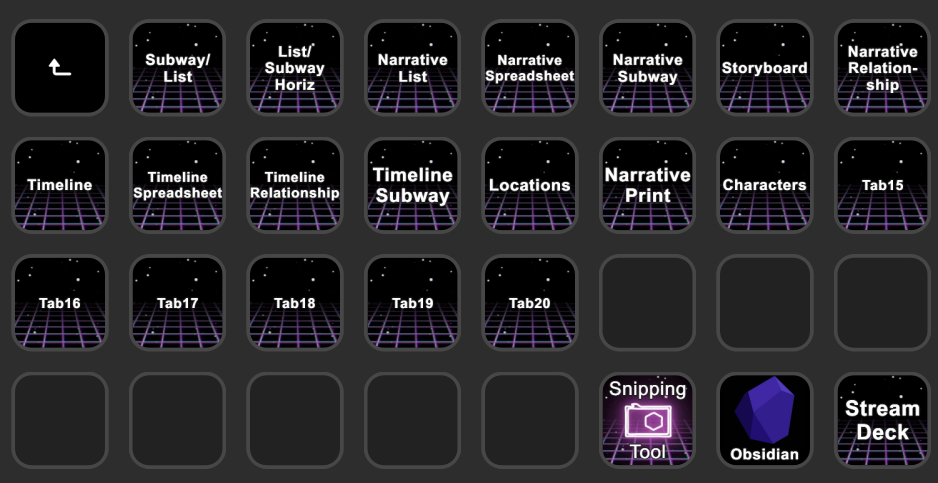
That said, I’m not necessarily suggesting you invest in something like Stream Deck to automate your Scrivener compilation sequence. I happened to have a Stream Deck device for my music production, so it was a natural direction for me. In your case, being on a Mac, something like Keyboard Maestro or BetterTouchTool could be worth exploring.
Only you can determine if the time invested to find a way to batch compile is worth your time or merely amounts to procrastination. It doesn’t matter what anyone else thinks, so long as you are honest with yourself.
3 Likes
today is jane austen,s 250th birthday.
so it would seem an appropriate day to point out that all your excuses and procrastinations are just that. unless you can point to evidence that any of this has made you more productive than jane, go sit in a chair with nothing but pen and paper for a day and try just writing.
okay, oxygen food and water are also allowed. this time.
1 Like
I posted a script for Keyboard Maestro that might help you get started, as it demonstrates a macro that cuts out all of the fluff and just compiles straight to the previously used filename, no dialogue boxes, no clicking on buttons, no confirming overwrite. It is located here.
But do mind the date on that post, I have no idea if the actual script that I attached still works, 13 years later. The idea then would be to take such a starter and manipulate the Compile For dropdown as well, to compile first one, and then the next file type.
3 Likes
Maybe the time spent on automation could be spent trying to fix this issue instead?
3 Likes
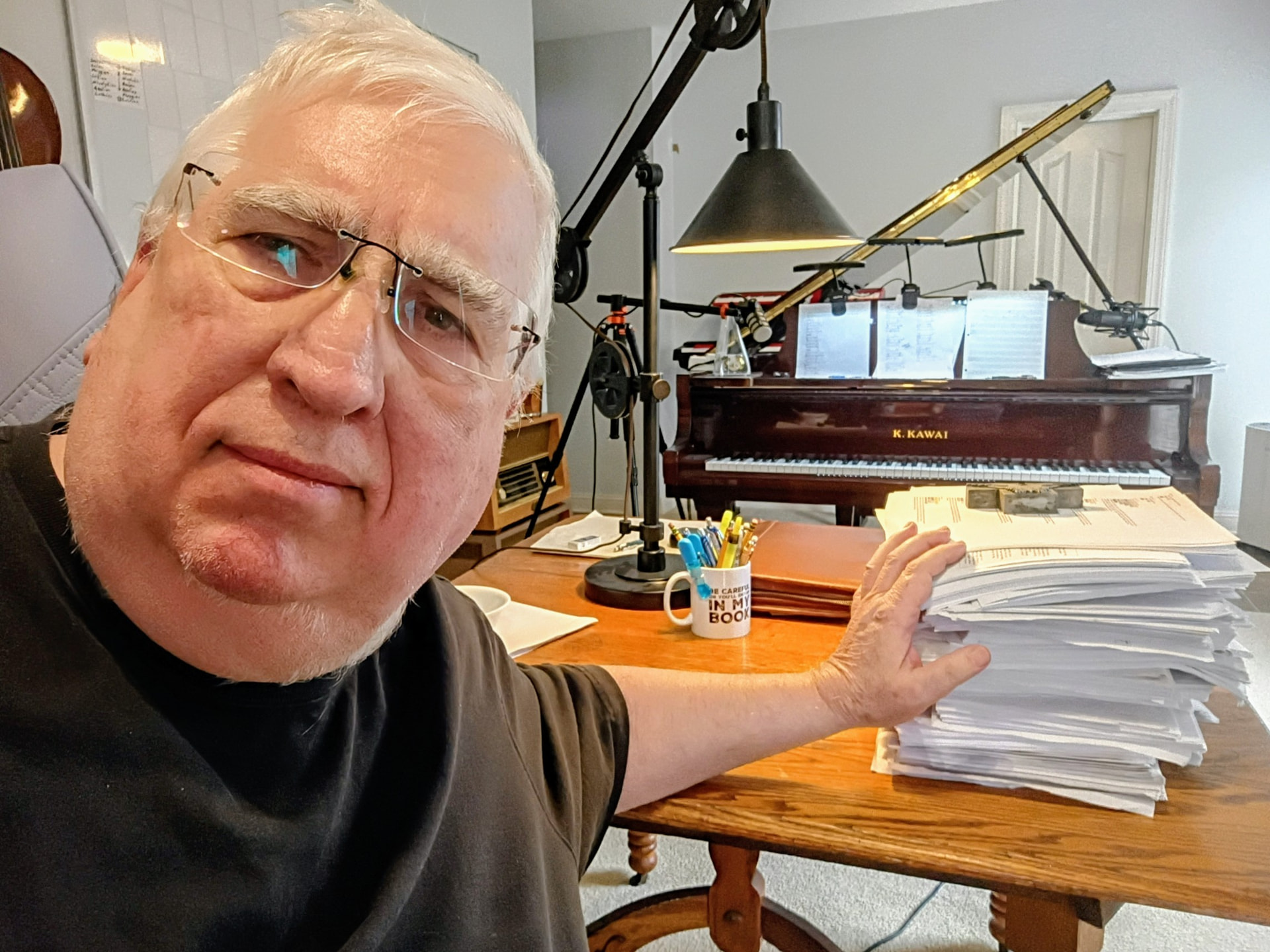
@Floss, I admire your determination to drive home your point. If you’ll excuse me, I need to get back to my writing now. 
3 Likes