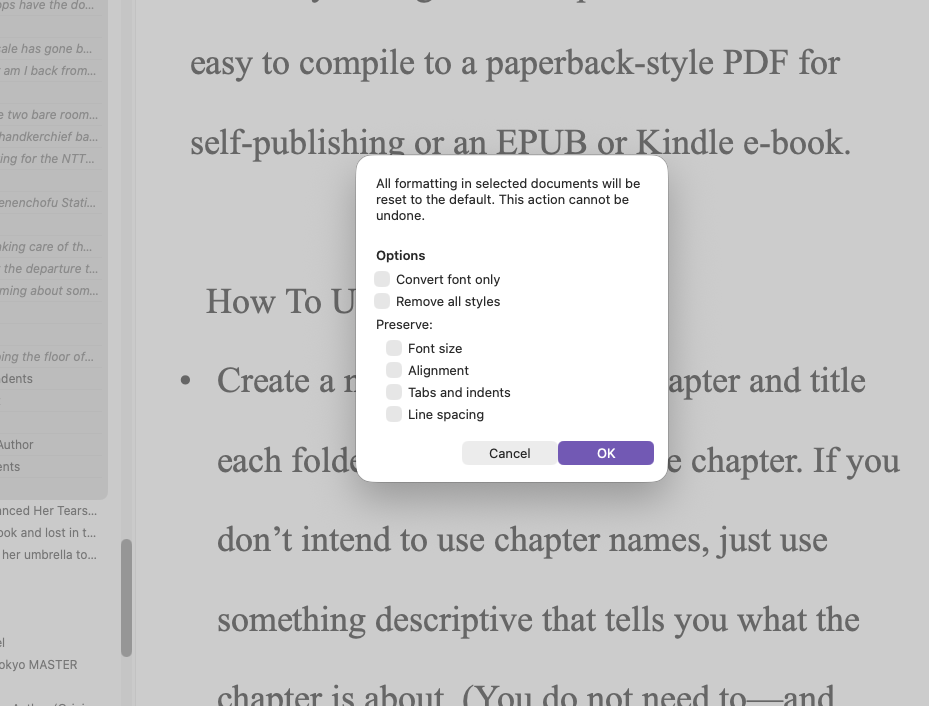
I’ve changed my default text to 12 pt. I’ve highlighted all the files in the binder. And I’ve used Convert–Text to default formatting with Remove all styles checked. But still the font size of many chapters remain unchanged. I also tried doing this using Outline. No luck. I can change a font size chapter by chapter, but block change isn’t working. I’m using scrivener 3 and Mac OS 27.0.1
Some additional information. In trying these procedures I’ve somehow changed the text in all the chapters to 24 pt! Even though my default is 12 pt.
Without more information and snapshots of how you’re setting it, it’s hard to know how you’re ending up with 24 pt. But on the documents that don’t change, you don’t happen to have a style set, do you?

Mark
1 Like
Mark, thanks for replying. Here are screen shots of Formatting and Text to Default Formatting with Binder files highlighted and Scriveners activated. Note that I’ve tried checking and unchecking the different choices in the latter, but nothing works.
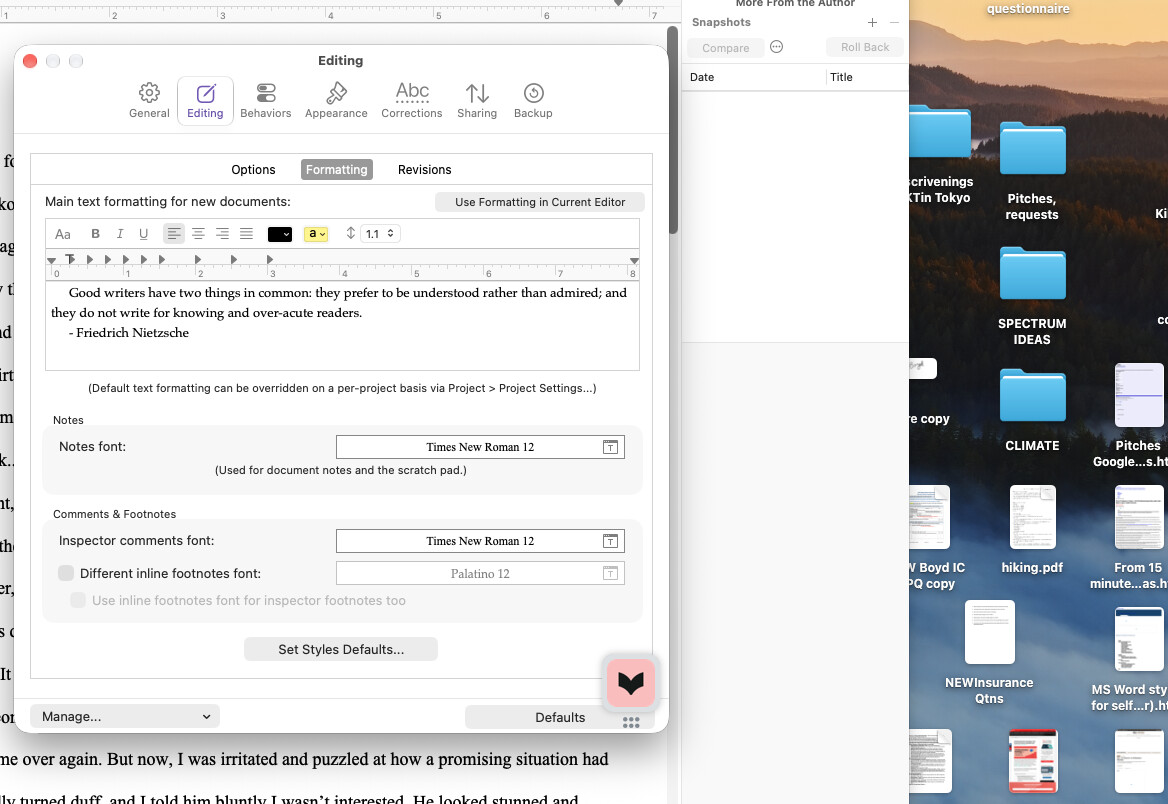
Success! I worked with Chat GBT to answer my question. The problem lay in the content text in Formatting. I was confused by the wording Use Format in Current Editor, and didn’t realize it meant text in the chapter I had opened, which was in 24 pt.