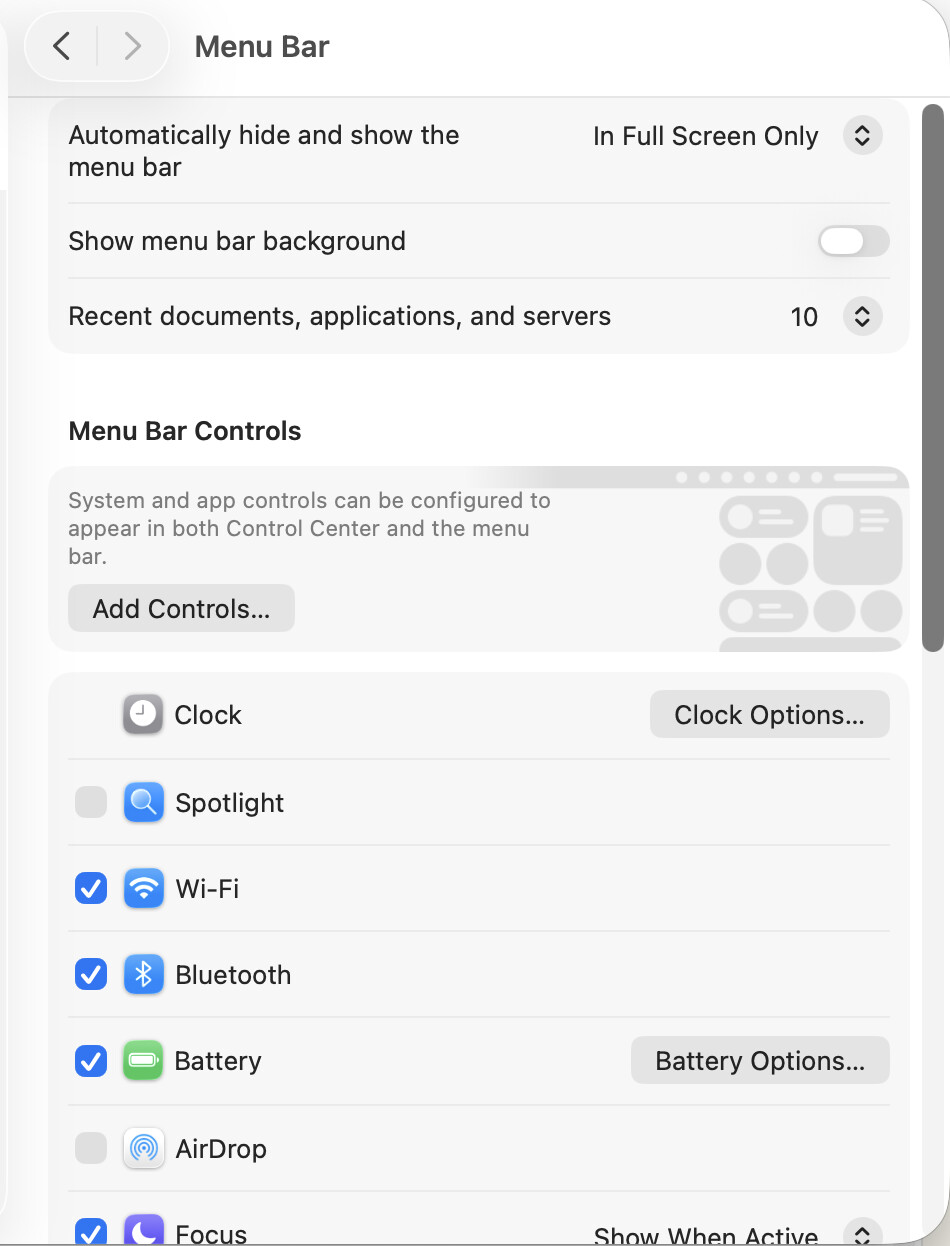
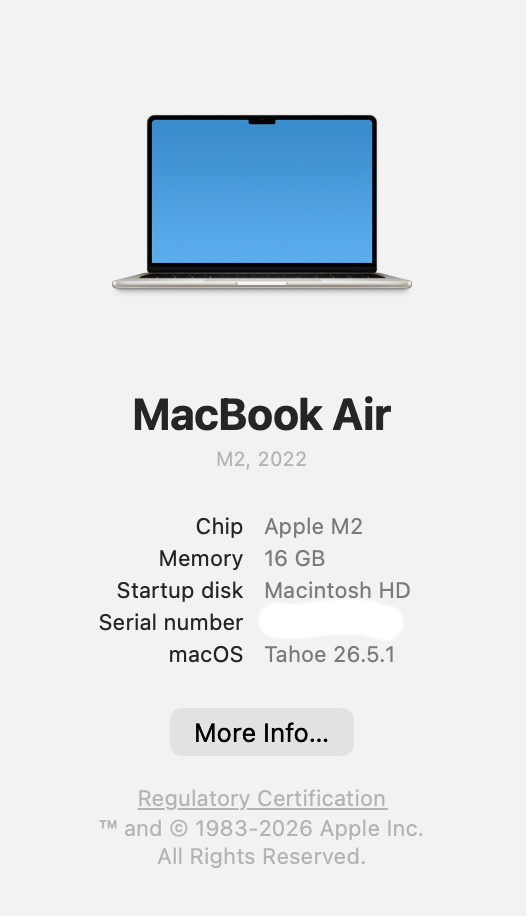
Computer Specs.
Importance: Medium.
Proof of bug:

Notes: It seems to be a Tahoe-only issue, since my older Mac doesn’t have this issue at all and is also running the same Scrivener.
This computer is a refurbished 2022 Mac. So new for me. Of course my first major purchase for the computer was Scrivener. It’s my only major purchase for this machine. My other laptop died a spectacular death… but I had all of my files backed up on iCloud, so no big dealie.
The Favorites Menu doesn’t have this issue, so it seems like the solid work around.
I’ve opened a bunch of files and quit Scrivener multiple times so it should be amassing a fairly healthy list of “Recents” in the folder. Scrivener has not crashed in between the quits.
Additional notes:
On the upside, the Icons bug is a non-issue in Tahoe (where one has to preload the icons or it doesn’t remember which you assigned previously. Once you load in the custom icons into the universal section, it assigns them automatically, and the complaint about templates I had from before where things shifted around in my templates I made is also likewise fixed (i.e. tables didn’t work properly). On the level of annoying, the shifting templates was higher for me, but this I’d still rank higher on the critical scale because it makes the program very quickly look like it doesn’t “work” properly and is a far quicker and more visible bug. And generally in terms of UX for programs, you want the bugs to not be so quickly visible because then people tend to think the entire program is more buggy than it is… so I ranked it medium. Scrivener is also running smoother and faster under Tahoe for some reason. So two bugs fixed for the price of one.