Is it possible to create saved project search combining two custom metadata items?
For example:
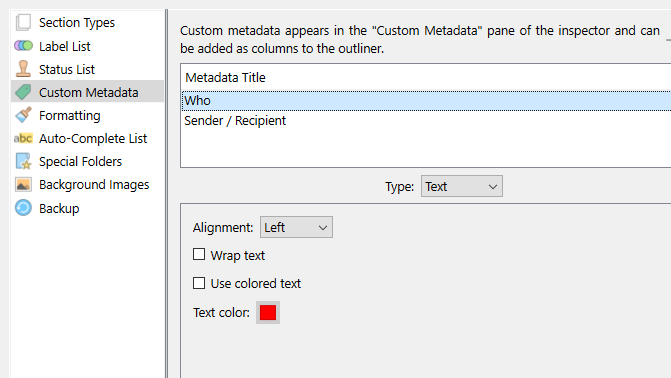
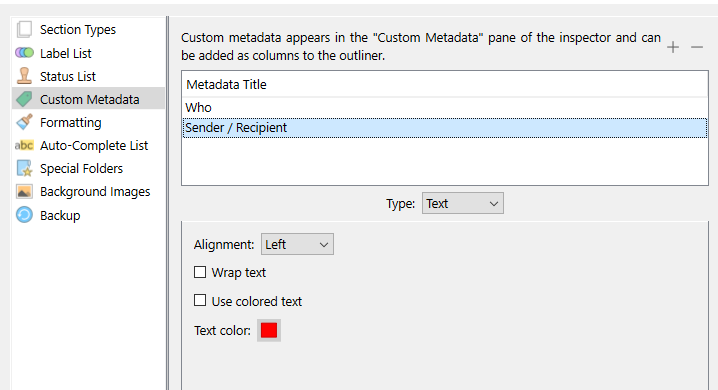
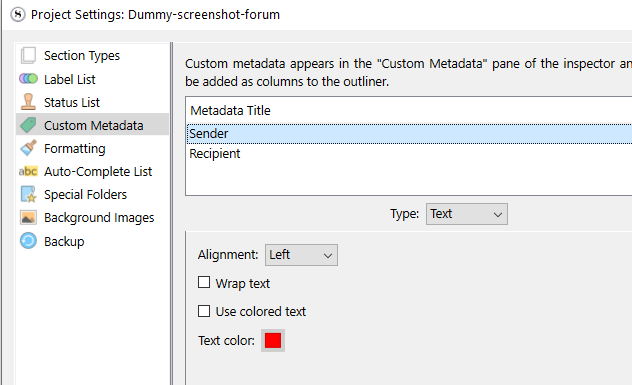
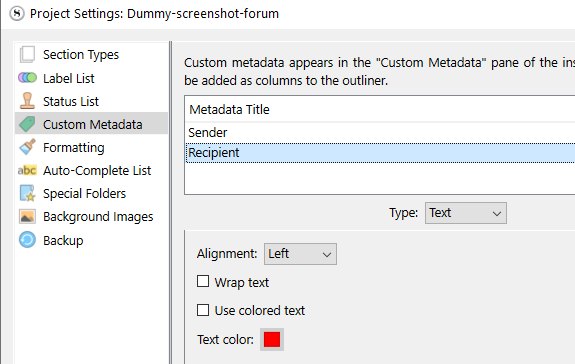
Create two custom metadata items to use with documents in the Binder that have contents of emails
One custom metadata item has choices of “Sender” and “Recipient”
Other custom metadata item has people names
Could you then conduct a project search combining the two metadata items - such as search for all documents that have contents of emails sent to a particular person?
Not directly. You can narrow a search to a group of selected documents, though. So you can run Search A, select all the results, and then run Search B.
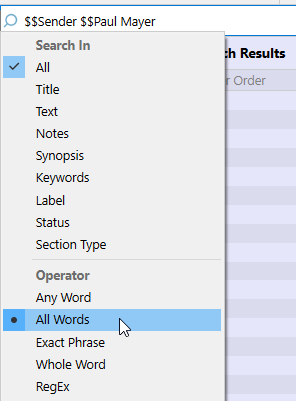
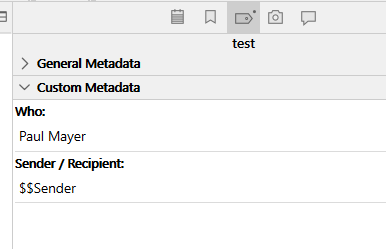
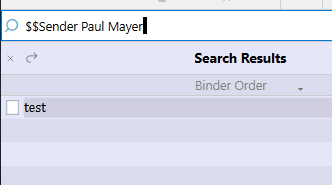
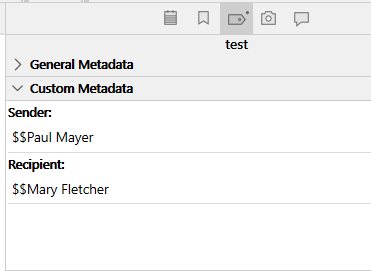
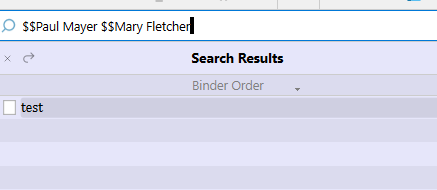
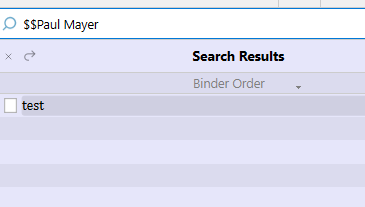
There is a possibility, though, if you prefix your metadata entries with a unique symbol (or group of) that isn’t gonna end up somewhere in your documents themselves.
You could then search in “ALL”.
The prefix would make sure you don’t get a bunch of unrelated results.
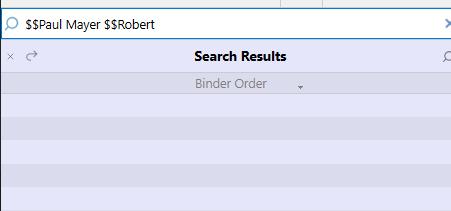
You could actually only prefix the sender/recipient metadata. No need to do it to the names, as searching for “All words” won’t report documents that don’t contain both.
(I am leaving the screenshot as is, otherwise what I just said won’t make much sense.)
Doing it this way you could even filter the recipient too. Just by adding the recipient’s name in the mix. So you’d get emails/documents sent by X to Y.
But you couldn’t then filter out those sent by Y to X though. (Unless you do what @kewms suggested as a second step.)
→ You’d get all the documents relative to emails sent from Paul Mayer to Mary Fletcher, along those relative to emails sent by Mary Fletcher to Paul Mayer, then you narrow the search.
If you are willing to set yourself up and discipline yourself to prefixing the sender and the recipient differently from one another (say: $$ for the sender, and ## for the recipient), you could target precisely a specific sender or recipient (what I earlier said you couldn’t do other than in two steps) in a single search/step.
May I ask why support never mentions what @Vincent_Vincent has explained here? It’s a very good workaround that is easy to implement with Scrivener and is a great help with complex searches.
Because our users, as a group, have more practical experience with Scrivener than we do. And, being writers, are very good at finding creative solutions to tasks that are relevant to their own work. Allowing users to share those solutions with each other is one reason why the forums exist.