I think I am encountering a bug, and I’d appreciate any suggestions on how to resolve this. I’ve used Scrivener for years and never really had any issues until now. When clicking on “About Scrivener” on my 2024 MacBook Air, I see I am using Version 3.3.6 (16305).
Issue
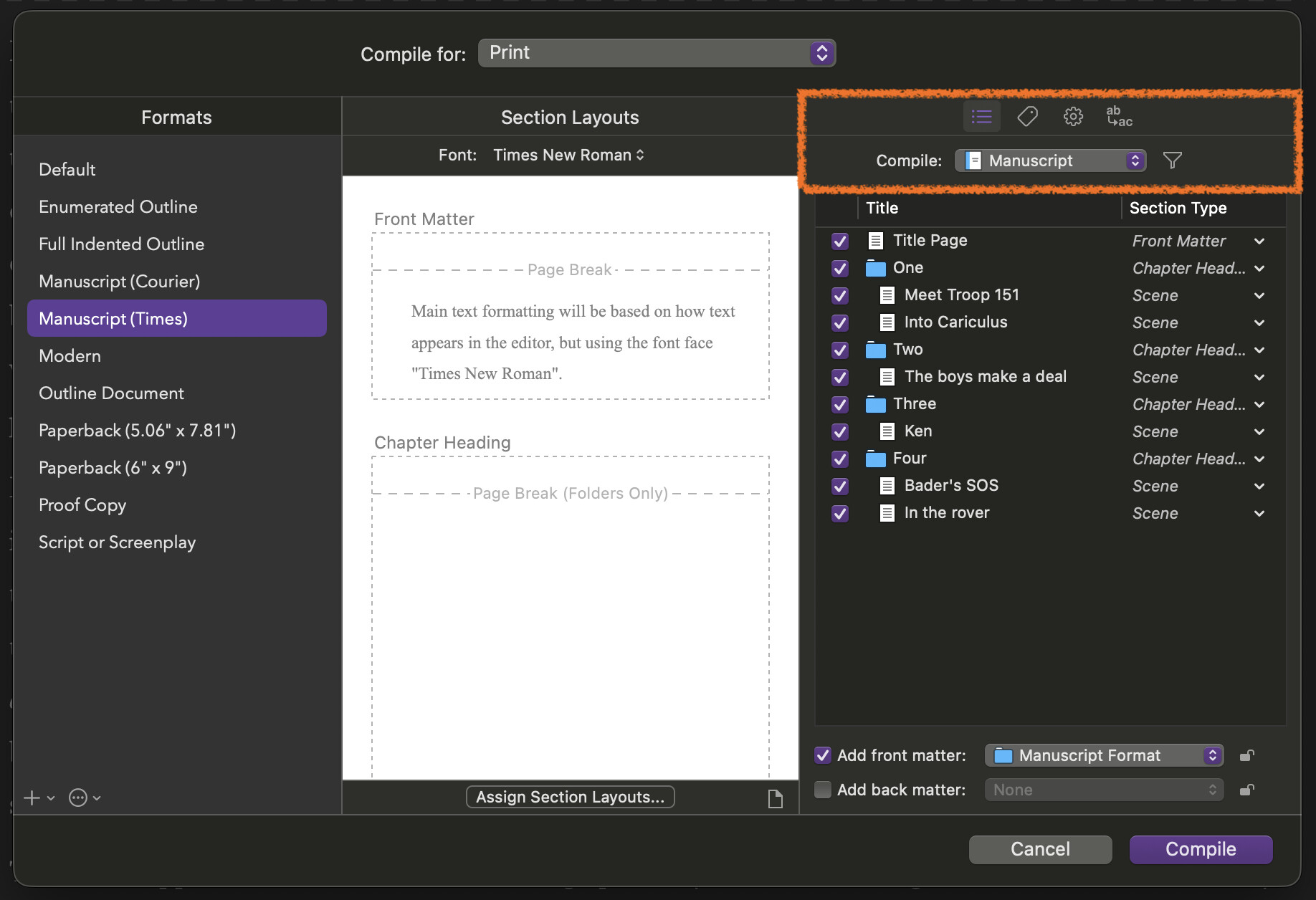
When I go to compile a project and the Compile window opens, I am not able to click many of the settings and icons on the right-hand side. In my screenshot below, I’ve circled in red the items that I am not able to click. [Note: It won’t let me attach a screenshot yet because I’m new to the forum, but I do have one!]
No matter what selection I make in the “Compile for” drop-down menu (top) or in the “Formats” list (left), I am still not able to edit the Front Matter or Back Matter checkboxes OR click into any of the other settings icons (besides the outline which is open by default). I can’t even change the selection of “Manuscript” in the Compile filter menu on the right either. I am also experiencing the bug in every project that I try to compile (not just one).
I’m having problems with this. Renamed the file; renamed the project. When I compile it still inserts the old title onto the title page and the heading fields on subsequent pages. I know you’re supposed to click the luggage lag when compiling to edit title metadata…but when I try to do that the luggage tag doesn’t activate to let me make a change. Help!
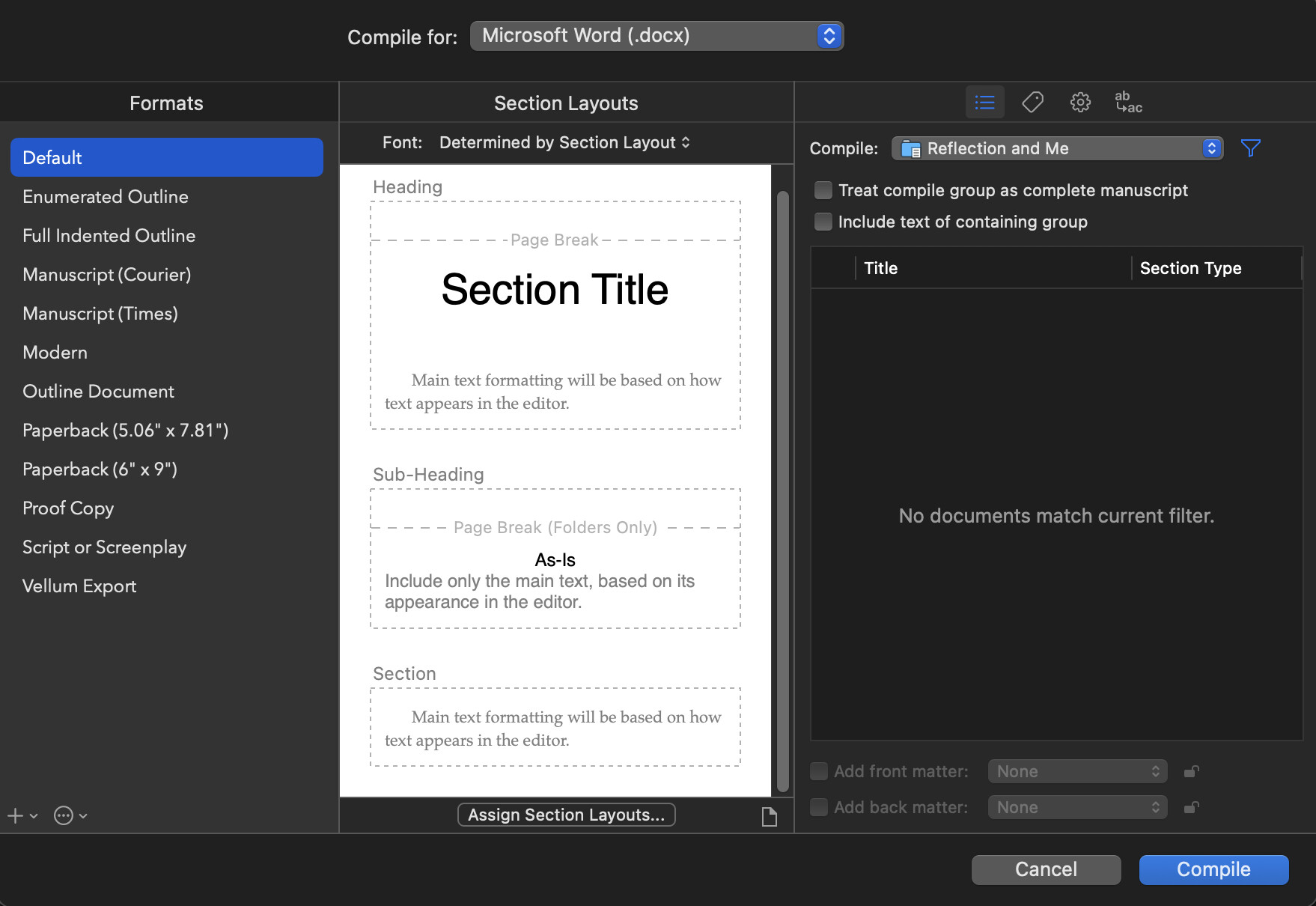
For the only important project I have in Scrivener, the compile window is stuck on one folder but that folder doesn’t even show that there are docs in it. No amount of clicking will produce any changes in the right third of the window pictured below. I am on Scrivener 3.3.6 and Mac OS Tahoe 26.1. 1) Any thoughts about how to fix this? 2) One idea I have is that some time ago I think I did mess around with the draft folder maybe creating a second draft folder which I no longer have. So I am wondering if that has anything to do with it. When I select the draft folder in outline mode, it does show all the files underneath so it does seem to me that they are included in the draft folder, but I can’t think what else it could be. 3) Caveat: I know nothing about compiling and have only done it a few times before some years ago.
Hey this is me the original poster. I am frustrated that this was moved to bugs. I don’t think it is a bug. I think I did something to the Draft folder at some point when I tried to create a second draft folder. All my other scrivener projects can compile and if i drag the documents from one scrivener file to another they do show up to be compiled. Doesn’t that mean that it has something to do with the project itself and not a bug?
Being unable to change any settings or click on anything on the right side is definitely a problem of using 3.3.6 on macOS 26. This thread describes how that is a bug, and that it can be solved by upgrading.
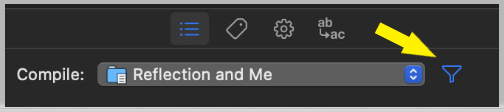
Once you can use the window properly again, you should be able to fix the filter setting as described above!
That was definitely part of the problem. Thank you! I can now click. I was able to compile the collection I wanted to compile. I haven’t figured out yet if it’s letting me chose just the files I want, and will be back if I have a future issue. Thank you. (Makes no sense to me that one file would be stuck and not others. It still defaults to that subfolder in the image but I can move it. Of course I know nothing about coding or designing apps)
As for it being “stuck”, you probably just need to click on the “Reflection and Me” label itself to select something else, or maybe the whole Draft folder. You can also select Collections themselves at the very bottom of that menu, which for many things is a little easier than constantly changing the filter settings. There are definite advantages to using one or the other, though.
Hello. I can’t seem to assign section types to section layouts. I’m using a macOS. The ‘Assign Section Layouts…’ button doesn’t open anything up/is unresponsive. Even when I create my own Project Format. Please help!