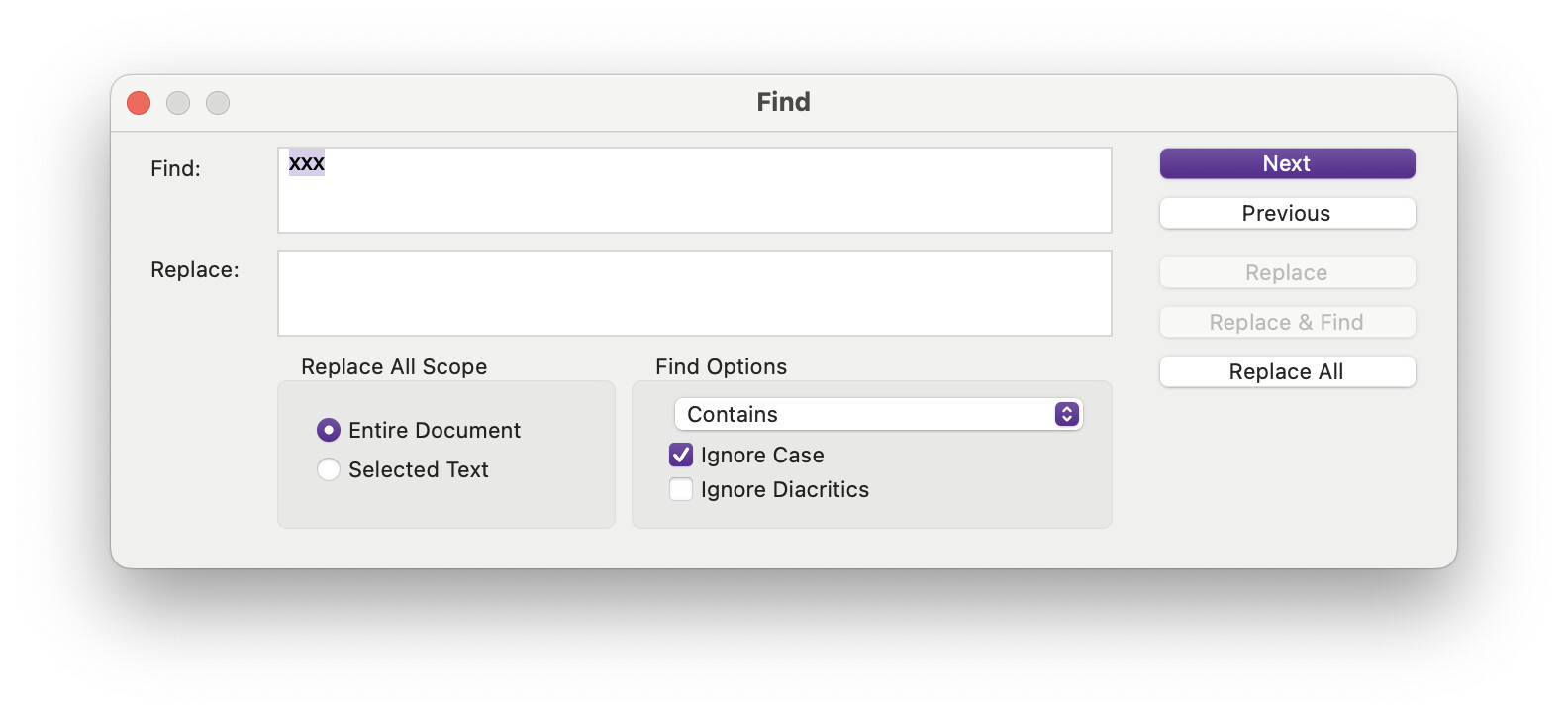
I tried to find a string of text and replace it with nothing. I type in the text string and it finds it, but when I leave the replace text box blank, the “Replace” button grays out and I can’t continue with the replace. Bug or feature?
it seems the find and replace doesn’t allow the replace field to be empty “” (something that i often do to delete some text strings).
the “replace” button is deactivated if the Replace field is empty!
i think we should have the possibility to replace any found string with nothing to delete. like most of text editors do
I’m finding that if I want to change, for example, “ABC” to “XYZ,” I can use the “Replace and Find” button. However, if I want to change “ABC” to nothing (that is, no text in the replace box), the “Replace and Find” button is grayed out.
This is indeed a Mac limitation, it might come from the historic Mac standards this dialogue box was based off of. Another odd one is how you can “replace” anything at all rather than a string match, try putting the cursor somewhere with something in the Replace field and click it, it inserts the word. So on the one hand you can use the Replace button in cases where Find is looking for text that doesn’t even exist in the scope, but you can’t use it to remove text.
Other than the workaround given above, which is fine when removing whole words, you can also use the Selected Text scope with the Replace All button for cases where the latter would be too widespread. For example, triple-click on the paragraph that contains the match you want to remove, and hit Replace All.
Can’t really believe that I didn’t run into this problem until just now! The fact that Replace All is available but Replace is not, just doesn’t make sense.
Solution (if you are in the Find dialog box): Hit Next. Click into the editor pane, where the first find will now be selected. Hit Delete key if appropriate, cmd-G to get to the next. Rinse and repeat. So, we are just ignoring the Find dialog box after getting to the first hit.
The solution is not entirely obvious, which suggests a fix of the problem is probably wanted. (The cmd-E,cmd-G trick would avoid the consternation of the dialog box. I see, but not a likely path for most users to follow at the get-go.)