Hi,
I searched for an answer in the forum, but couldn‘t really find something. I have installed scrivener for iOS on my iPad 9th generation with iOS 16.5
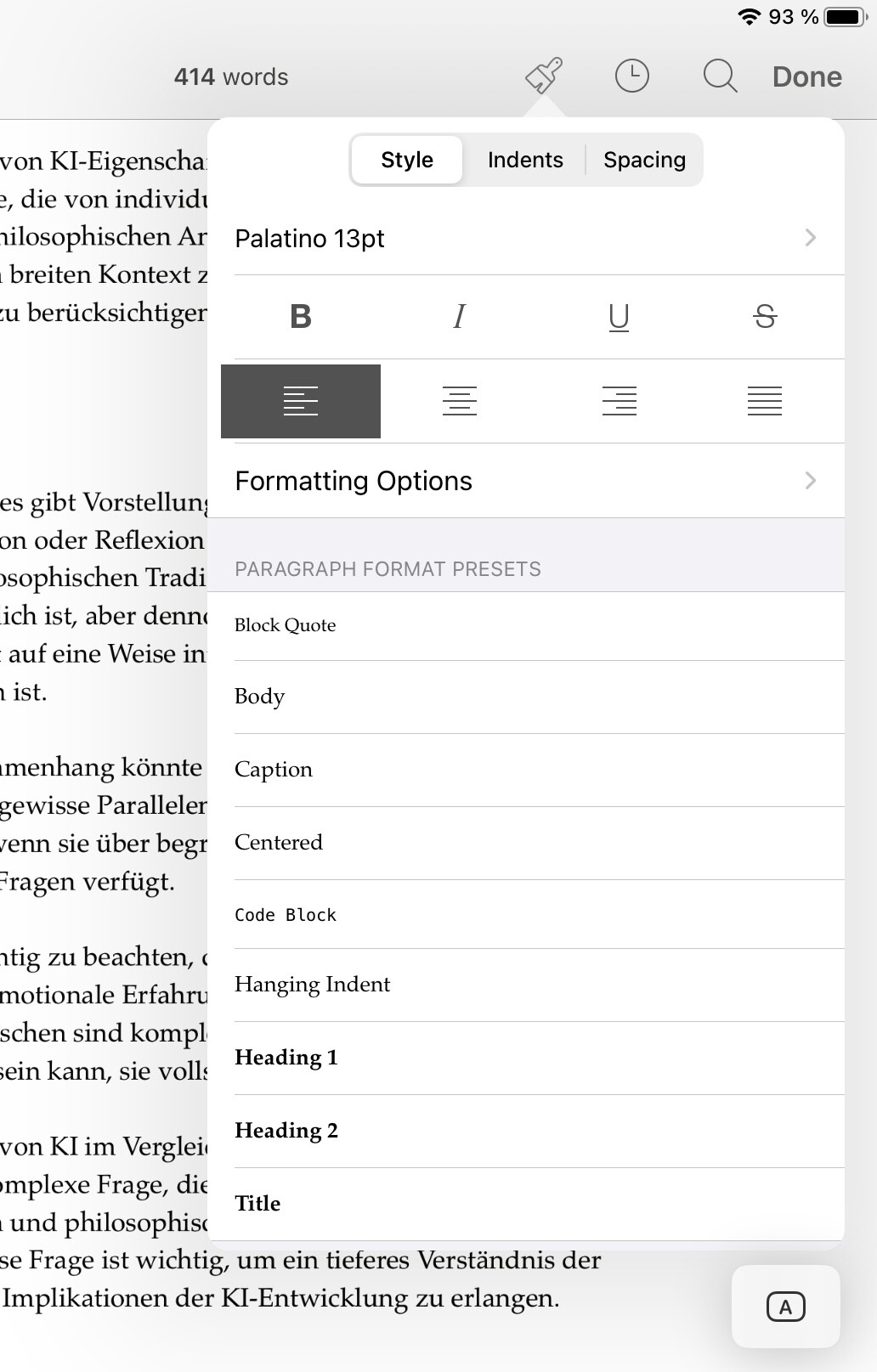
I created a new project and startet with a document. There is a bit of sample text for which I want to create text format templates, so I tried to use the paintbrush function:
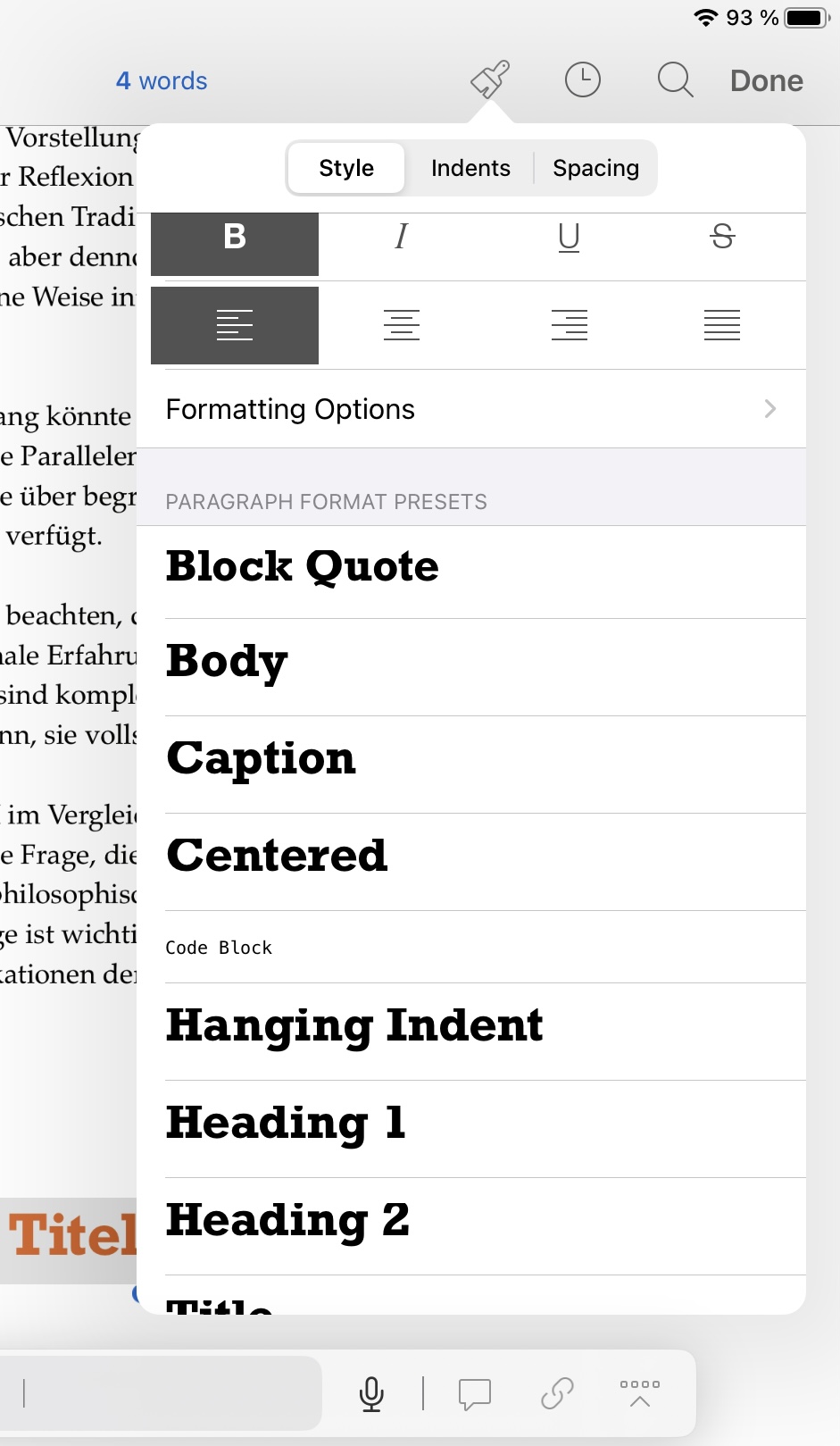
1st attempt: I mark the title, go to the paintbrush, changed the settings for the title template to my desired values, scrivener changes the appearance accordingly, leave the configuration by tapping in the editor window and I have a nice title. When I then go to another line in the text, choose the paintbrush followed by the title format, it‘s not what I designed but the default values again.
2nd attempt: create an empty document, go to paintbrush, change values under title, leave the menu by tapping into editor window, write a text, mark it, go to paintbrush, choose title, but it will format with the default format.
3rd attempt: write a text, format it via paintbrush, copy the values with formatting options → copying format, go back, choose title format (the format will go back to default), copy my values via formatting options → paste formatting, the appearance changes, yeah! Then I write another line, mark it, go to paintbrush, choose title and it formats my new line again with the default settings.
I tried some variations of the mentioned above, but it didn‘t work as expected. Is there something I don‘t understand? Is it a bug? Please advice!
BR
Marcus