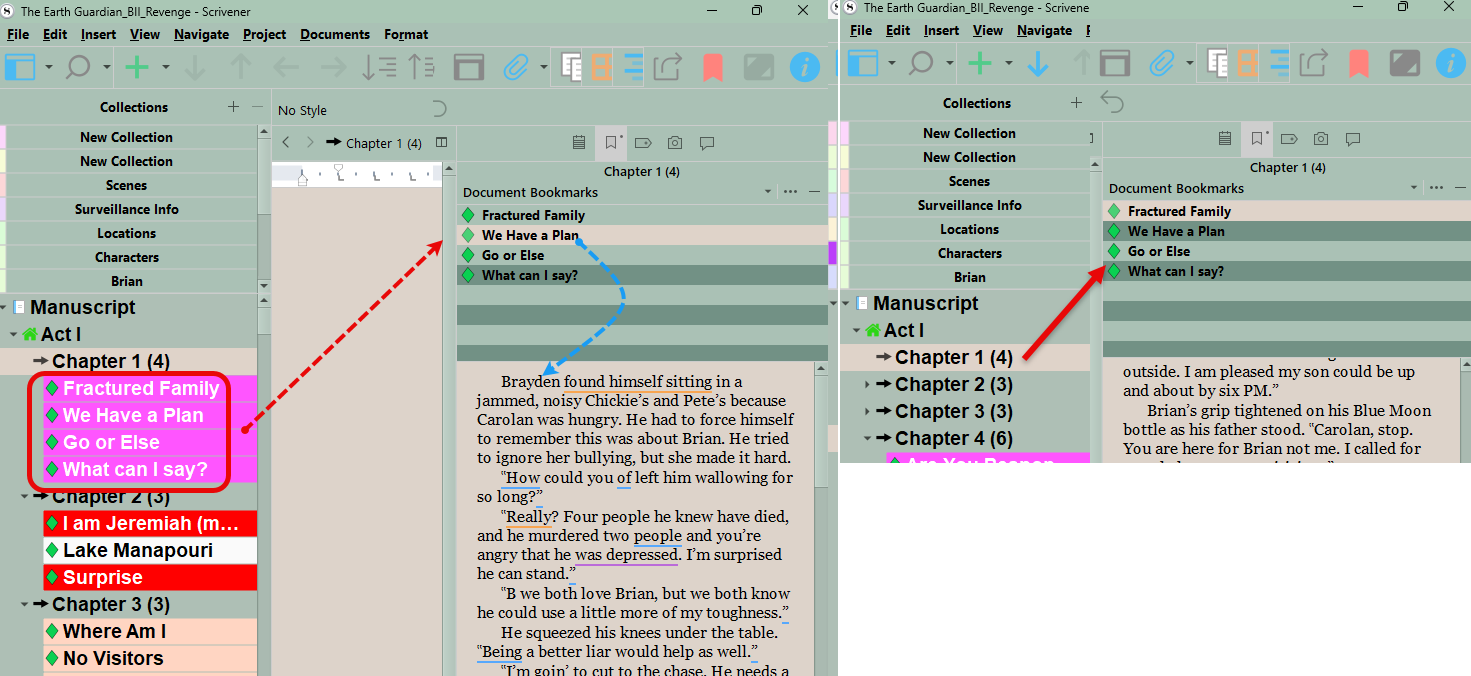
I have scene documents within chapter folders. I need to move the chapter folders around either using the binder or corkboard. I’m having trouble remembering which scenes are in my chapter folders because when I select “manuscript,” the only thing I get are Chapter titles, Not the scenes within. Is there an easy way to update my Chapter synopses with the contents of the chapter folders?
1 Like
Hi.
You want to split your editor. (Top right corner of the editor.)

Then set the right one to display in outliner view.

At the bottom of the left one, corkboard or outliner, click this :
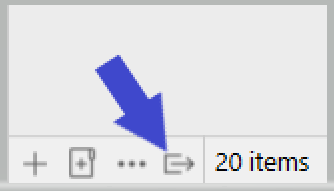
(It has to be blue.)
Use the left editor (outliner or corkboard view) to shuffle your folders.
The setting you’ve just activated will list their content in the outliner on the right.


(You can invert left and right if you are more comfortable this way. It doesn’t matter.)
. . . . . . . . . .
Alternatively, you could use a single editor, shuffle in the binder and set the editor to outliner or corkboard view.
Same result, only one editor.
►Make a backup first, as shuffling in the binder is a bit tricky. Sometimes some accidental nesting happens. If you panic, just pull out the backup. (Files wouldn’t be lost, though. Only misplaced. Nested and hidden under another one.)
. . . . . . . . . .
Manually. There is no automation for that.
2 Likes
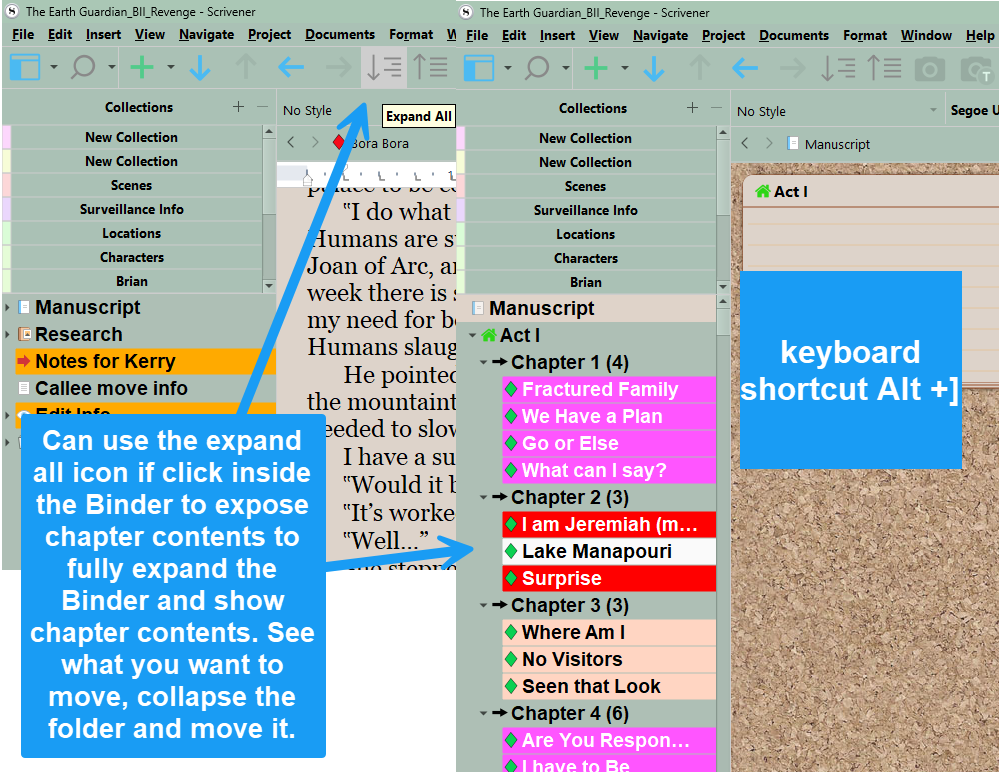
Or add the expand all and collapse all icons to main toolbar and fully expand the binder, find the chapter you want to move, collapse the folder and move. See below.
You could also drag chapter contents into documents for the chapter and in that view can see document titles in the Inspector view and see a view of contents below bookmark.
see example