I use character style for italics. But I’ve been having a problem every time I’ve tried compiling my manuscript (to docX).
The italics ALWAYS export as a brown text colour, never black or blank like the rest of the document. I’ve tried everything I can think of including the following:
Making sure the remove text colour checkbox is enabled in the compiler.
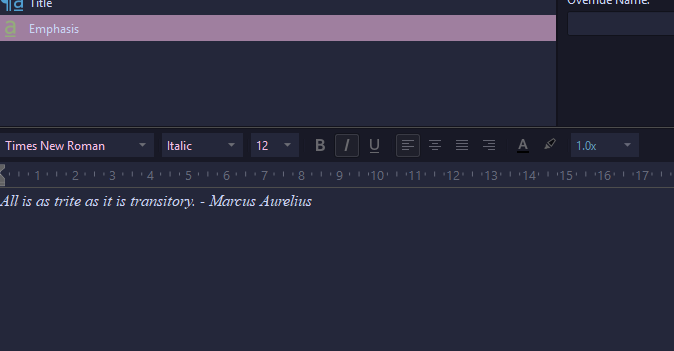
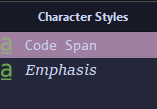
In the main program, making sure that the ‘emphasis’ style does NOT have any colour associated with it. (It did previously have itself marked as the brown colour, so I went through and made sure to remove it and even re-assigned the style from scratch on black/uncoloured text. It now does not show as having any colour in the style editor).
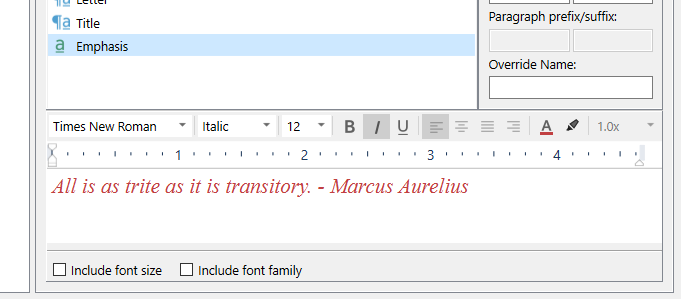
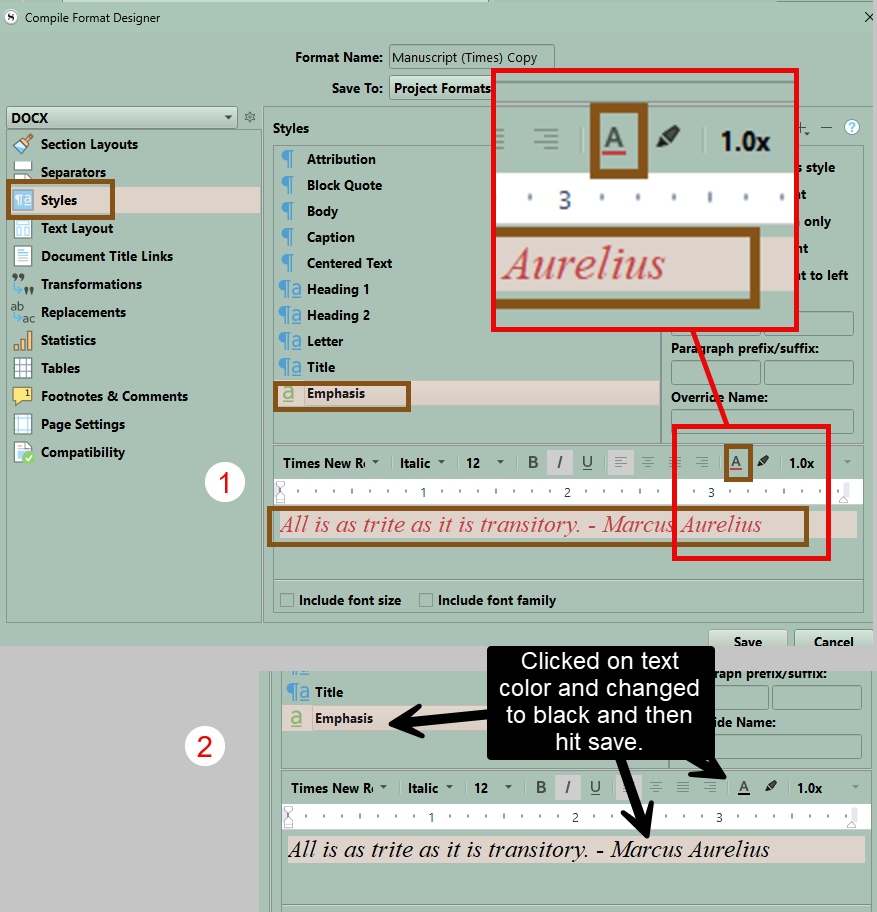
In the compile settings, under edit format- styles, going into the styles there and making sure emphasis is also black/uncoloured.
But it’s still exporting all the italics as brown! Does anyone know any other settings that could be causing this? It’s becoming very frustrating.
Could be the app you look at it in, after compile, that has a style of the same name with this formatting. Look at your compiled file in Scrivener (import or drag in as a new document), if your italics ain’t brown, your issue is coming from elsewhere than Scrivener.
You could also just compile to PDF. If it is fine, same answer ; not coming from Scrivener.
It’s brown in all the applications I’ve opened it (without saving it since compile). I’ve tried Libre office, Google docs, Ellipsus etc. It’s also brown when re-dragging it back into scriviner as a fresh file.
You could also print one document with italics on your computer and see if italics is brown. If not when print, then the question is is there something in the Compile format designer. Do you have any styles in the Styles tab which deal with italics? Perhaps the old style with the brown color before you fixed it?
I had a look at the “print preview” and all the text was black there. When I made completely fresh text with ‘emphasis’ it was completely black in the editor, but the compiler still exported it brown, so I think it might be in the compiler.
I suspect there’s something glitched where it’s exporting styles with the colour that used to be on the style but then later got removed so that it’s not showing within scrivener.
I attached the compile format here. Also some screenshots of the style so you can see it’s not set to brown.
Since you are in dark mode and therefor seemingly couldn’t see the color, possibly your style is wrong in your project too. I suggest you temporarily switch to default theme and have a look.
Make sure your italics are black and redefine the style if needed. (That will not fix the compile format; only the style in your project. You need to fix both, or at least the compile format.)
Or instead of black hit white square with line which removes any text coloring. Try either and do a small sample, or just compile one scene with italics and see if changes. (Hit Save)
Thanks both for checking. It is still brown in the area I suspected even though it’s not on my end. Clearly my compile format is bugged on my end, as you could see from my screenshot it is already set to black in my view and I also reset it to black multiple times in that area including right before I exported that preset.
I’ll abandon that preset and fingers crossed that making a fresh one fixes it, but otherwise there must be something wrong with my compiler if it’s not applying my changes even when I save them, because that spot is exactly where I already tried changing it to black multiple times.