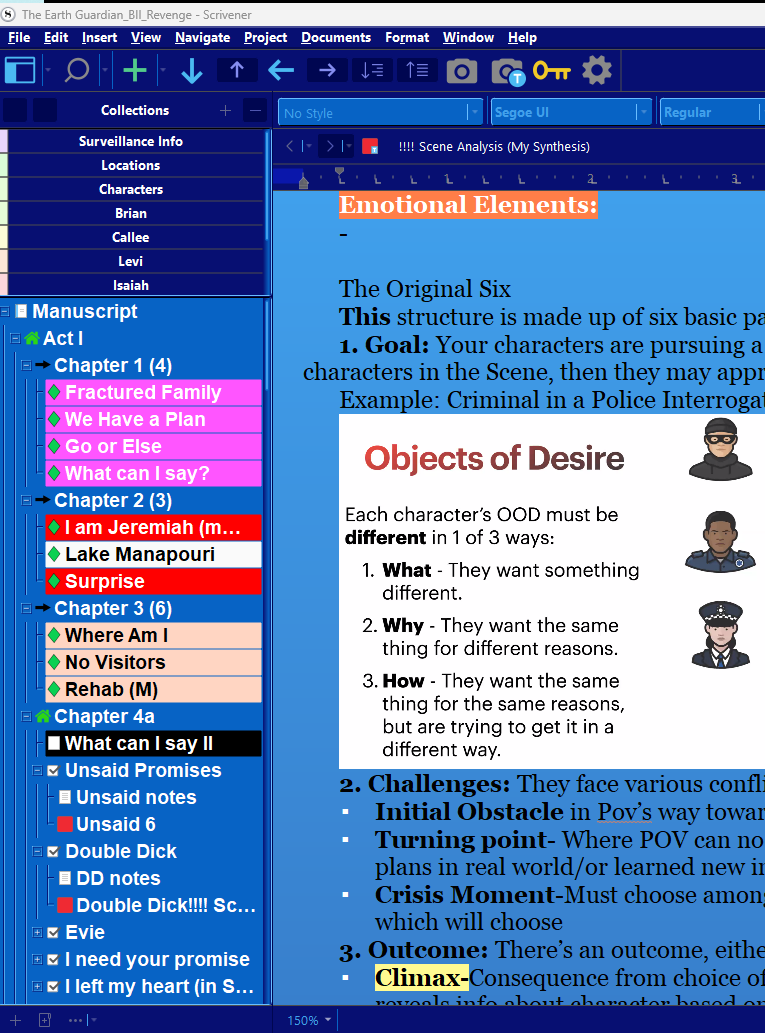
Is there any way to change the color of the down arrows in the binder section in the linked picture? (I cannot embed pictures, otherwise I would have one that is easier to see). The colors are extremely light and as a result I cannot see them without eyestrain, so I need to be able to change the color. Thank you!
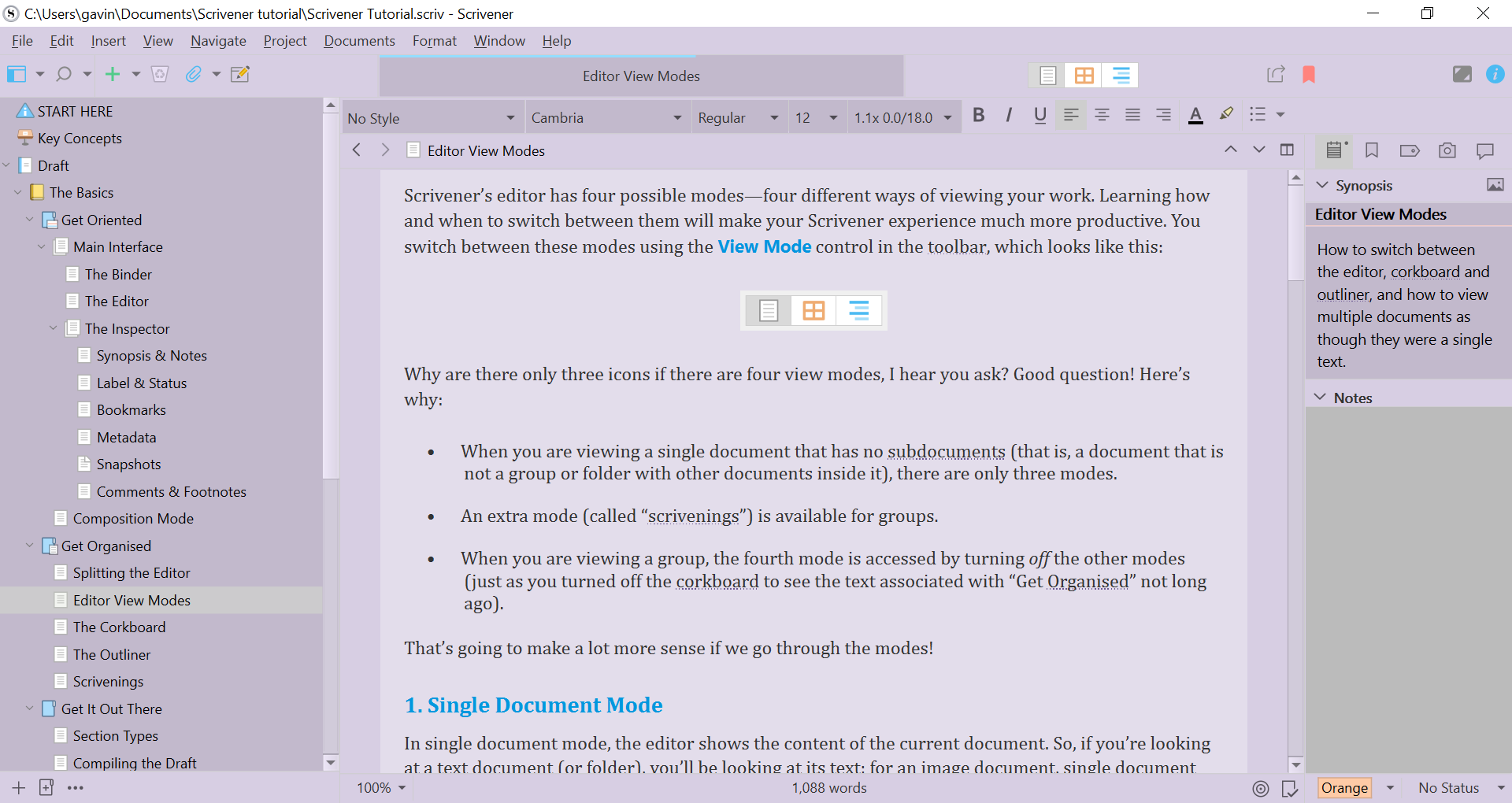
https://www.gavingray.co.uk/scrivener-3-for-windows-themes/scrivener-3-violet-haze-theme.png
Here is a beautiful custom theme from Antoni Dol which he sells which is unique.
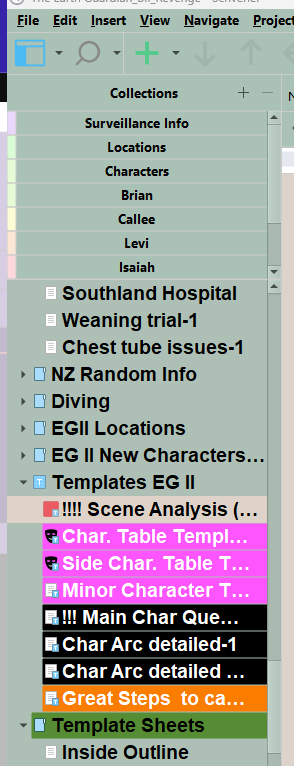
Here is image of the current theme I am using which is called calm tides (I changed the Editor background for writing, but the the Binder Carets are more visible.) I got this on this forum.
2 Likes
Thank you. Is there any way to do this myself? Solarized Dark isn’t my preferred theme overall (I generally prefer lighter themes), and so it would be great if I could edit the arrows in the lighter themes I use. Regardless, this is super useful, so thank you again!
Yes, you can copy the icons to the location in the reader.txt, unzip the Theme of your choice (but not Default, because that’s not a Theme), and update a few lines in the QSS-file to point to the new icons. Then reZip the Theme, update the file extension to scrtheme, and load the new Theme from file.
3 Likes