Sorry, I don’t use Word either, so I’m not terribly familiar with what you’re referring to. Every definition of a “soft page break” that I’ve encountered is referring to what the software inserts automatically at the end of a page once it is filled, so that it can continue printing on the next—it isn’t something a user would insert or control. (I.e. much like a soft line break, what word processors use to break at the end of a line and start on the next, as opposed to a hard break which we typically insert with the Enter key.)
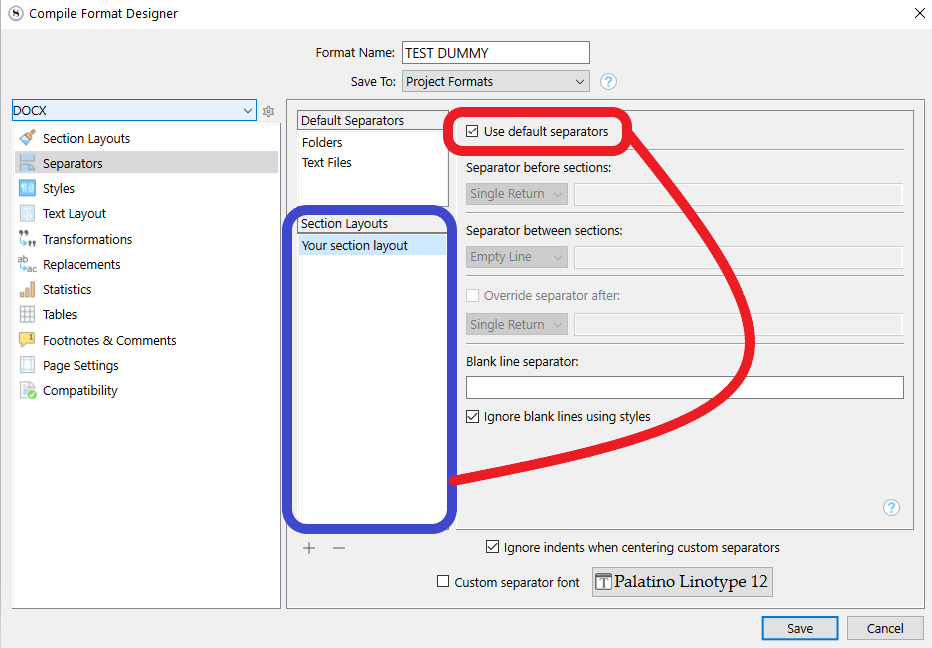
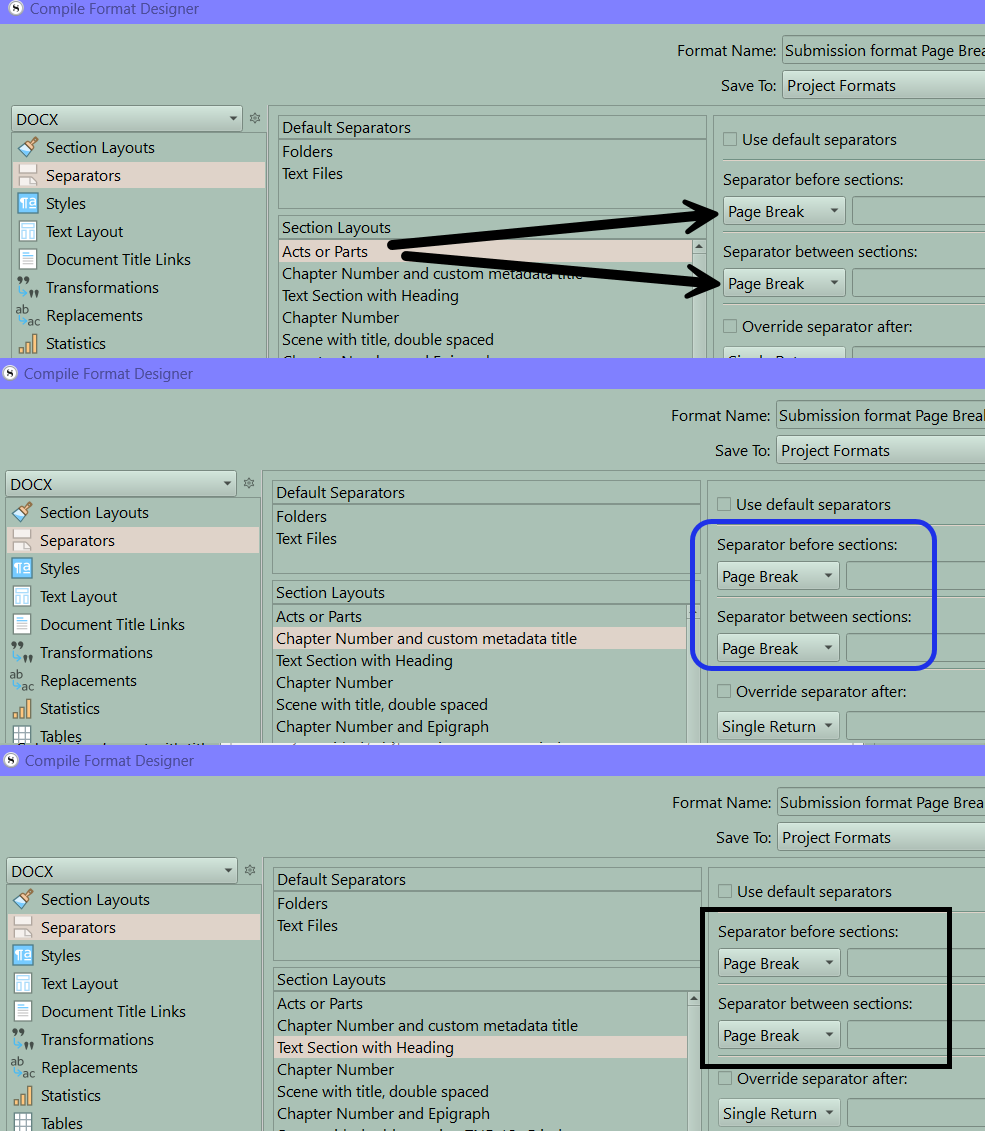
Well, perhaps academic confusions over jargon aside, what Scrivener does most often insert is a section break, particularly if there are RTF bookmarks being inserted (see Settings tab for all section layouts in use), and any options in the Page Setup section that would adjust how headers and footers are printed from one section to the next, and lastly integrate whatever front/back matter contents you have into the Draft itself, rather than using that feature. So I’d first try a duplicate copy of your Format with those mentioned settings removed, and see if that works better in Atticus. Since you are using a layout tool to do the final design, you likely don’t need any of those settings anyway, and they may be making the document more complicated and rigid than it needs to be. Section breaks, while they do facilitate some of Scrivener’s features, are known to cause problems with some layout engines.
Another thing to try (perhaps on top of the above, if that does not work alone) is to eliminate the potential complicating factor that is third-party conversion. Compile as RTF, which is Scrivener’s native format, instead of DOCX. Perhaps it is the converter that is creating breaks this way.
Lastly, I’ve always seen it advised, on typesetting and design sites, that best practices for word processors is to set the heading style itself to break the page (and this would be a design-phase action of course, not something in Scrivener, typically as part of a template or design setup that the compiled output gets inserted into), rather than to insert a forced page break into the content stream itself. The latter is meant more for late-stage proofing, to fix cases where the automated (soft, in the above definition) breaks are awkward. When used indiscriminately it can at times produce unwanted blank pages if the soft break and the hard break align.
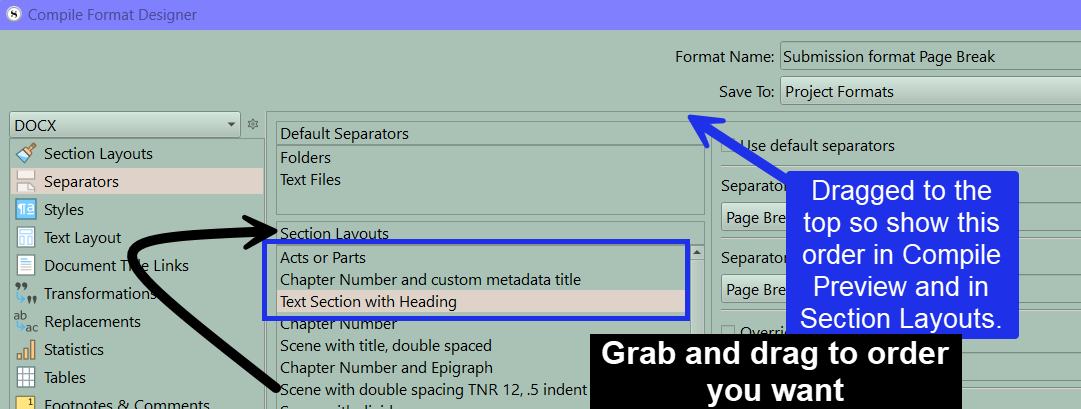
To that end, were I ever to use Scrivener’s word processing-based output, I would switch all section/page breaking separators off, and merely ensure my heading styles were properly applied in Section Layouts, to produce a proper hierarchical heading structure, and handle all page flow matters as a consequence of the stylesheet design. But I don’t know if Atticus works that way—I more familiar with LibreOffice best-practices. I’d look into it though, it might be the simpler and right way forward than trying to make Scrivener produce something that is itself still yet not the best way to format a document. Perhaps Atticus is looking for standard “Heading 1”, “Heading 2” type stylesheet structure, or maybe like Vellum it has its own naming scheme that you would want to match.
I’m curious to hear how these experiments go. We haven’t had much around here on integrating Scrivener with Atticus.