When I tried to enter the forum an unreadable glaring white box covered the screen with no way to get rid of it. OK, I’m vision-impaired and can only read dark mode text, that is, white text on a dark backround.
Since you’re posting here: How did you get rid of it?
I had to try different browsers to encounter this dialog (“Who or what is a Cookiebot?”) and when I finally did, it was exactly as horrible as you described.
I wish I knew. Random clicks, escape key, space bar, touchpad.
1 Like
Cookiebot is the service we use for cookie management on the main website. It definitely should not be appearing on the forum. When you say, trying to enter the forum, do you mean from the main homepage? That would make sense if so, for the forum itself does not have any code referencing this script.
I do not even get blocked when trying to get the forum with the overlay though. I can click the “Community” link at the top, then “Forum”, and it all goes away (this is me trying to see this in an incognito tab to make sure all extensions are disabled and log-in cookies ignored).
2 Likes
For visitors who enter the website for the first time using a smaller screen (and the wrong browser, which most will), it looks like this:
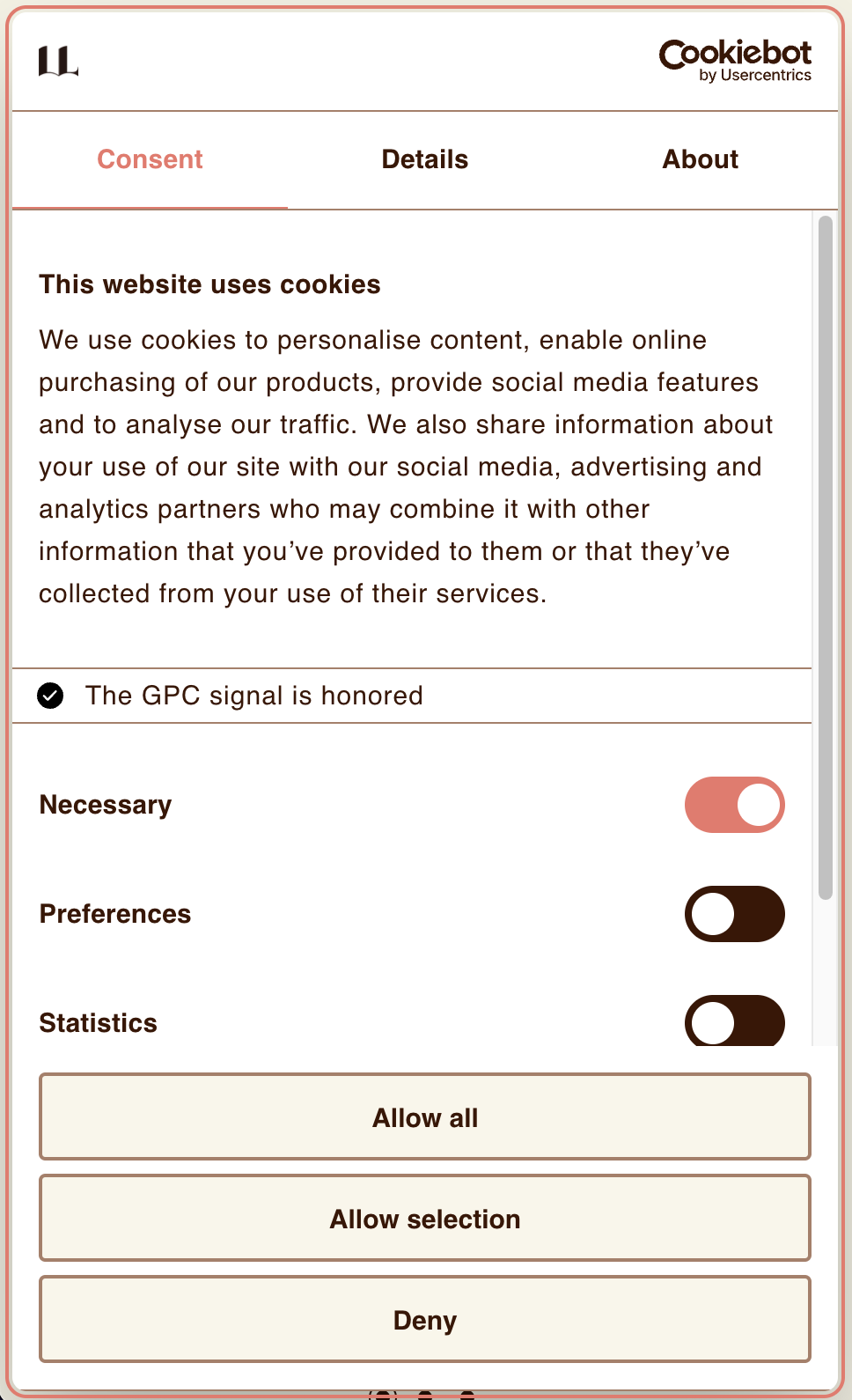
It’s almost as if cookies became the new tobacco. They should add pictures of people suffocating under a mountain of actual cookies. Or printouts of consent dialogs.
4 Likes
How are you getting this on the forum, though? I don’t see how a smaller screen or different browser would change the fact that the forum HTML does not at any point reference the Javascript that would be necessary to display this.
1 Like
As I recall, the forum page came up and then was covered by this cookiebot, which I cannot read because these days, black text on a white background is like looking into a plugged-in light bulb. Vusuib inpairment is no fun.
1 Like