A while back I introduced Coolega Writing Studio here, and since then it has grown considerably, so I thought I’d come back with an update.
First, I want to say again that Scrivener was one of the programs that inspired me to build Coolega in the first place. I’m not trying to make “Scrivener but different.” Coolega has gradually developed its own workflow and personality as I’ve used it for my own novels and received feedback from other writers.
Version 1.2.1 feels like a major milestone.
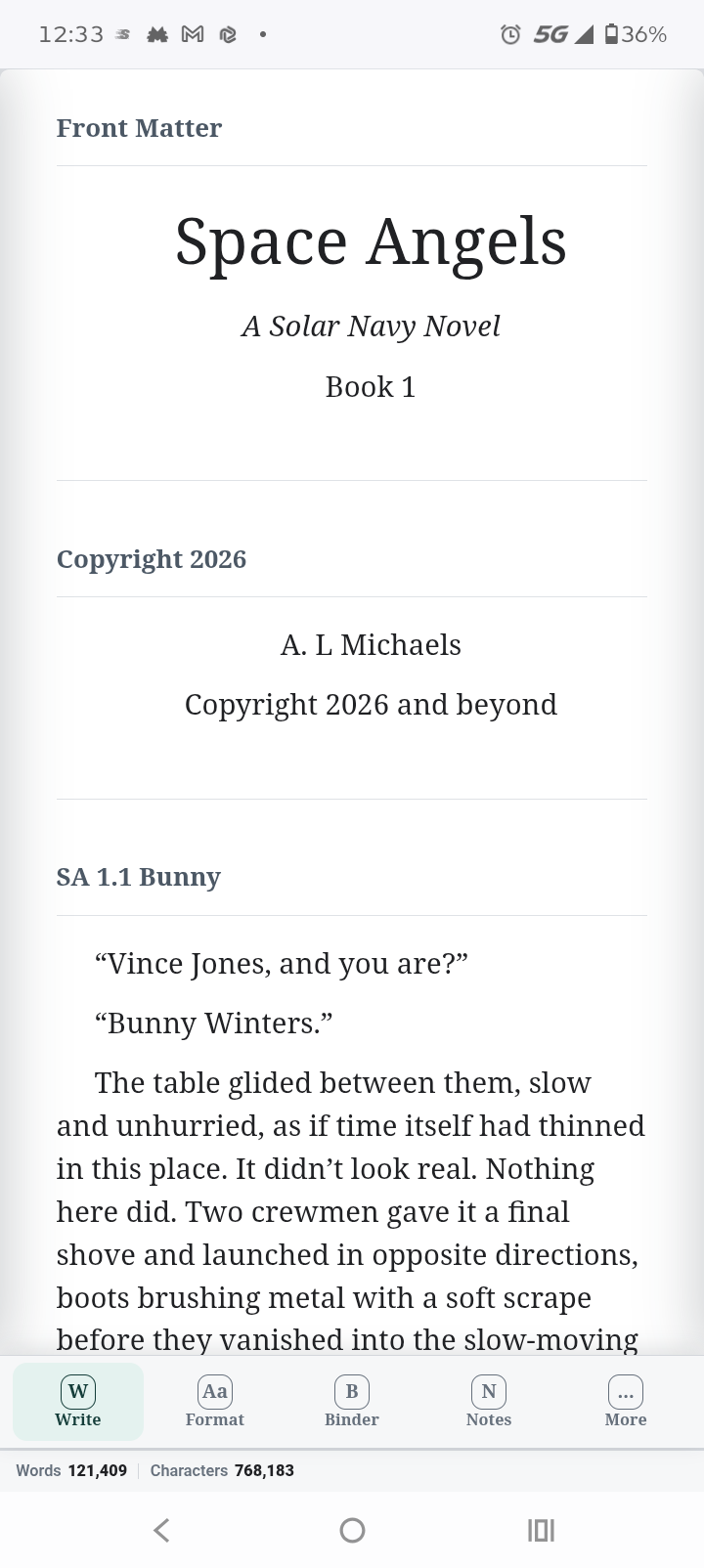
Coolega is built around a hierarchical Binder where you can organize books, chapters, scenes, characters, places, research, and other material. Multiple books can live inside the same project, which is especially useful for series.
You can also select multiple scenes or chapters and read/edit them together as one continuous view while the individual documents remain separate in the Binder. I use this constantly when checking whether scenes actually flow properly into one another.
Some of the features I’m particularly happy with now include:
-
A hierarchical Binder for books, chapters, scenes, characters, places, and research
-
Multiple books inside one project
-
Corkboard planning
-
Freeform Notes boards
-
Threads for tracking story arcs, clues, relationships, reveals, themes, and similar elements across scenes
-
Snapshots, synopses, bookmarks, and document information
-
Embedded images that travel with the project
-
Scrivener, RTF, DOCX, and Markdown importing
-
Import and Split using headings or customizable chapter/scene markers
-
Advanced batch renaming of Binder items
-
Full Windows system-font support
-
Styles, paragraph spacing, first-line indentation, line spacing, and document zoom
-
Custom dictionary and right-click spelling suggestions
-
Paste and Match Style
-
Split and Join for documents
One feature that has become much more powerful in 1.2.1 is Find & Replace.
It can operate across the entire project, not just the current document, and it can search formatting as well as text.
For example, if you have hundreds of italicized internal thoughts and decide you want them enclosed in quotation marks instead, Coolega can find italic formatting and convert those passages automatically.
So something like:
I really shouldn’t have opened that door.
when formatted in italics can be converted project-wide into:
‘I really shouldn’t have opened that door.’
without hunting through the manuscript one occurrence at a time.
The publishing side has grown quite a bit too.
Coolega can now create a complete reflowable EPUB 3 ebook with chapter navigation, embedded images, a user-selected cover, and editable EPUB metadata.
It can also export PDF, DOCX, RTF, Markdown, Plain Text, and HTML, with options for chapter titles and subtitles, scene titles and separators, headers and footers, page numbers, chapter page breaks, and separate files per chapter.
Another design decision that is important to me is project ownership. A Coolega project is stored as a readable folder structure rather than locking the entire manuscript into one proprietary database file. Your individual documents remain accessible inside the project.
And starting with this release, Coolega has moved to the new Ryn backend. That change is mostly invisible to the writer, but it has made the program considerably faster and more responsive.
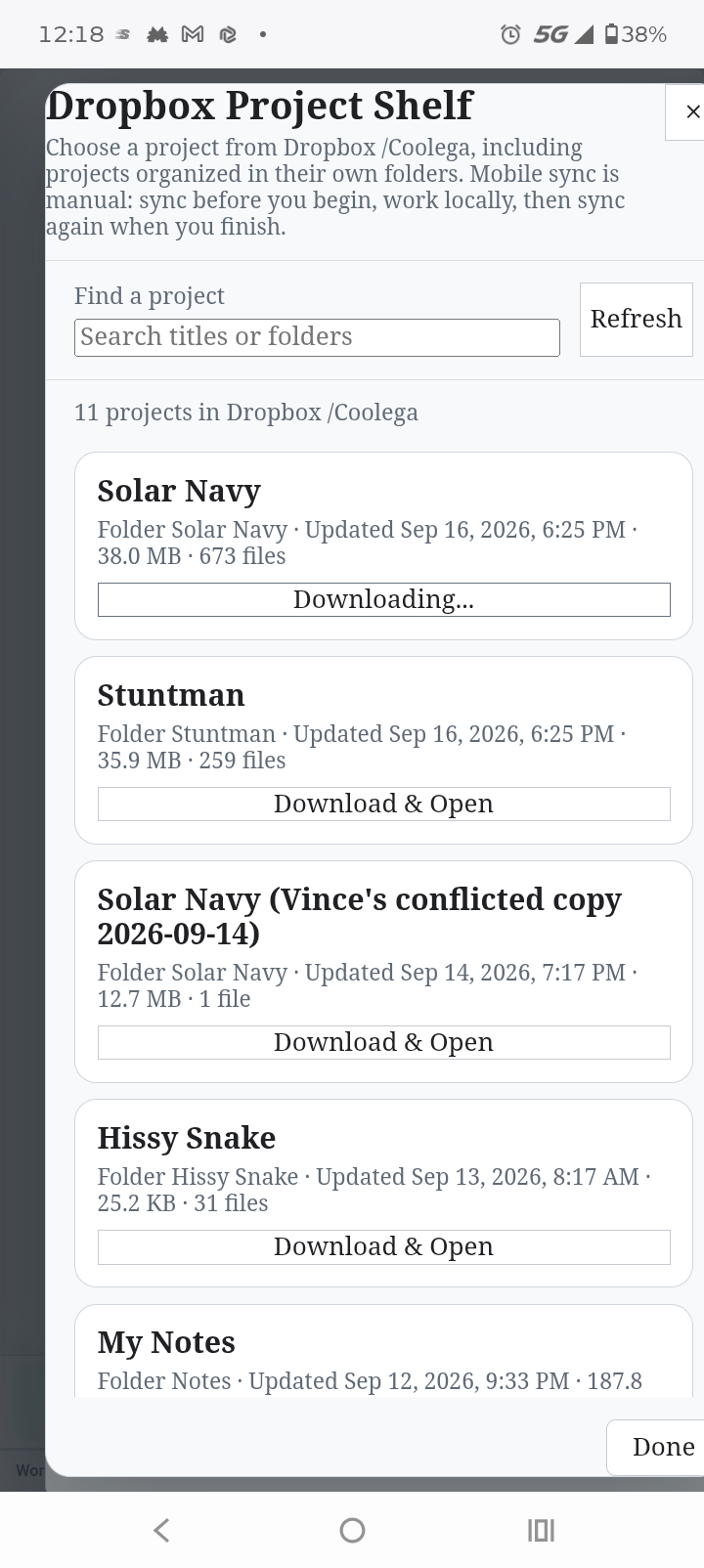
I’m also actively brainstorming an Android version now. It would need to be simpler by design than the desktop application, while still offering full Dropbox support. I know someone is going to call me out on this eventually: Android was always the version of Scrivener I wanted, so I suppose I’d better start working toward it.
There are still things I want to add and improve, because apparently writing software is the same as writing novels: you’re never truly finished, you just eventually have to release the thing.
But 1.2.1 is the first version where I’ve sat back after testing it and thought, “Yeah. This is the writing studio I wanted.”
If you’re curious, I’d love for you to take a look:
Coolega Writing Studio:
https://coolega.xyz
And if you try it, I genuinely welcome feedback. A lot of what has gone into the program came from writers actually using it and finding the little things that seemed perfectly logical to me until another human being touched them. 
Thanks again to Keith and the Scrivener community for being so welcoming when I first talked about the project here.
PS Trial coming soon, im working on the server