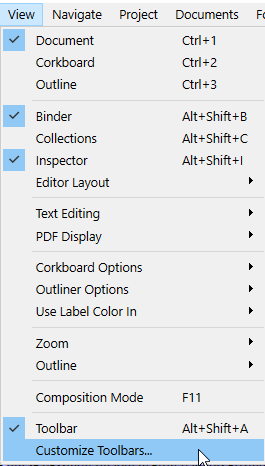
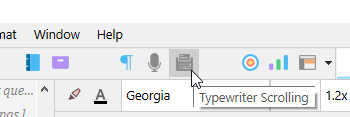
Since I have owned Scrivener, I have probably had to search for the “Typewriter scrolling” setting a hundred times for various new projects and files. Sometimes I reopen a project and it isn’t selected. I don’t know how.
All I know is, I want it selected. Always. Couldn’t there be some global checkbox to tell the program ALWAYS HAVE THIS ENABLED? Maybe I’m doing something wrong I don’t know. But I am always annoyed when I have to go find this setting that should just be the default anyway.
As a project setting, it should save into project templates, which are meant to be how you adjust project defaults. For example I always prefer titles in Scrivenings, and labels to tint icons, so my starter templates have these settings (among others) enabled.