Hi there,
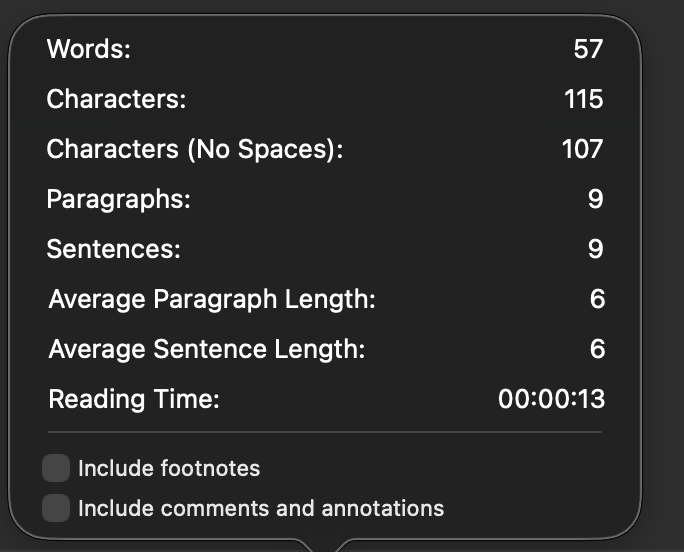
I’m writing to share feedback and a feature request regarding character count tracking in the Mac version of Scrivener.
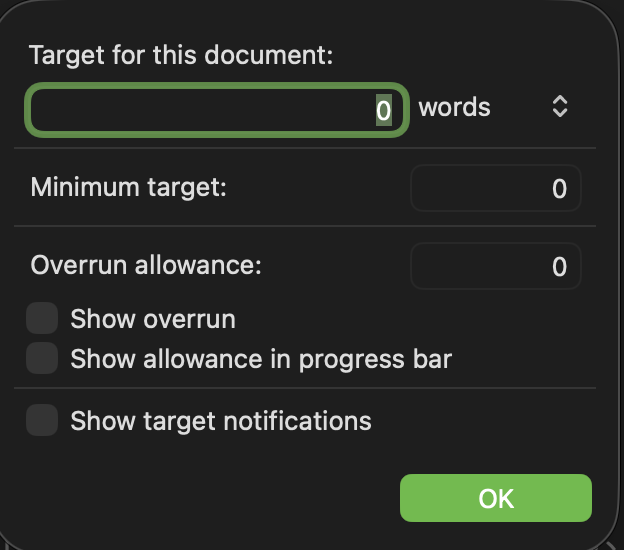
Currently, the “Characters (No Spaces)” count cannot be displayed in the footer status bar on Mac. Additionally, there is no option to set document word count targets based on characters excluding spaces.
For my work, submissions are billed and workload is calculated using the character count excluding spaces. Without the ability to view this metric in the footer, the real-time status bar is essentially useless for my workflow—and the per-document target feature also loses its practical purpose, as I cannot set goals based on the count I actually need to track.
From what I understand, the Windows version does display the “Characters (No Spaces)” count in the footer (I’m unsure if the target feature supports this there, however). I wonder if this was simply an oversight in the Mac version?
It would be incredibly helpful if the Mac version could add support for:
-
Displaying “Characters (No Spaces)” in the footer status bar
-
Allowing document targets to be set using the “Characters (No Spaces)” metric
Thank you so much for your consideration!