when i am inserting an image and centering it, it shows like this:
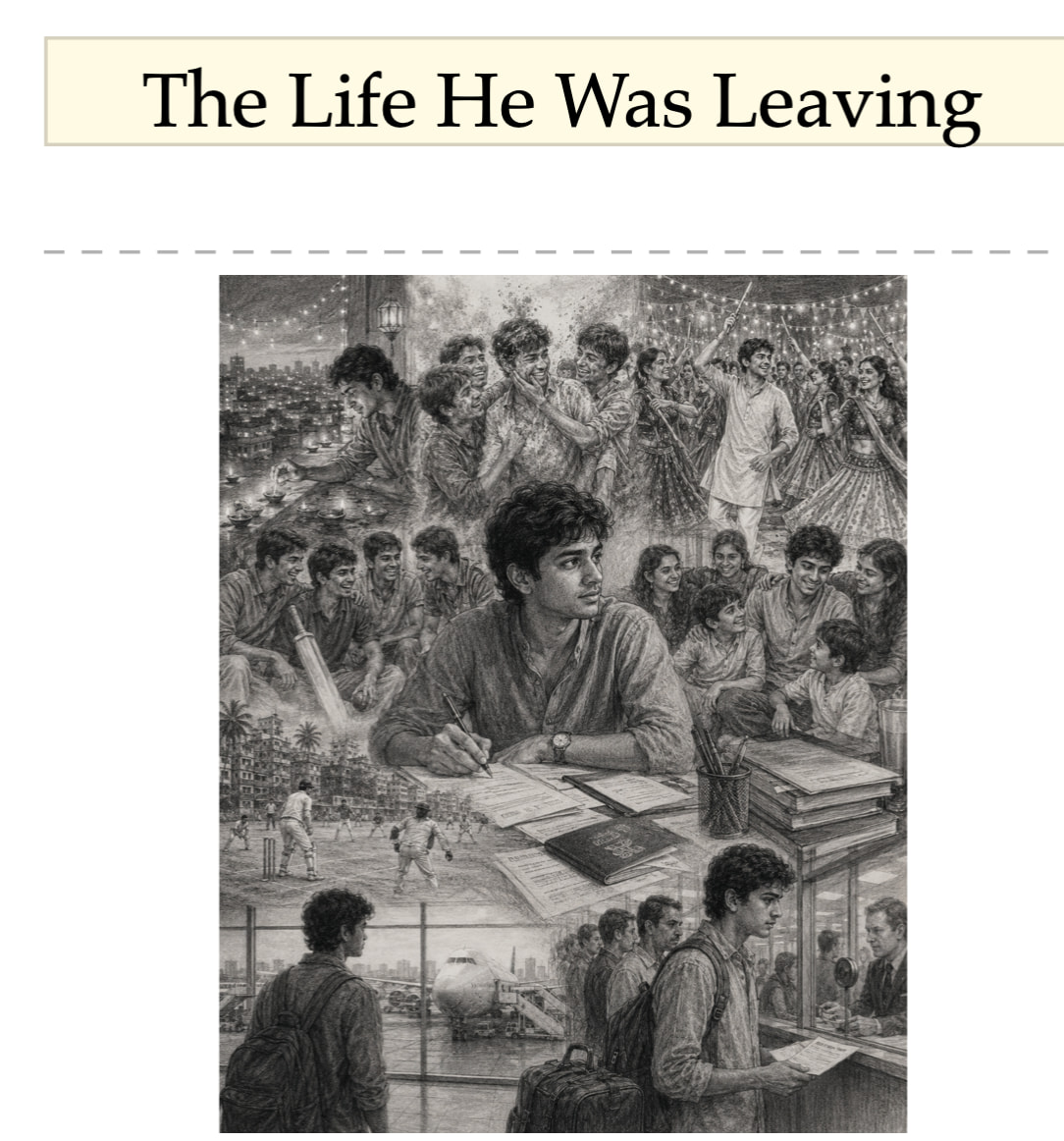
However, in compiled PDF, it becomes:
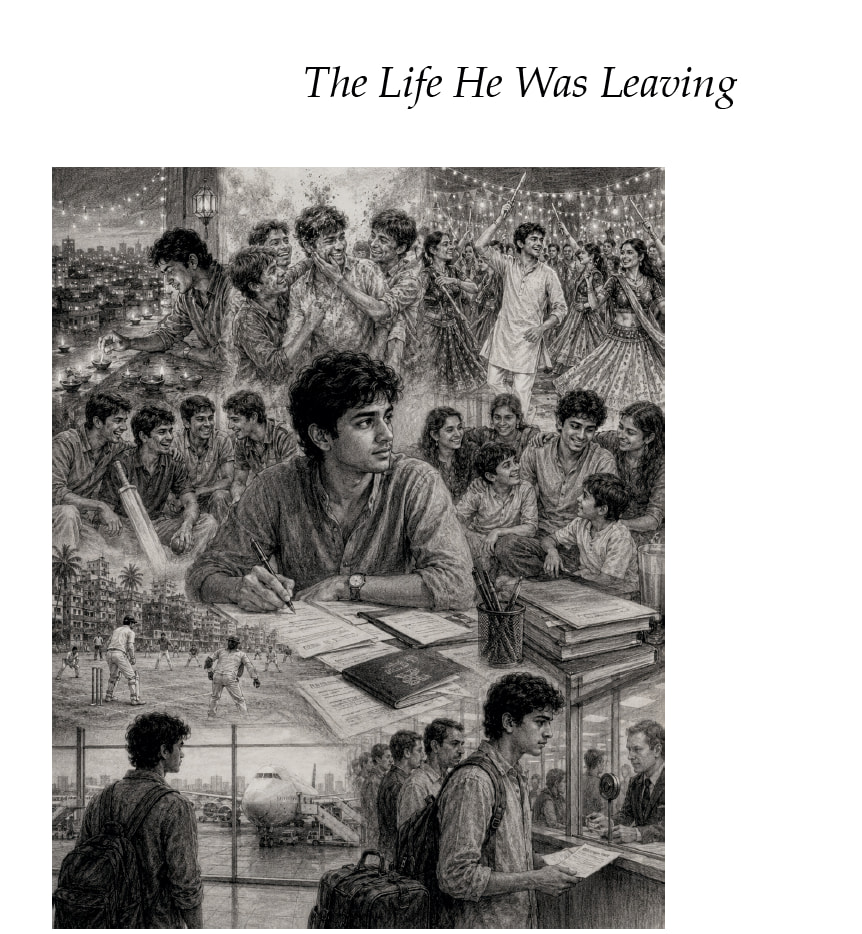
What am I doing wrong?
when i am inserting an image and centering it, it shows like this:
However, in compiled PDF, it becomes:
What am I doing wrong?
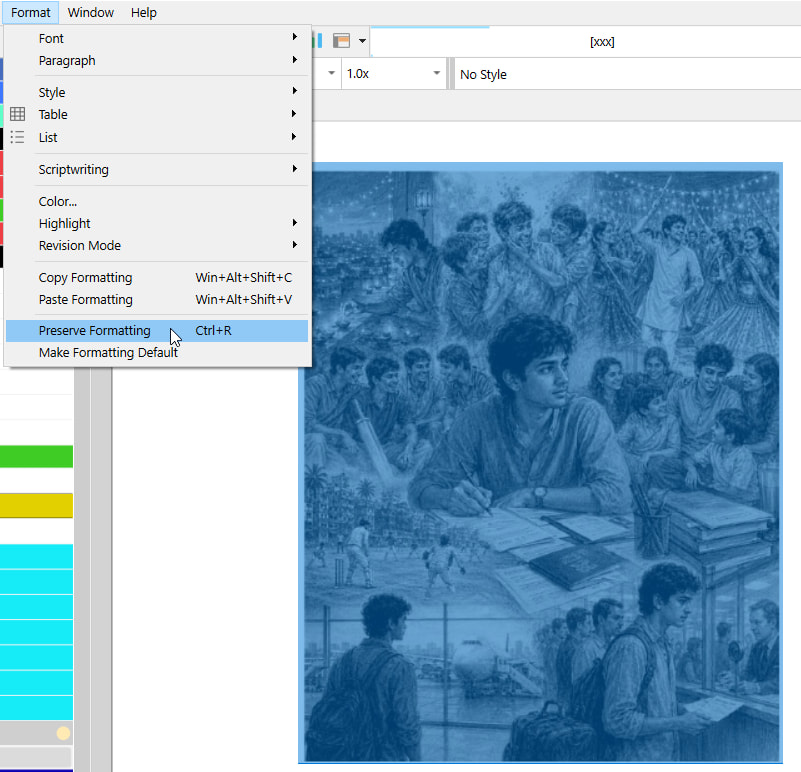
Have you tried to center your image via the format bar and then apply Preserve Formatting to it ?
I am pretty sure the image is treated as standard body text. At compile it is repositionned as per your section layout’s first line indent. Preserve Formatting should take care of that.
where would i see preserve formatting setting?
i have an iMac. I don’t see it.
ah, found it. will try. thx.
It seems to behave inconsistently. I did what you suggested for the first image, and it worked. However, when I did it for the second image, it didn’t.
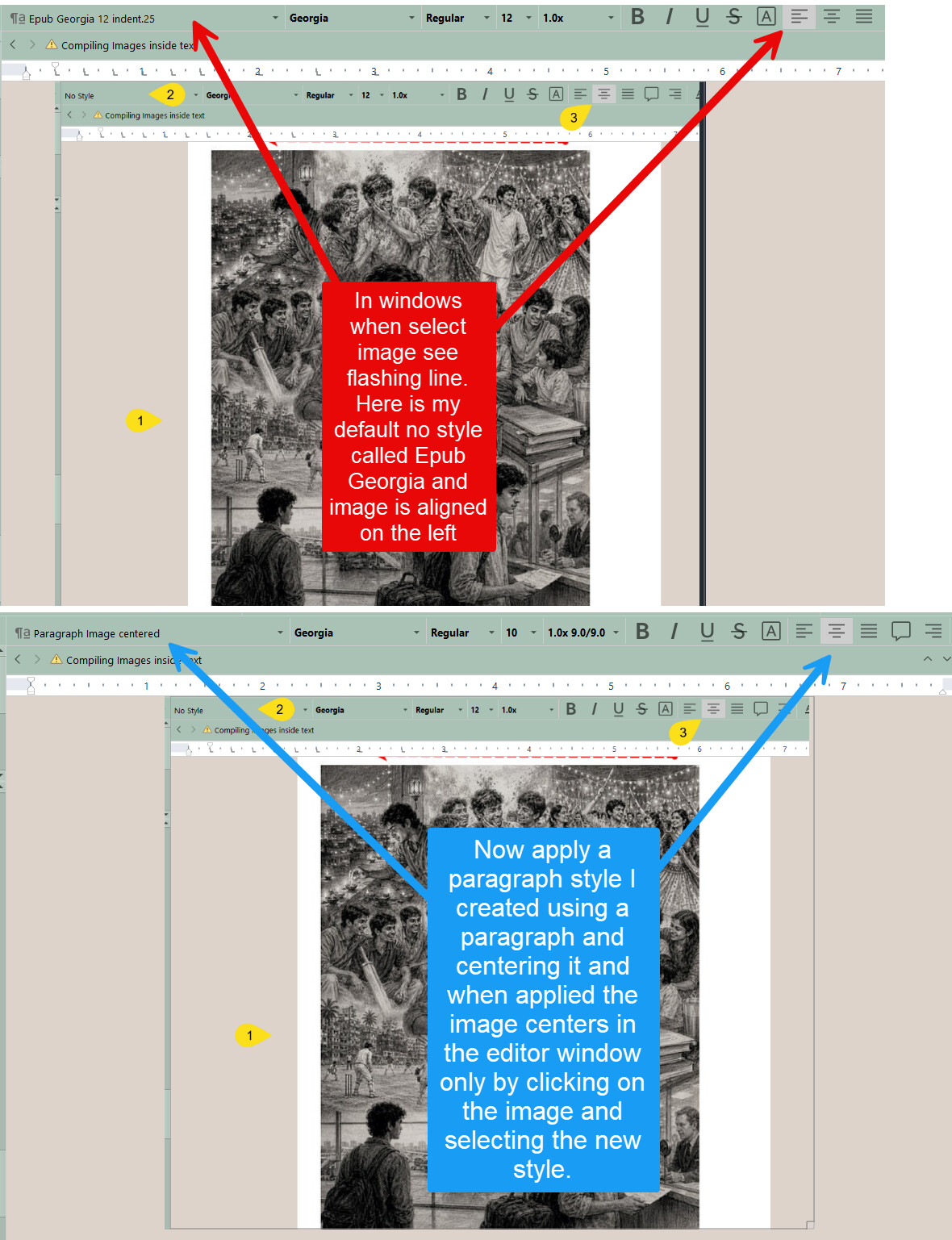
Don’t style your images. Make sure they are set to “no style” and centered in the format bar.
. . . . . . .
A Paragraph Formatting style would also work as a solution, but not one of the styles you might use for text. [Here I suppose that you had a styled paragraph just above the image. That you’ve hit enter and pasted your image, unaware of the style.] You’d need a custom style dedicated to centering your images at compile.
I think what might have worked is to highlight the entire image, the before and after too.
Yes. Make sure your image is alone as a paragraph (no spaces or tabs before – nothing but the image), and drag-select your image in the editor.
Clicking on the image won’t do. It has to turn blue as in my screenshot.
the problem is that it doesn’t on the mac, thus giving no visual clue.
Put a space before and another one after your image, then. These will turn blue. And later delete them. …or not.
Your image will be perfectly centered if you have the same count of spaces before and after it.