I’m looking for a small writing app for Mac, especially since L&L’s long-awaited iCloud-based lightweight writing app isn’t expected to be available in any known time schedule. I’m considering iA Writer and Ulysses, which use Markdown, along with Apple Pages and Notes, of course. What do you think?
1 Like
Hmm, no.
How minimalist do you want to go? Is MarkDown an off-putter? Are you happy with subscription? There are dozens of options out there!
Personally I wouldn’t go for any of those you’ve listed, though I confess to having Pages on my machines, and Notes of course… but I only open Pages extremely occasionally and Notes only on my iPhone for things like shopping lists.

Mark
1 Like
Metion is cheap, good, and supports macOS and iOS, use Cloudkit, iCloud or Git to Sync.
But the developer’s native language is Chinese, so you should expect that its English translation may not be entirely accurate.
Pages is/was great, although I don’t like where Apple’s GUI is headed. It’s easy to assign headings/paragraph styles and, using the table of contents, quickly navigate long documents…even on an old iPad. Pages also does a nice job of exporting to EPUB. You can work with Word files and, from what I’ve read, keep Word’s track changes intact. Unfortunately, earlier versions of Pages are no longer available from the app store, so you have to use the new version, which, in my opinion, has clunky, blobby menus. Pages also syncs well using iCloud.
A paid version of Pages is now bundled with Apple’s Creator Studio, but Apple maintains that a free version will continue to be available. (I have my doubts.)
Mac’s built-in TextEdit is very basic, and I often use it for notes or use it as a plain text editor to strip formatting. You can also work in TextEdit using RTF.
Bean is lightweight and free. It’s been around for years.
WriteMonkey is a good writing app that allows nesting under headings. I’m not sure how often it’s updated.
There is also Typora, which I’ve used occasionally.
In the end, though, I prefer Scrivener for composition. It is by far the easiest way to organize long work. You can run it pretty stripped down and lean if that’s what you’re looking for.
-Steve
2 Likes
Scrivener using the Blank template.
4 Likes
It’s also possible to turn off almost all of Scrivener’s interface, even if you don’t go all the way to Composition mode.
Disadvantage: Not a true Markdown app, though you can certainly use Markdown markup if you prefer.
Advantage: It’s Scrivener. When you get to the stage in your process where you need all the bells and whistles, you can just turn those parts of the interface back on.
7 Likes
Thank you. If I wait for the new L&L’s app, will it be guaranteed to read existing Scrivener projects or export directly into Scrivener? That’s probably the most crucial reason why I should wait for it.
1 Like
I don’t want to say too much about the new application, but we certainly aren’t going to isolate it from our flagship app!
I do want to clarify your original post. It is not accurate to say that the new app will be “iCloud-based.” It will support data sharing via iCloud (and other services), but your data will always live on your local device.
5 Likes
If, while waiting for L&L’s new app, you want a lightweight editor that will create files easily importable into Scrivener, I’d take a look at Bean. As far as I can tell it’s native format is RTF (though it seems to save automatically as .bean which the website states is “identical to RTFD”, used for RTF files with images etc.) so its files should import without any issues.
Mark
3 Likes
Bean can save to many different file formats.
2 Likes
I wouldn’t trust Ulysses against iCloud, check the Ulysses Reddit sub. However Ulysses working with external folders on Dropbox is feasible.
My point was that clearly, its underlying file format is rtf, which is Scrivener’s native file format. Since the OP mentioned importing to Scrivener, I felt that was worth pointing out.
2 Likes
they’re making a new app? is there any teasers of what it will be like? I am curious now. I’m always on the look out for a good writing app.
If I didn’t use Scrivener for most things, I’d use Word, Pages, Typora, DEVONthink, nano, or pretty much anything. All are effective at helping me not write. 
5 Likes
The truth is that there is no such thing as the perfect writing app. It depends how you write, what you are writing, and your personal aesthetic tastes.
The built-in TextEdit on the Mac is the ultimate minimalist, distraction-free writing app. But it comes with limitations. Everything is a choice that brings either complexity or functional compromise.
iA Writer is basically an attractive looking text editor. It uses Markdown to format the text, which you can export to Word. If you are writing a novel, you only need to know three or four basic Markdown commands. Separating the end style/format from the writing process makes things a lot simpler. Some people like that, some people don’t. One of the problems with iA Writer is that you can’t change the font, which I do find annoying. You can use folders with numbered files to create a chapter sequence and use a ‘content block’ file to connect those files when you export them to Word. Syncing plain text files and using a visible folder in iCloud makes for a reliable and fast syncing process, with the reassurance that you can see your files, copy them elsewhere to make a manual backups, etc. The downside of the iA Writer’s simplicity is that it’s less flexible for rearranging chapters and sections of text.
Ulysses offers a similar Markdown approach to iA Writer but with better document navigation and structuring. It’s easier to rearrange things. You can split and merge files, which is useful. You can change the font as well. You can work in .txt on an ‘external folder’ or use the built-in iCloud sync with .ulysses format files (which are only visible in Ulysses, not on your iCloud drive). I have to confess, I really dislike not being able to see my files in an iCloud folder, but I can see why the developer made that choice. In the past I have experienced issues with the built-in file sync. It used to be slow and unreliable. It seems to work okay now, but I still don’t trust it. I manually backup my work. Ulysses has introduced ‘Projects’, which in my view copies Scrivener. Ulysses can sometimes feel like a half-way house – more complicated than iA Writer but not as powerful as Scrivener.
Obsidian is another Markdown app. I personally find it a bit rough around the edges and annoying to use. It’s really designed to be a corporate notes app. If you have a technical background you might like it. I don’t enjoy using it. And that’s important because you can write in pretty much any app, but it’s the ones you enjoy using that you tend to go back to.
Apple Notes is a pretty basic app, it works well as a built-in notes app. It’s not a great writing app in my opinion. The only reason I can see why anyone would use it is because you are writing non-fiction that contains confidential information that must be secured. Journalists use it for this reason.
Pages is a decent word processor. It has an easy learning curve, but it lacks a chapter word count feature, which is annoying.
One important note about Markdown. It works fine for essentially writing ‘plain text’, but as soon as you need any kind of sophisticated formatting, tables, images, I would recommend looking elsewhere.
I am looking forward to the mysterious new L&L app… I’ve only seen a screenshot of it, published by L&L, but I can immediately see that it will be an interesting app and I will definitely buy it when it comes out.
3 Likes
Scrivener’s Markdown support, and its user manual (which is written in Markdown), would beg to differ. All of those things you mention as being problematic are in fact things I would consider it does on the whole better than most alternatives. Most others might look subjectively “prettier” while using them, but they are complicated to operate, prone to failure, inflexible (single-format use only) and often impossible to extend or make better on your own. In fact, by and large when someone comes around here looking to use Scrivener for complex formatting, technical writing and such, I advise they at least look over the Markdown workflow first, because the quality and breadth of what Scrivener can do is hands down superior to the few options you get using it like a word processor. The only reason to not go down that path is out of personal preference, and even that is a very narrow path, since Scrivener’s feature set in this area allows one to entirely avoid writing with Markdown, if that is the part they don’t like about it.
Anyway, I don’t have much to add to this conversation otherwise. I haven’t used a Mac in six years or so for anything other than product testing—a tangent from that would perhaps be my only useful advice here: think carefully about adopting software stuck on one single platform, and particularly if it uses proprietary formats that cannot be easily bulk converted by other tools. I’m glad I spent the final few years on Mac mostly using cross-platform software and common, broadly supported file formats. When it came time to migrate away, most of what became difficult to deal with were positively ancient files (anyone remember Freehand?) that I hadn’t opened in decades anyway. I say this as someone that used to be a firm believer in the platform (circa 2005–10); there was a time when I wouldn’t have imagined leaving it.
As Luthen Rael once said, Rule number two: build your exit on the way in.[1]
Rule number one being, Don’t use anything you don’t control, which isn’t a bad rule to live by for software too. ↩︎
3 Likes
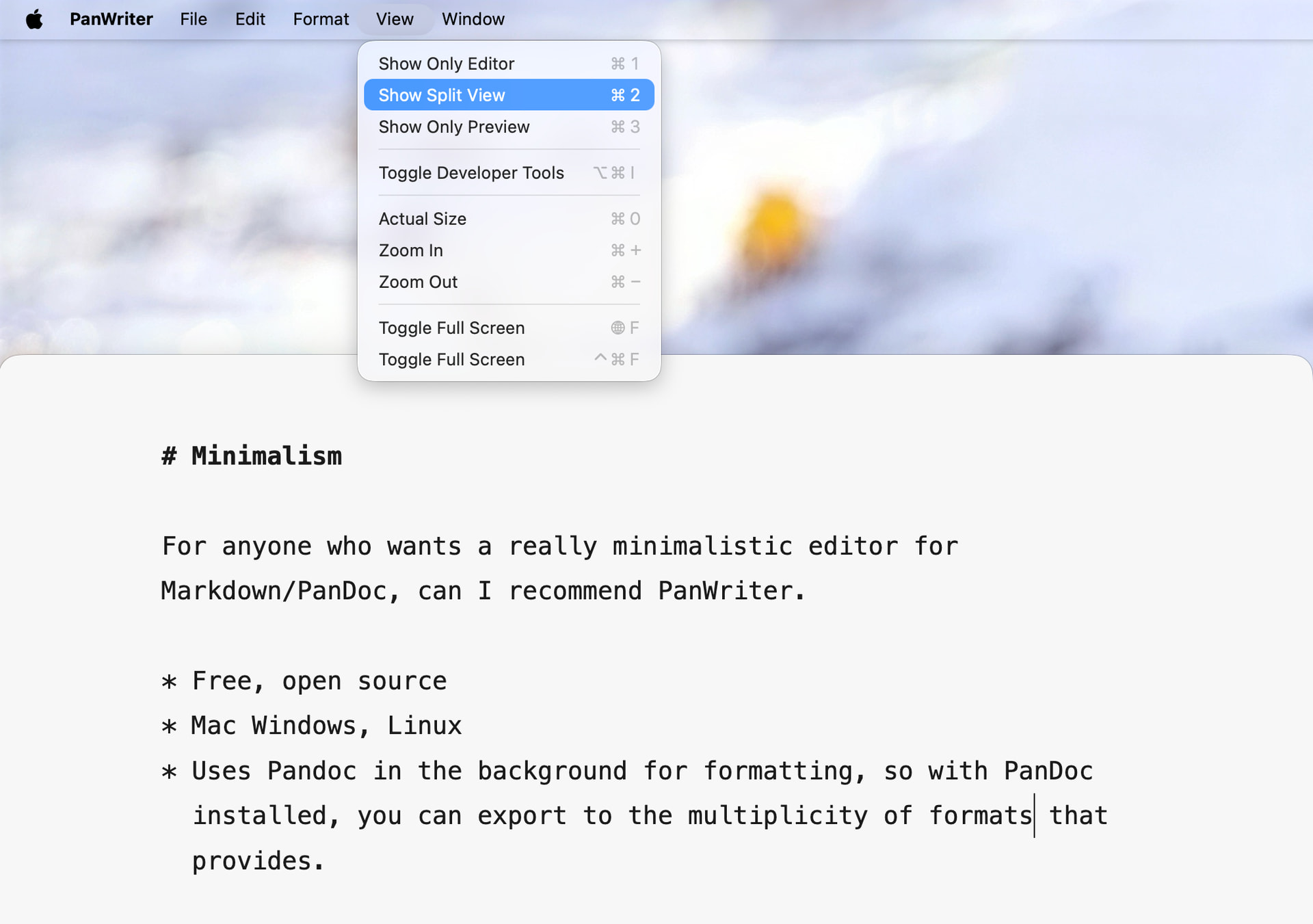
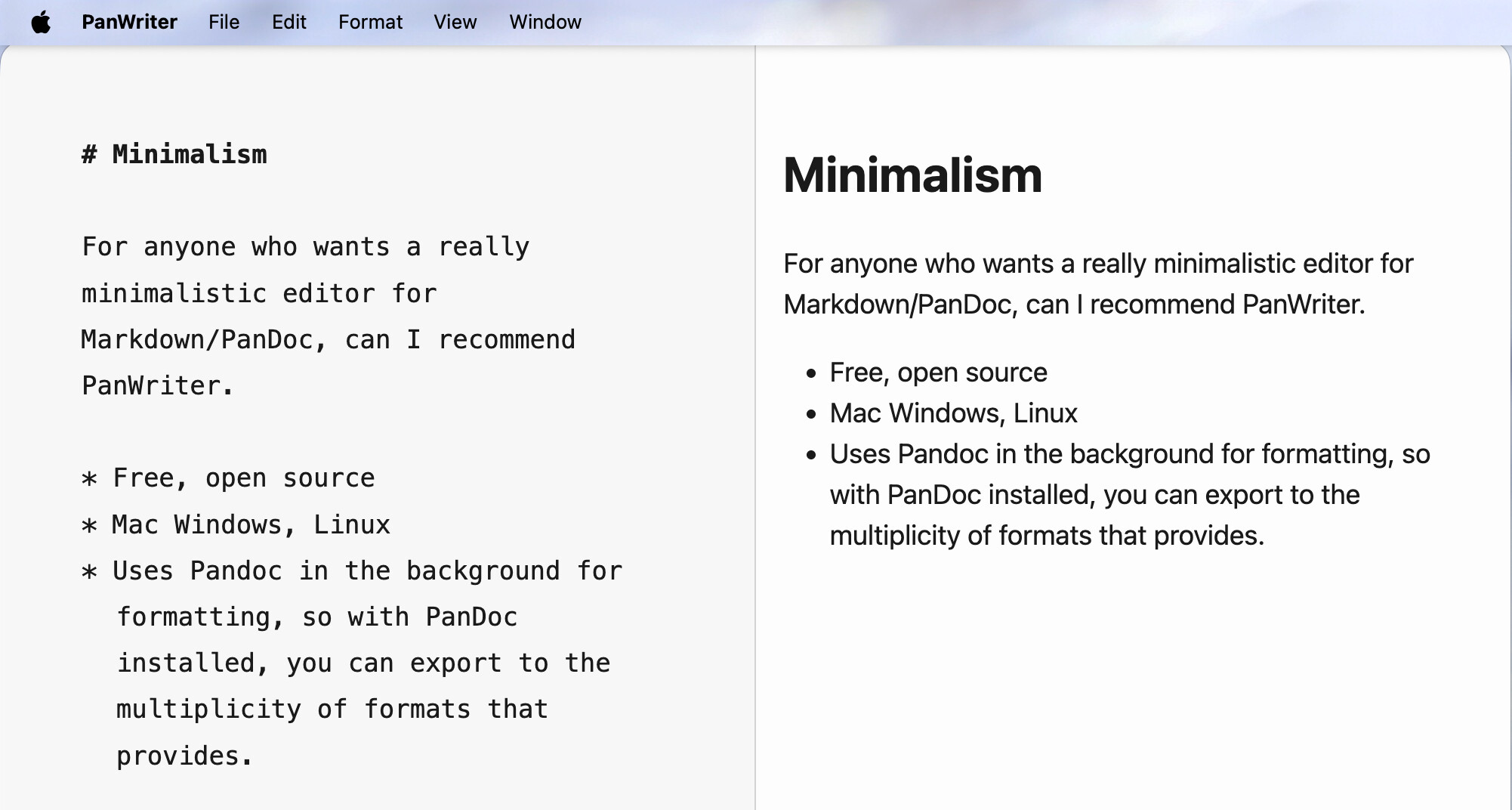
Well, this makes it more distraction-free than any Markdown app, with all those formatting codes scratching the purity of text.
Paolo