I’m going to tentatively refer to this as a bug, but it could also just be a massive misunderstanding.
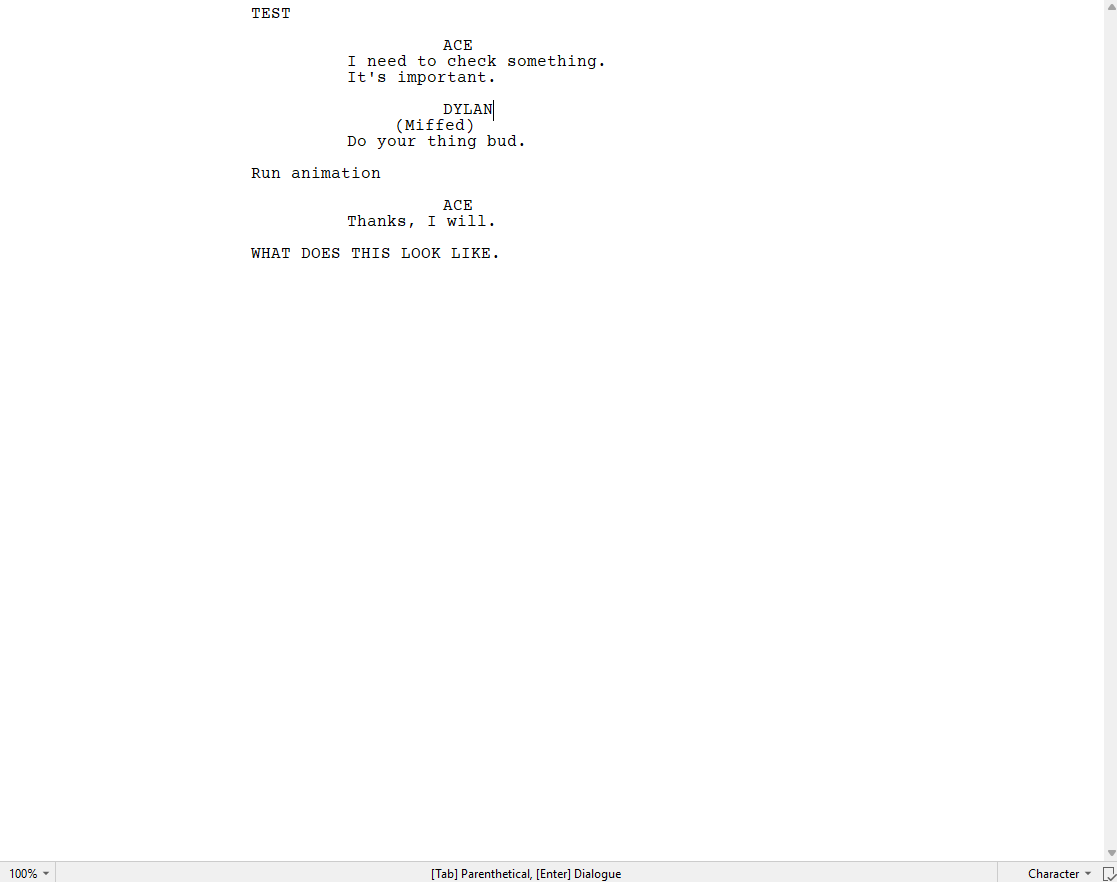
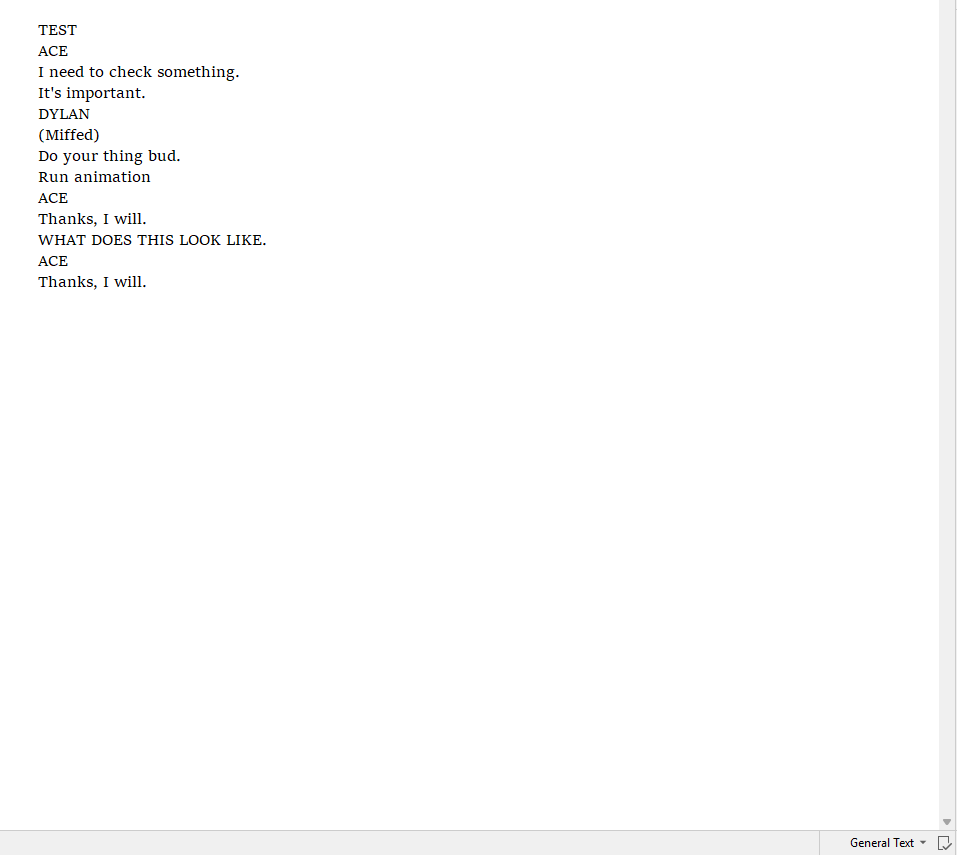
I’m testing the external sync function with FDX as the input and output, but whenever I add additional content from outside Scriv. Scriv reads the entire file not as their normal screenwriting formats(Character, Dialogue, Action, Parenthetical, etc.) but as General Text.
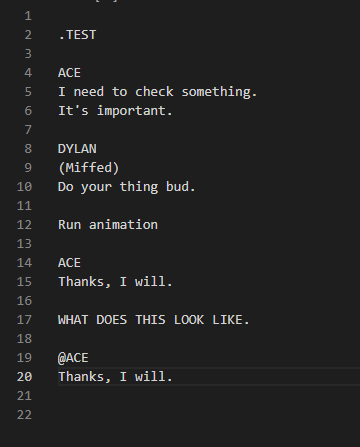
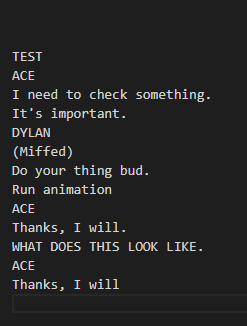
One could blame this on the external program and it theoretically could be my error, but what I used to update the file was VSCode, and I copy and pasted the new sections in, so I knew it would be the correct format. (I’d show images for all of this, but I’m currently locked from doing that.)
After syncing it again from Scriv after the weird read, the code itself also converts to General text.
I’m not entirely certain what is going on here, it might be my fault, but it’s preventing me from moving forward.
The first thing to check would be whether or not the Final Draft - Scrivener exchange works correctly. If not, then there’s a Scrivener bug. If it does, then Scrivener is behaving as expected and you should look at the external program used to manipulate the file.
If it were me, I would consider using a plain text format like Fountain instead. Usually simpler is better for exchanges between programs.
Switched over to Fountain, because you’re right, it would be better for my purposes. But ran into the same issue. When I updated a file by adding a single line of dialogue in the text editor the whole file wound up as ‘General Text’ in Scriv with none of the useful formatting.
Thanks for the reply. Is this the type of bug that has been known to go away on re-install and/or is a patch eventually coming? I kinda need to know whether I need to look for an alternate solution.
I don’t know if this helps in your situation, but Scrivener’s Paste Plain Text To Screenplay works. You copy your pages from Final Draft or Writer Solo, and then Paste them into a Screenplay document in Scrivener. This works fine on Mac, you should try it out on Windows.