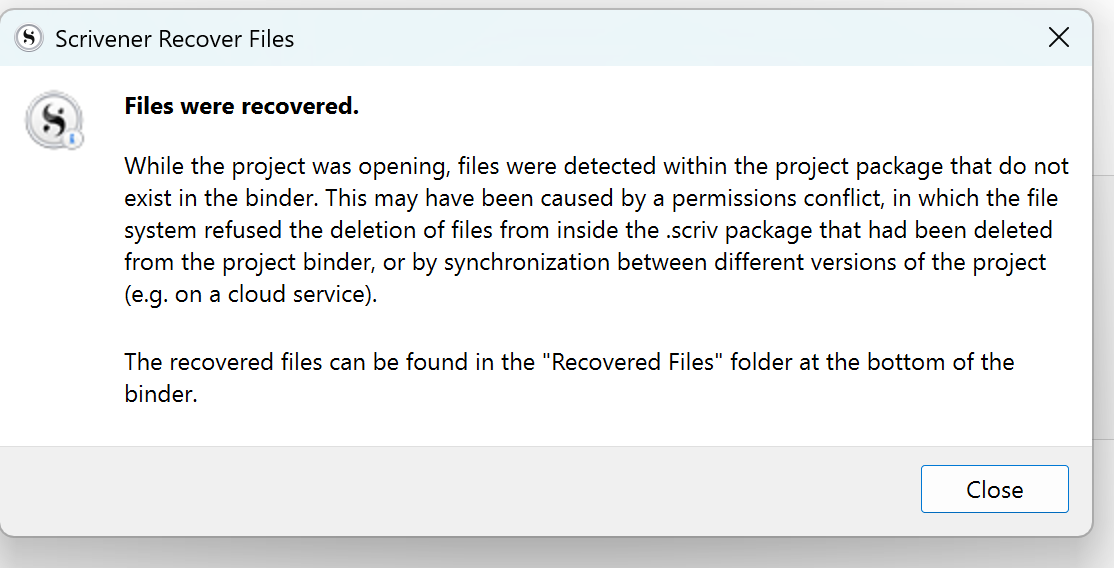
More Scrivener 3.0 issues. Having this every time I open and I did have it saved to Dropbox (heard that was fine). Decided to start saving it elsewhere and I’m still getting this message.
While the project was opening, files were detected within the project package that do not exist in the binder. This may have been caused by a permissions conflict, in which the file system refused the deletion of files from inside the .scriv package that had been deleted from the project binder, or by synchronization between different versions of the project (e.g. on a cloud service).
The recovered files can be found in the “Recovered Files” folder at the bottom of the binder.