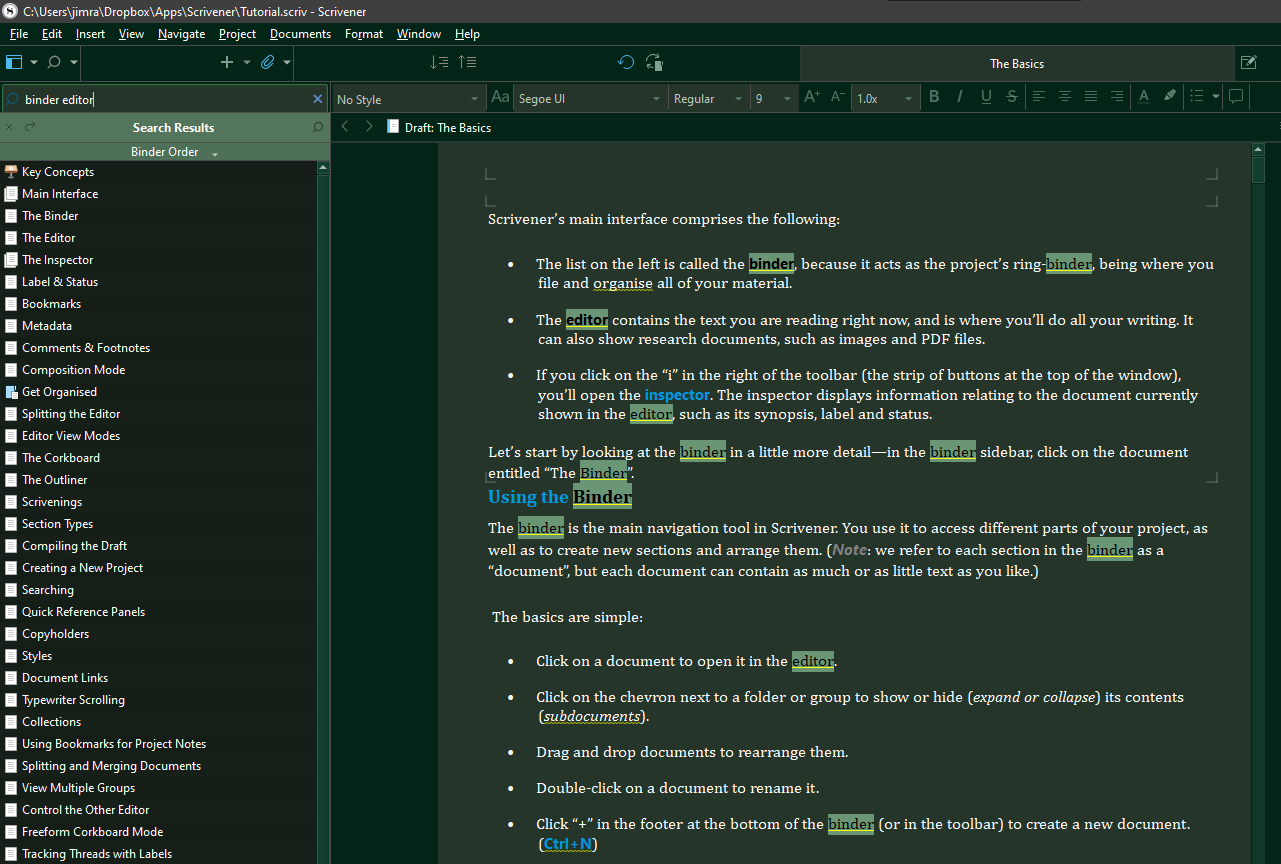
Is there a way to ‘find all’ in a manuscript and select all instances of the word I’m looking for?
The goal is to highlight all instances of certain words in certain colors, for example all instances of ‘that’ are highlighted yellow, all instances of ‘look’ are highlighted blue, etc.
When I use the ‘Edit + Find + Find…’ it wants me to put a replacement word in the dialog box and only finds the next instance. If I leave the replacement field blank, it deletes the word.