Hi,
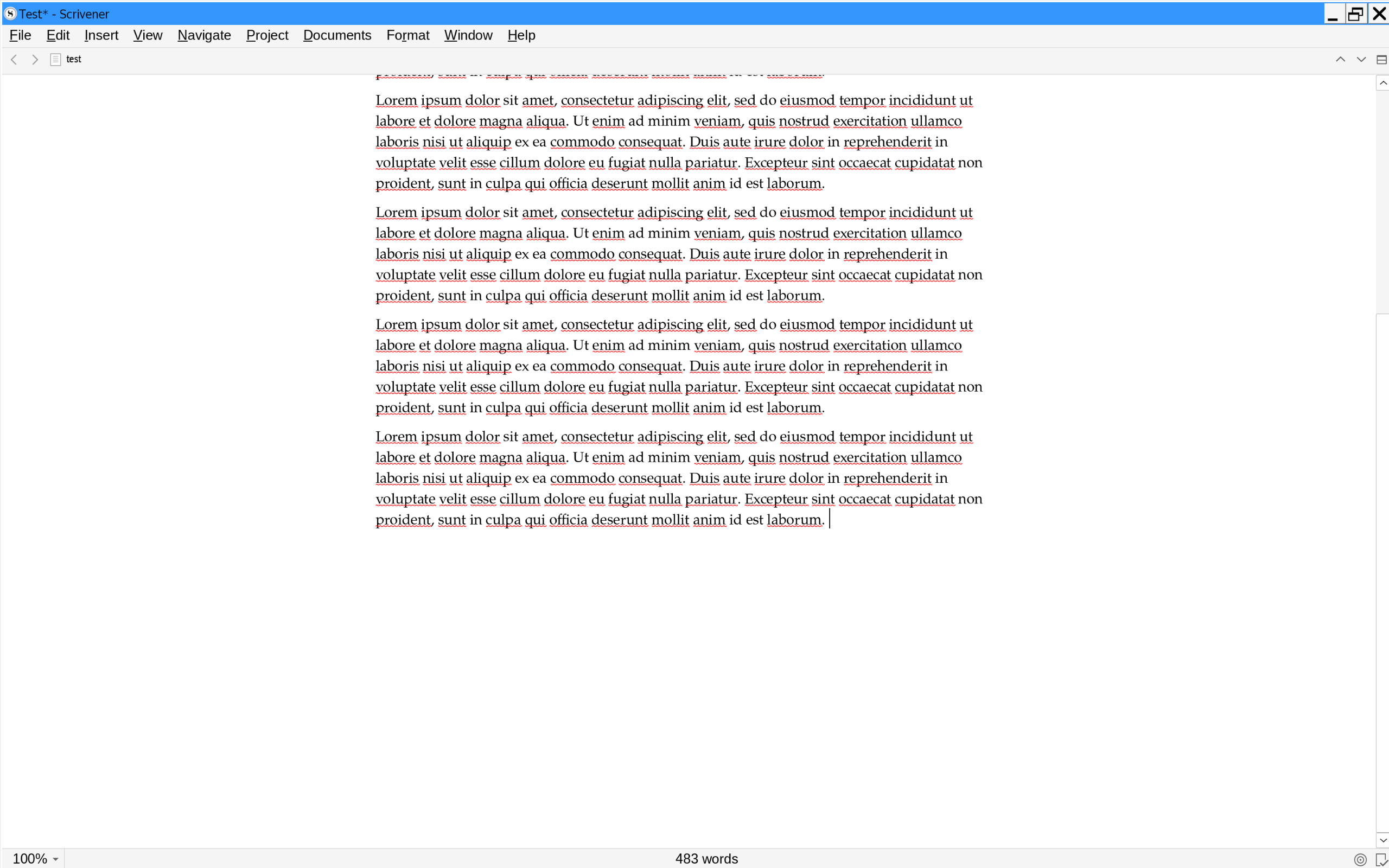
I was playing with settings today and realized you can turn off almost all of the other stuff on your screen until you get the minimum number of visual elements. Turn off the Inspector, the Binder, the Ruler, and the Toolbar (in “View”) and then and turn on Typewriter Mode (in “View” → “Text Editor”). All of those features have key-combo shortcuts, too. Once you’re done, you get this:
1 Like
Here is a saved layout for minimal interface that you can use to more easily get to that point (and saving another one for your typical layout means you can switch back and forth easily). That one goes a step further and also removes the utility bars above and below the editor.
Depending on your Linux environment, you may also be able to remove the window frame. I have a shortcut in KDE that I can use to toggle it on and off; useful for all kinds of windows really.[1]
Although given the appearance of your screenshot, you look to be using Wine’s window decorations instead of the window manager, so that tip probably won’t work for you. ↩︎
3 Likes
That is fantastic! Thank you.
I noticed something weird in my installation: no layouts came with it!
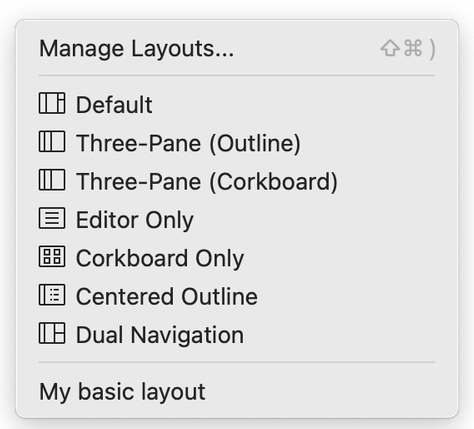
This page says Scriv comes pre-loaded with layouts:
I’ve just searched a bit and couldn’t find anywhere to download them. Any suggestions?
1 Like
These were never implemented in the Windows version. They aren’t actually layouts in fact, not the kind you and I can create anyway. They are a set of programmed instructions to make the window behave in a very specific way, but since they basically act like layouts, it made sense to conflate them and list them in that menu.
You can actually access some normal layouts called these things, in the Manage Layouts window’s ••• button—but to be clear these were made by someone that didn’t understand the above, and just copied the end result (sort of) as an ordinary layout. I don’t really find them useful and so I leave them hidden.
2 Likes
I would never have looked there! But yes, now I’ve activated them, and they are present, and they’re less useful than the one you made and the ones I then made myself. That’s actually quite satisfying. I can turn those off. 