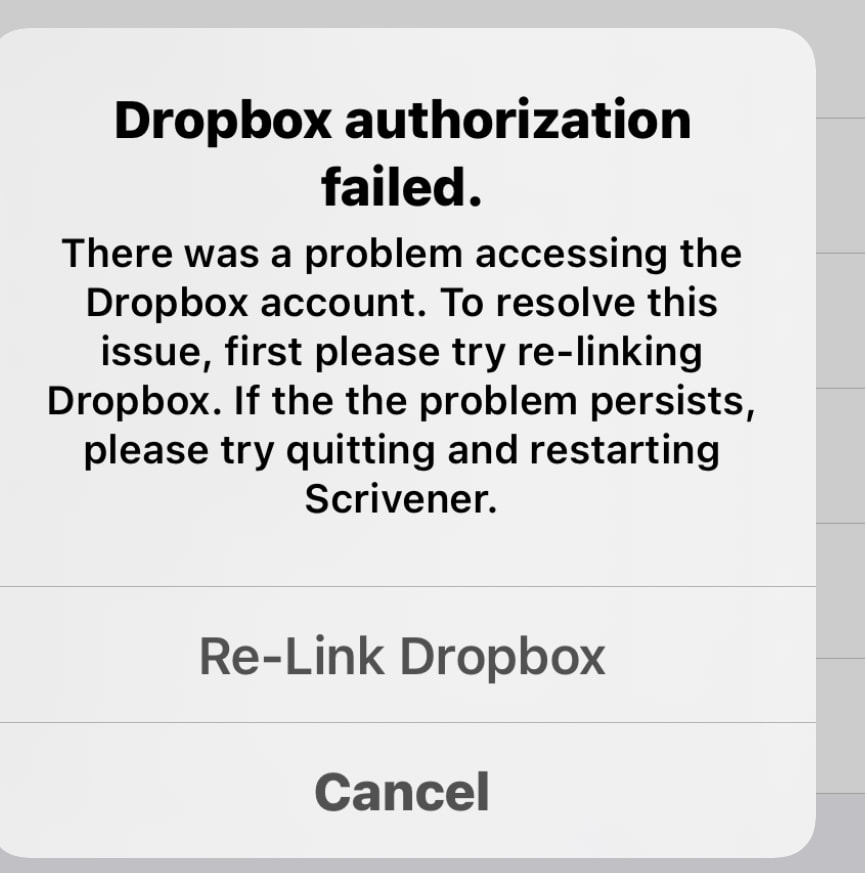
So went into Scrivener iOS and it told me that the link to DropBox has failed.
So I went into DropBox, and that is showing a dialog asking if I want a free 30 day trial. Obviously not, so I hit the Dismiss button … and it comes straight back!
if you wish to pursue contact Dropbox support. My hunch they see the problem and will resolve without me doing anything. if not i will do what the dialog box says.
We’ve had a few tickets in our queue from other iOS users. I’m recommending that they keep tabs on the Dropbox status page since it looks like a Dropbox issue.
Not iPad related, but I’ve just been having a problem with Dropbox on my Macs.
I got an alert that a file couldn’t sync and so sync’ing was blocked. It turned out that one file in a folder that I hadn’t accessed for several years had suddenly had a \ inserted in its name.
I edited the name on my Mac Mini, which then sync’ed fully, but on my MBA the warning persisted and Dropbox wouldn’t synchronise. This continued even after I had moved the file in question (which no longer had the \ in its name) out of Dropbox into another storage location.
In the end, the only way I could get Dropbox to sync fully on both machines was by moving the whole folder with all the other files, out of Dropbox.
Most of the stuff I have in Dropbox is legacy stuff; my main cloud storage is Sync.com, which is not embedded in the library, unlike Dropbox and Box.