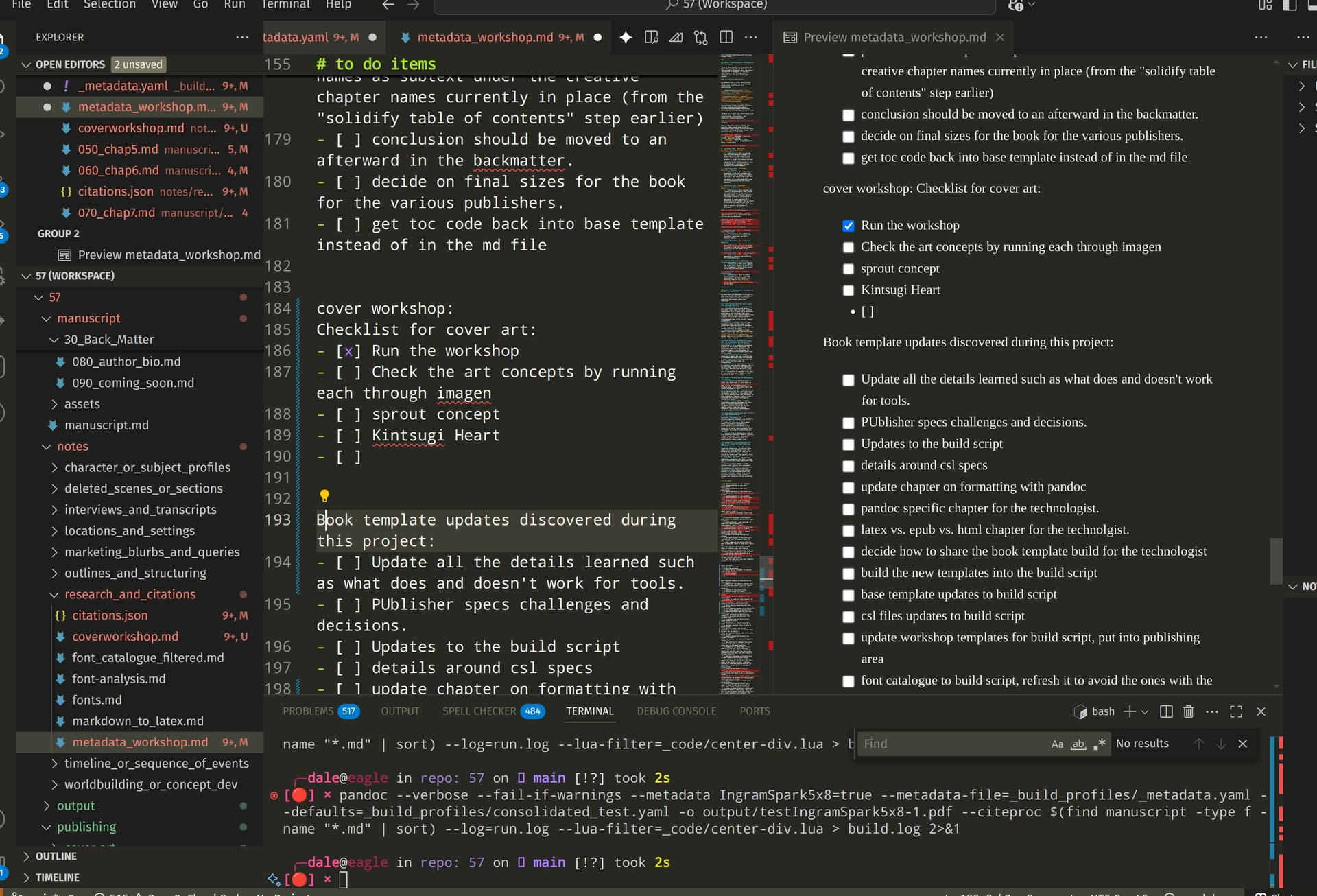
Hello all. I just recently discovered Scrivener when looking for tools for my partner. I had been using a different tool which was really more of a collection of other programs and it was a bit complex. I was so amazed at how closely a lot of the setup matched with what I had come up with separately (but easier to use!!), very surprising to me.
I’ve been using VSCode with a collection of extensions primarily, and mostly writing in markdown and using pandoc to push to other formats, primarily latex, and I saw there was a latex template built in to scrivener.
One big challenge has always been getting a template that still works for export to pdf, epub, and html and to do it with different values for various book formats that will pass inspection by KDP, IngramSpark, and D2D. But also still have full control over everything format wise. I’m not sure how advanced the outward formatting can be with Scrivener, but I’m just assuming I’ll still need a layer to do that level of detail. I’ll be very pleased if I don’t need to do that.
I bought the ipad version already, and am testing the windows version on linux today.
If you are looking to find out what Scrivener can do with advanced formatting possibilities (pandoc, latex, as you mentioned in your title), search the forum for posts from @nontroppo. If he/she is not the (or “an”) expert at that around here, I don’t know who is.
Hey! I would argue that Scrivener is the perfect tool to run complex pandoc markdown workflows. You can use Scrivener’s section types + styles to drive pandoc markdown, and Scrivener’s compiler can run post-processing. Check out scrivomatic, which is my general workflow which takes advantage of a pandoc recipe tool pandocomatic to make compiling multiple formats trivial (my example project generates TXT, TEX+PDF, DOCX, HTML and ICML from the same compile):
I mostly stick to Pandoc, but have examples for Quarto and Pandoc+Typst too (a promising replacement for LaTeX). You can also check out my pandoc data directory, as this is where a lot of my Scrivener workflow resides, in the filters etc that are necessary for my academic workflows.
I honestly think Scrivener + Pandoc is a killer combination. Way better than a generic tool like VSCode as organisation and structure is critical for complex writing tasks which bare editors do not handle well (though perhaps thre are some sort of structured writing extensions in VSCode, I haven’t come across them). I love VSCode for coding, just not for academic writing…
Yeah, funny I had already found your repo, I think I’ll be learning a lot from what you’ve put together from what I see so far.
My process has been pretty messy up to this point, it would be great to distill it down to something that can use the nice front end of Scrivener. I generally type in markdown, often without the preview even open and just keep building pdf output to check things as I go. I keep changing everything still, so stopped using the VSCode tasks I set up initially. I have build script to create all the front end things that a template in Scrivener should be able to cover for me. I probably would have kept using this for me, but need something that works for my partner who just wants to write.
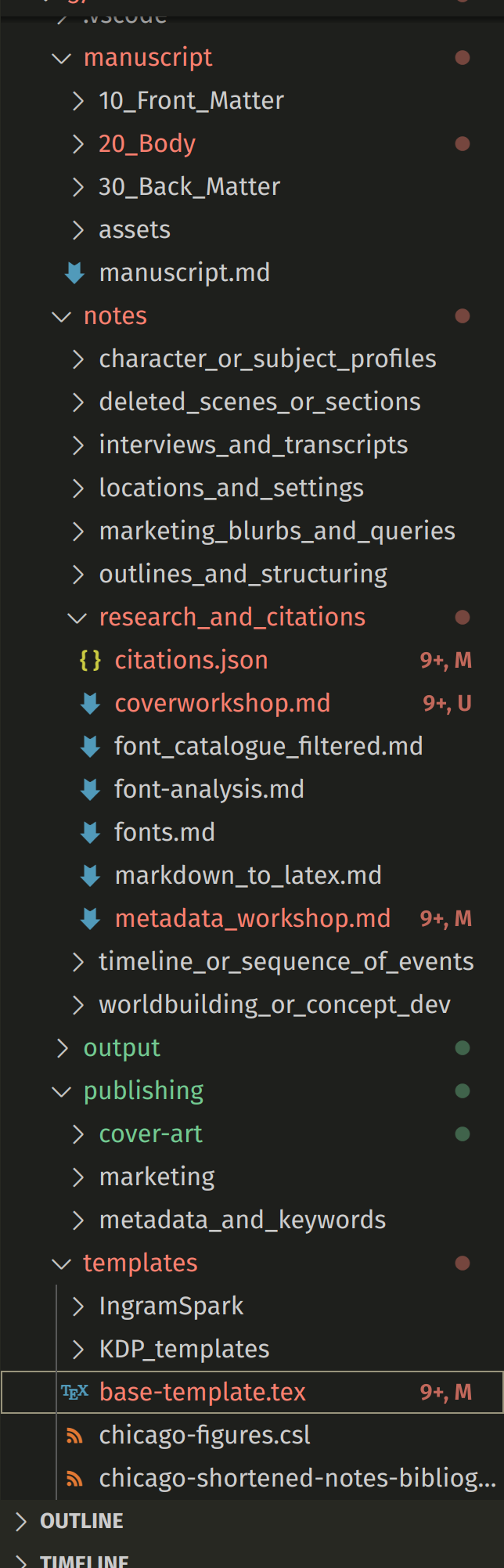
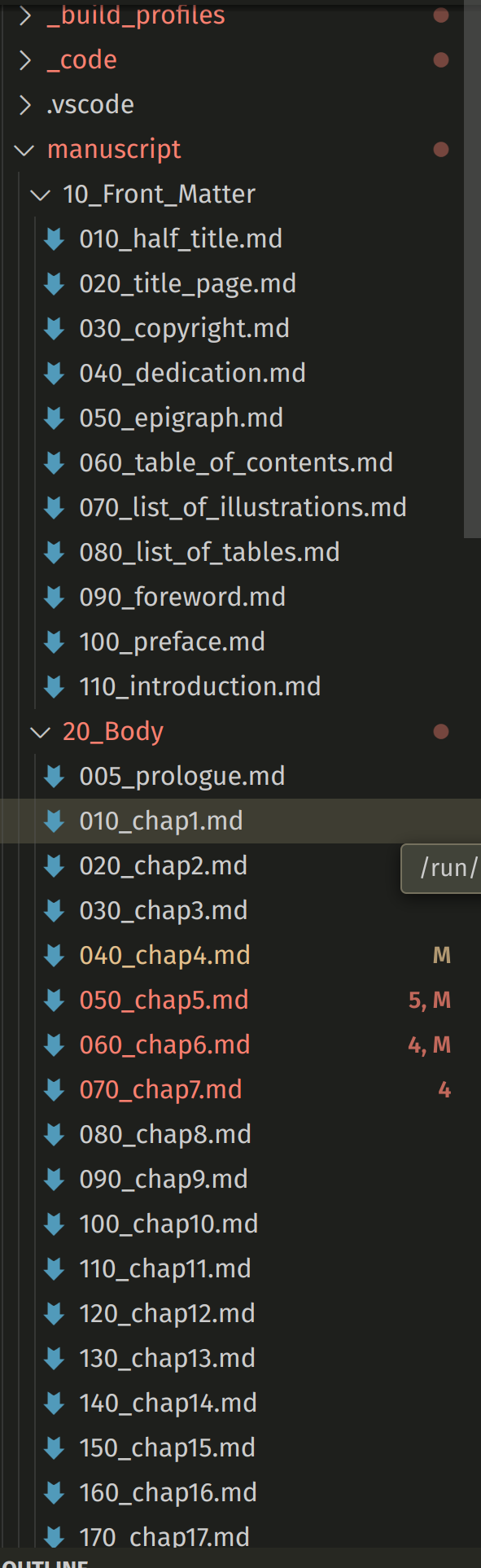
I have frontmatter/mainmatter/backmatter sections that get included in builds, and it’s done in order of a search so kind of a hack way to do it, but it’s working for. I can’t fit the whole “binder” on a screen, but you can get a little bit better idea from this screenshot:
Yes, this sort of very structured hierarchy of documents should work well in Scrivener given the central role of the Binder in our workflow… Now it is important to note that the output of Scrivener’s compiler is a single markdown document. That means workflows that expect multiple markdown files will need to be adjusted (as we do for Quarto, which demands multiple .md files for book or website projects). Splitting usually relies on post-processing.
One other minor annoyance is that Scrivener’s post-processor does not use the user’s environment. So you do need to specify your paths explicitly, or use a technique like I use in scrivomatic with a script which “builds” path for your tools.
Scrivener is pretty open, you can ignore all editor tools and write markdown directly Section 21.4 of the user manual [Purist mode], blend Scrivener’s tools with markdown output using styles and section types [Hybrid mode], or mostly use rich text with automatic conversion [incidental mode]. I work exclusively in hypbrid mode, it is the most adaptible, but as your material may already be in markdown, it maybe you should certainly start in purist mode, and then contemplate slowly moving over to hybrid mode (they work well together).
Hybrid is IMO the best mode to work in because styles and section types allow for maximum flexibility and future proofing. You can think of them as an abstract syntax tree in your project, semantic holders whose outputs are easily changed. So lets say I use mermaid diagrams, I use a section type specialised for this using Quarto’s markup. Now I need to use another output, just change the prefix and suffix rules in a new format and the same document can be compiled without having to change the document itself…
I do work in a different way for my frontmatter than you. You have seperate sections. I tend to rely on Pandoc templates and filters. So for example all my author and affiliation is YAML metadata which is converted at compile time to front matter, nothing is in a markdown document itself. This is mostly based on the fact that Pandoc’s templating for LaTeX, HTML, DOCX etc already work like this, but I recognise there is a simplicity in just typing this stuff into documents directly (though possibly yields less flexibility when orchestrating layout?).
You’ll need to figure out what kind of workflow will work best for you and your colleague, and while I recommend hybrid, it may be either of the other workflows will be better for your needs…
Related to the frontmatter, I am using KONAscript with srcbook doctype and I found that it has pretty great methods to handle the title, title back, dedication, etc. as it does most of those perfectly, like seven pages of the frontmatter all just handled using metadata fields in the base template tex file. I had moved everything like author, titles, etc. to a metadata file so it was just easier that way. The md files in frontmatter are mostly empty now other than the forward. My toc is a block of latex that doesn’t work for anything but pdf output at the moment, will be moving that into the base template too.
This particular book doesn’t have a couple of the sections like tof that my build script still was generating, the way my compile works it doesn’t matter if there are some empty files. I can just delete the ones that are unused and it will still be fine too, but wasn’t sure if I might need to add something at this point.
This was part of my current challenge, previously I had only been doing pdf outputs and when I switched to trying epub and others I realized just how fragile my system was. Also, when I started using citeproc to add in references I had issues when I had embedded latex as pandoc’s citeproc doesn’t do replacements inside those latex tags, they are just passed as raw latex to the first processing step. This meant that when I had a reference like [@xyz] it wouldn’t get processed at all if it was inside a begin/end latex section. I had “from: markdown+native_divs+raw_tex” in my configuration to allow using all these mixed methods.
It’s been a lot of fun learning everything, and it’s nice to find some others who know what this stuff is, let alone understand how it works,
I’ve been going through and updating all the latex that’s directly in the md files throughout the book and replacing with fenced divs with the (::: style) and using a lua script to replace those at build time. Also need to modify a csl to get things like my “rights” field to populate in the bibliography.
Right, this is definitely the right way to go. The philosophy is to abstract everything in the source material as much as possible. Pandoc really helps here, although there are challenges as the Pandoc types (the semantic building blocks of structured content), cannot encompass every possible output. But the concept of fenced divs + lua helps to build arbitrary mappings. So for example with alerts you have a generic block and lua can then transform it any output:
Note that you could have a Lua filter to take raw TeX blocks and process the citations within them theoretically, but I think it is more flexible to abstract away any raw markup unless it can be easily transformed. For example the pagebreak filter I use uses \pagebreak TeX markup but this is converted to HTML/Typst/DOCX etc.
I wrote an indexing filter that also uses TeX markup but then supports multiple targets. It could use a fenced span. When using Scrivener’s styles you do not even need to see any markup anyway so the exact markup becomes less important too…