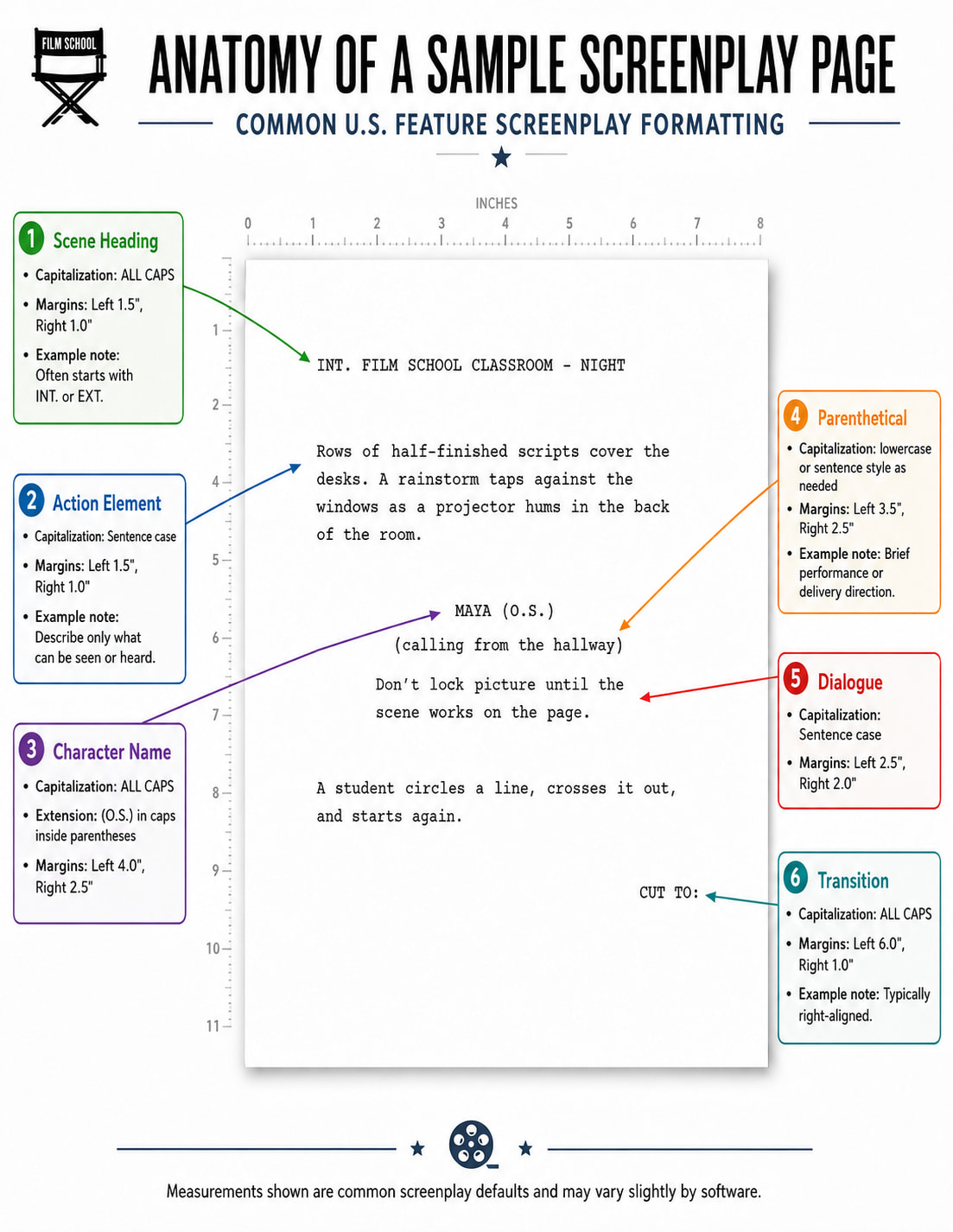
When I writing in the screenplay format, the letters are lowercase. When I write in the scene tab of the screenplay templates. All the letter becomes capitalized but I did not press caps lock. The letters suddenly became capitalized on the scene tab but the letters did not capitalized on the screenplay format. I’m just confused right now, it is my first time writing on this software. I just need help from other fellow expert screenwriters who worked on this software before. Can someone help me on this?
Should you type in capitalized letter in both the screenplay format and scene heading? It all happens in the screenplay templates.
Some terminology:
- Scriptwriting Mode: This is a special mode you can set for a document in Scrivener. When this mode is turned on, some additional script composition tools will be available to you when working in that document, and Scrivener will do some auto-formatting for you – to help you put your script into one of several available standardized script formats.
- Screenplay Template: A template in Scrivener is just a facility for starting a new project that has some stuff already set up in it. For sure, in the Screenplay template the documents would be set up so as to already have scriptwriting mode switched on.
In Scriptwriting Mode, every line in your document is categorized as one or another sort of script element (e.g. Dialogue, or Scene Heading). And when you type, the content will get formatted for you according to the designated script element. Looking at the elements tool at the lower right of the Editing area (when in scriptwriting mode) may be revealing. For example, if you are typing a line which is classified as Dialogue, typing the character name followed by tab followed by some text, Scrivener might put the character name in all caps and add a trailing colon, and might also inset and center the dialogue text after that (depending on which script format you have chosen to work in).
If you haven’t already, I strongly suggest you have a look at the initial sections in the Scrivener Manual on Scriptwriting Mode.
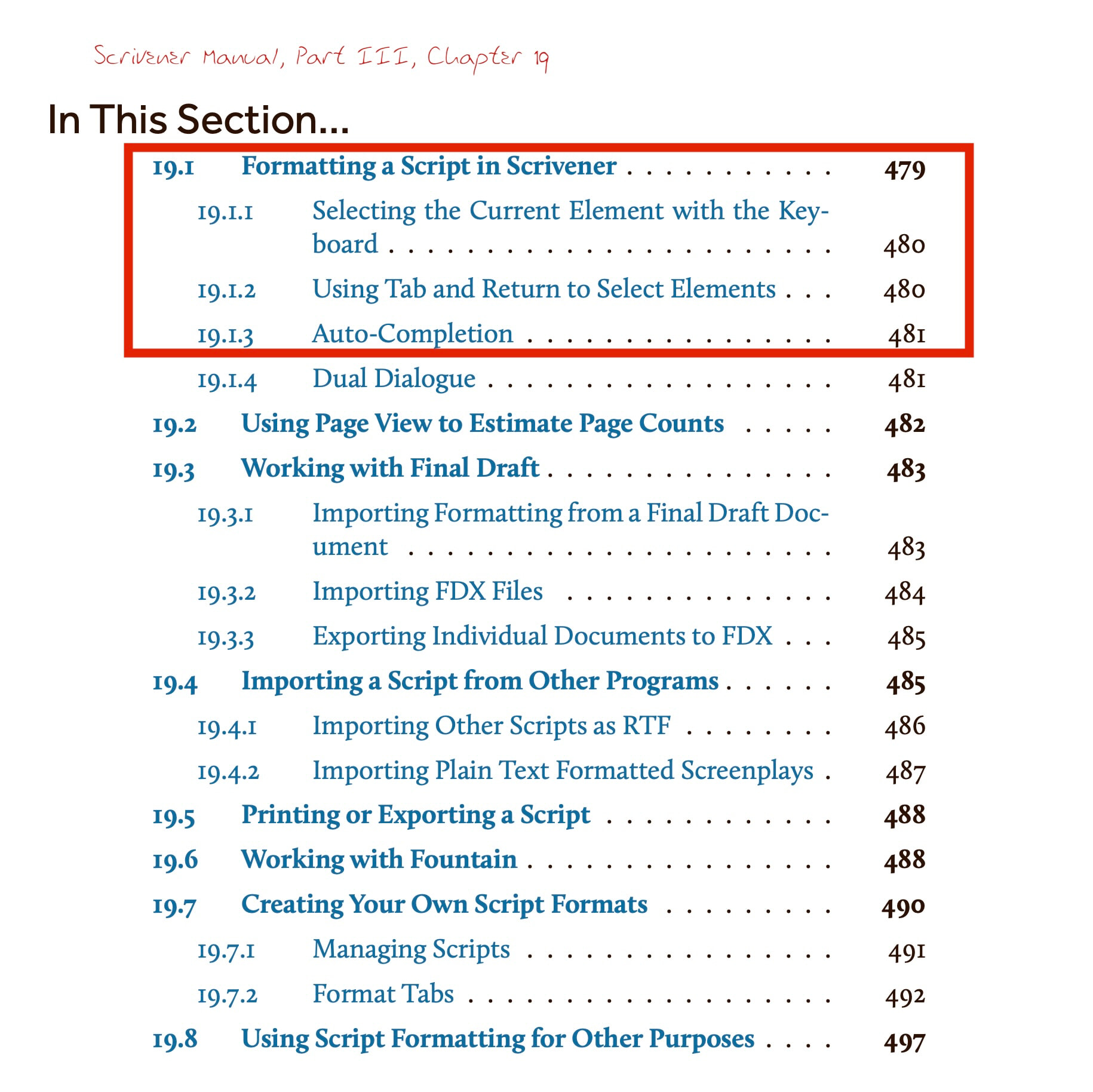
And, since you are new to Scrivener, you should also work through the Interactive Tutorial in order to get your bearings.
Both the Manual and the Tutorial are available from the Help menu in Scrivener.
5 Likes