How do I print/export a multi-selection in the binder as a single markdown file?

If I use export, it creates a directory with a file per binder document.

I can print, but, then my limit is is to send it to the printer or save as a pdf.

At this point, the only way I can produce a single markdown file is to use the terminal command line and do

cat file1 file2….file27 > output.md

Since I used named scenes, this means I have to actually list them i order one by one.

I guess I could rename them with a prefix. 01Scene 02SceneTitle… so they would be in order and I could do

cat `ls -1` > Output.md 

Is there an easier way?

A few, yes.

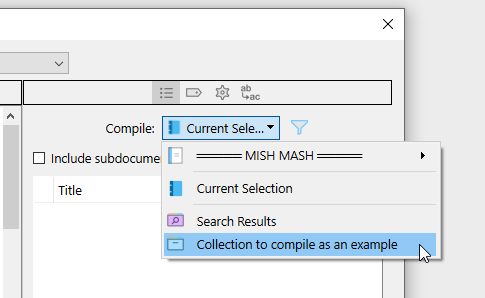
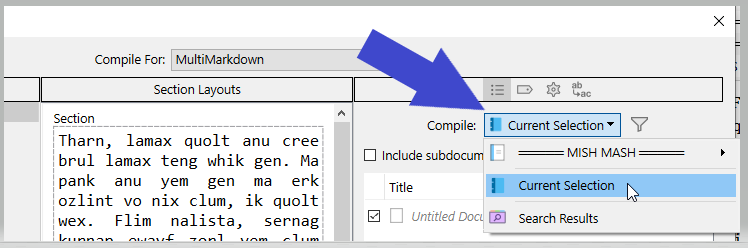
This will compile whatever is your current binder selection.

. . . . . . . . .

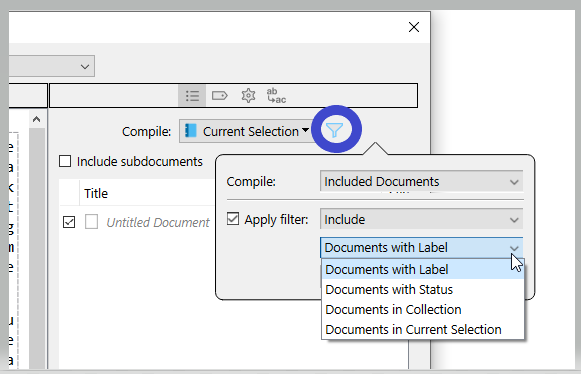
Or use the filter in combination with set project metadata.

. . . . . . . . .

Or create a collection in your project, and compile that.

. . . . . . . . .

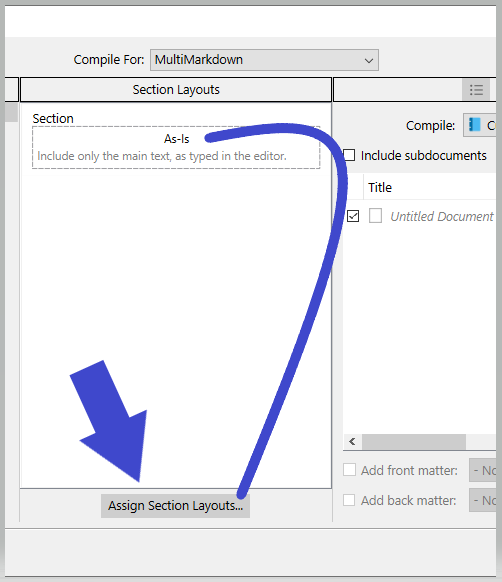
If you compile “as is” the formatting will stick to what you have in the editor, and your documents will simply be glued as one.

1 Like

This works. Thank you.

Except this doesn’t compile to well formed markdown.

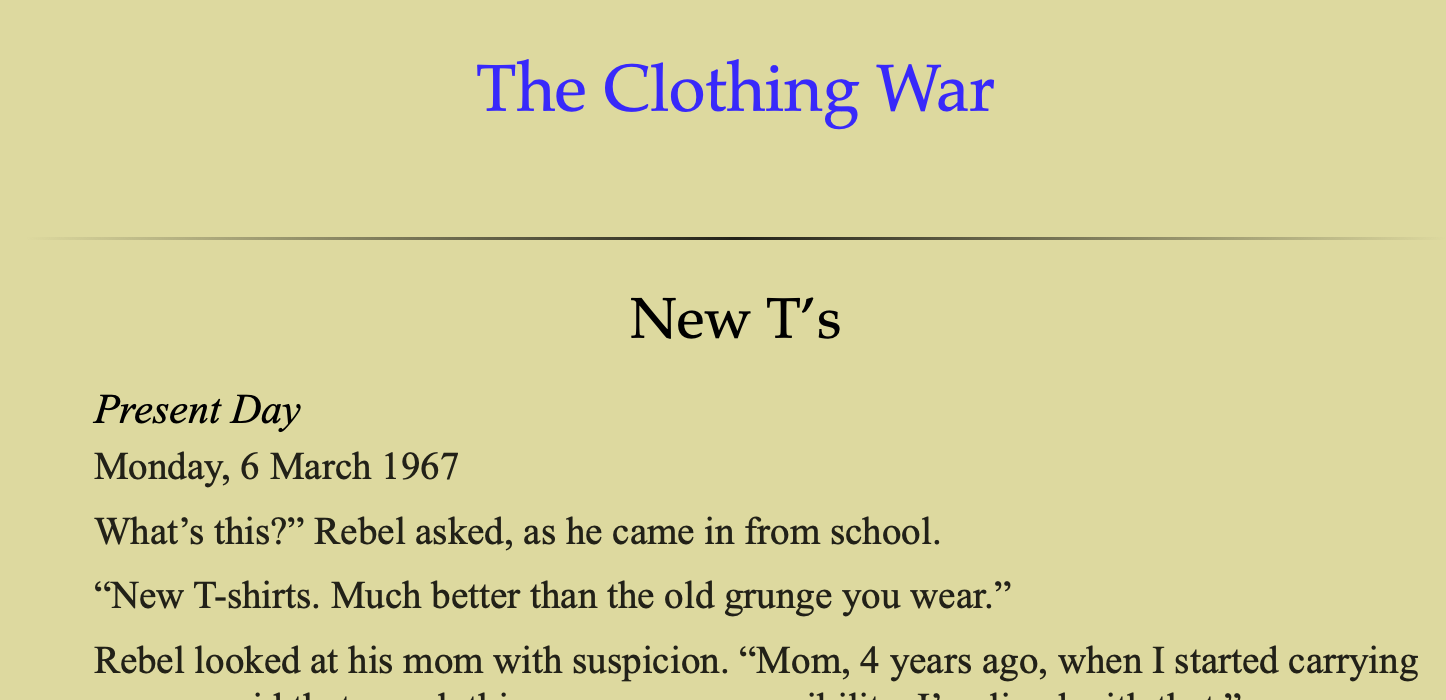
Compiles to this:

\# The Clothing War

New T’s
Present Day
Monday, 6 March 1967
What’s this?" Rebel asked, as he came in from school.
“New T-shirts. Much better than the old grunge you wear.”

Issues:
A: The scene name is no larger than the body font. Do I have to explicitly use H2 to style the scene name? It picked up H1 for the chapter title.

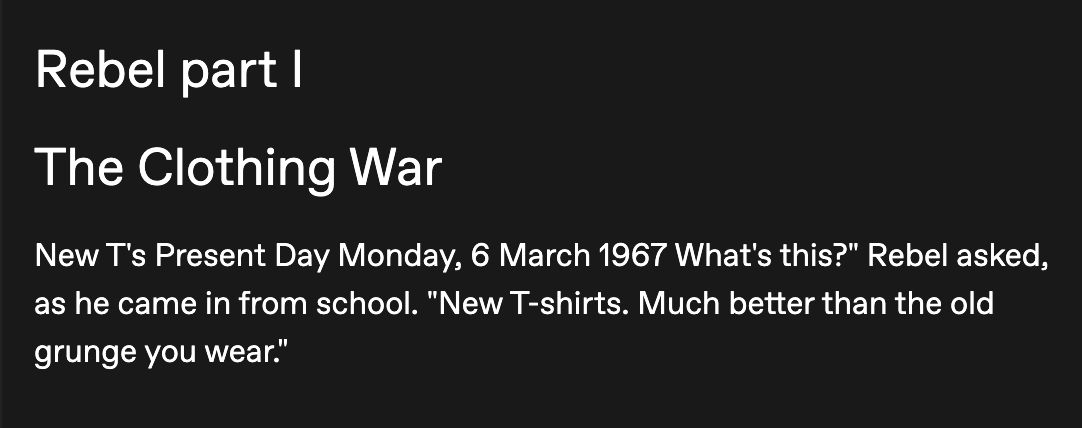
B: Biggest: Markdown spec needs a blank line between paragraphs. If I take that chunk, and post it into Tumblr, using Markdown editor, I get this:
It treats the entire document as a single paragraph.

This is a problem with markdown as an export format too.

I’ll start a new quesiton about this.