Unfortunatelly… still have a few numbers alone…
Thx again anyway !!!
Are you positive you have the option for widows/orphans checked, plus the “keep with next” checked (on a paragraph per paragraph basis) from the menu ?
And don’t forget to redefine the style after changing the format.
1 Like
In other words, make sure “keep with next” is actually saved as checked within the style you use for your chapter numbers.
Hi guys ! Thank you so much for your tenacious help…
Keep in text checked… style redefined… avoid orphansandwidows checked… and yet…
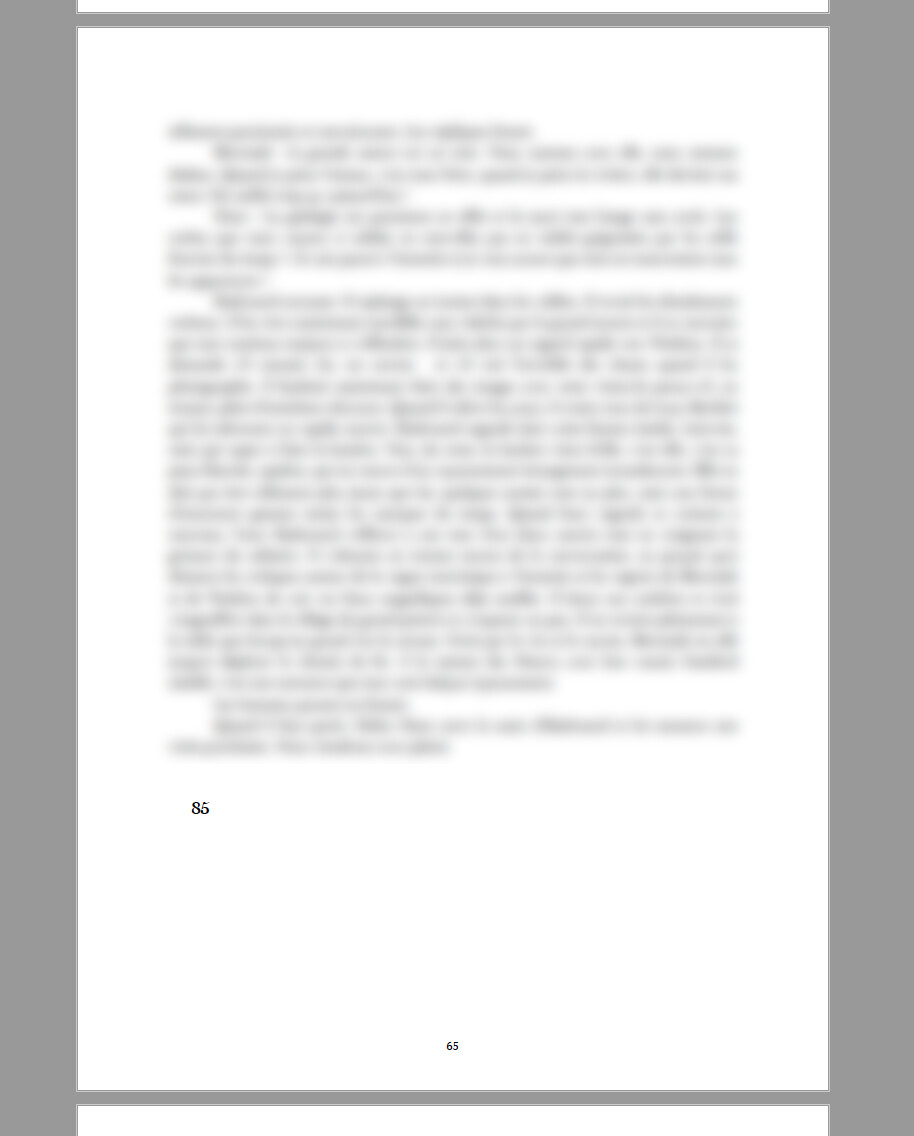
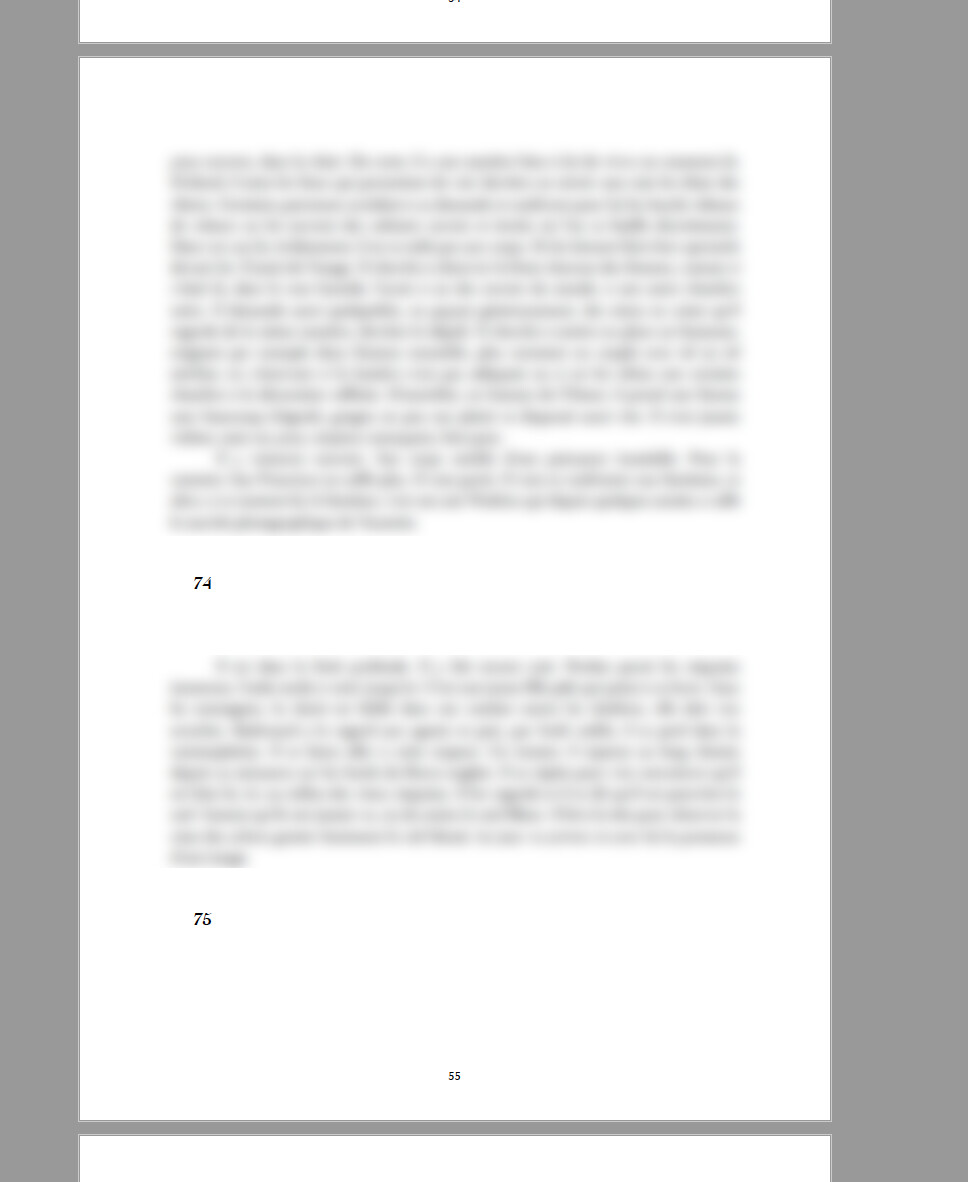
To take a wild guess I’d say it might be either because
in your chapter numbers style :
A) Your space after is too much.
or B) You space after is of a larger value than your space before.
or C) The sum of the “space after” and the “space before” is making the chunk too big to be considered a widow.
Another thing I would try :
Using a style specifically for the last paragraph of your chapters, I’d set the space that you currently have as “space before” the chapter number, as being a “space after” those last paragraphs.
→ Changing nothing else to what gave those two screenshot, you could test it on the transition between chapter 74 & 75. (Creating a duplicate of your chapter numbers styles first, and applying this new style to chapter number 75 – so that removing the “space before” from it doesn’t impact all other chapter numbers…(which would render the test useless))
Then in the paragraph settings for the last paragraph of chapter 74, have the “space after” be what previously was your “space before” in the “chapter numbers” cloned style.
Another way would be to put back, in this case, the 2 after chapter extra carriage returns you replaced by the chapter number’s space before. (You’d get a “stronger” division between your chapters. Sort of speak.)
If your project is split as single chapter documents, this could be done in the section suffix, rather than doing it manually for every chapter. (You would only need to do this + set the “space before” back to 0 in your chapter numbers style.)
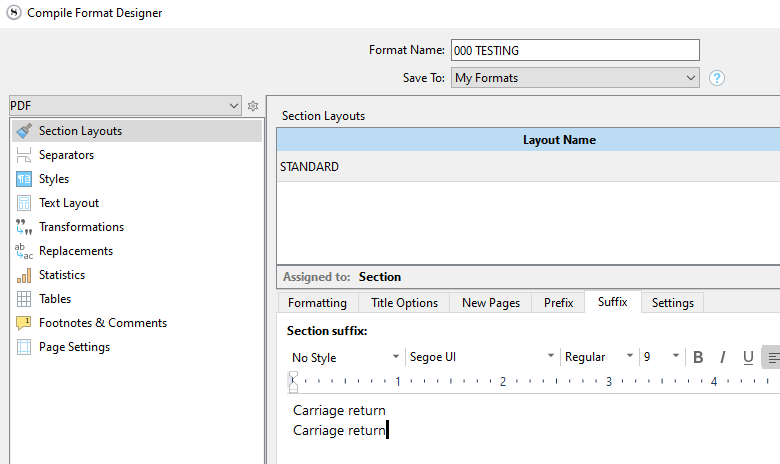
→ I wrote “carriage return”, but you’d just actually hit return twice there.
And yet, another thing : seeing the empty space you get there, I’d try having (without changing anything else to the way things were while getting those screenshots) widows/orphan switched off, keeping only the “keep with next” turned on.
(Which however, whether it works or not, would still be nothing more than a compromise.)
1 Like