Hi everyone,
I’ve already built an Android-compatible Scrivener project editor using Flutter, and it is currently working on Android.
So far, it supports:
- Binder Tree
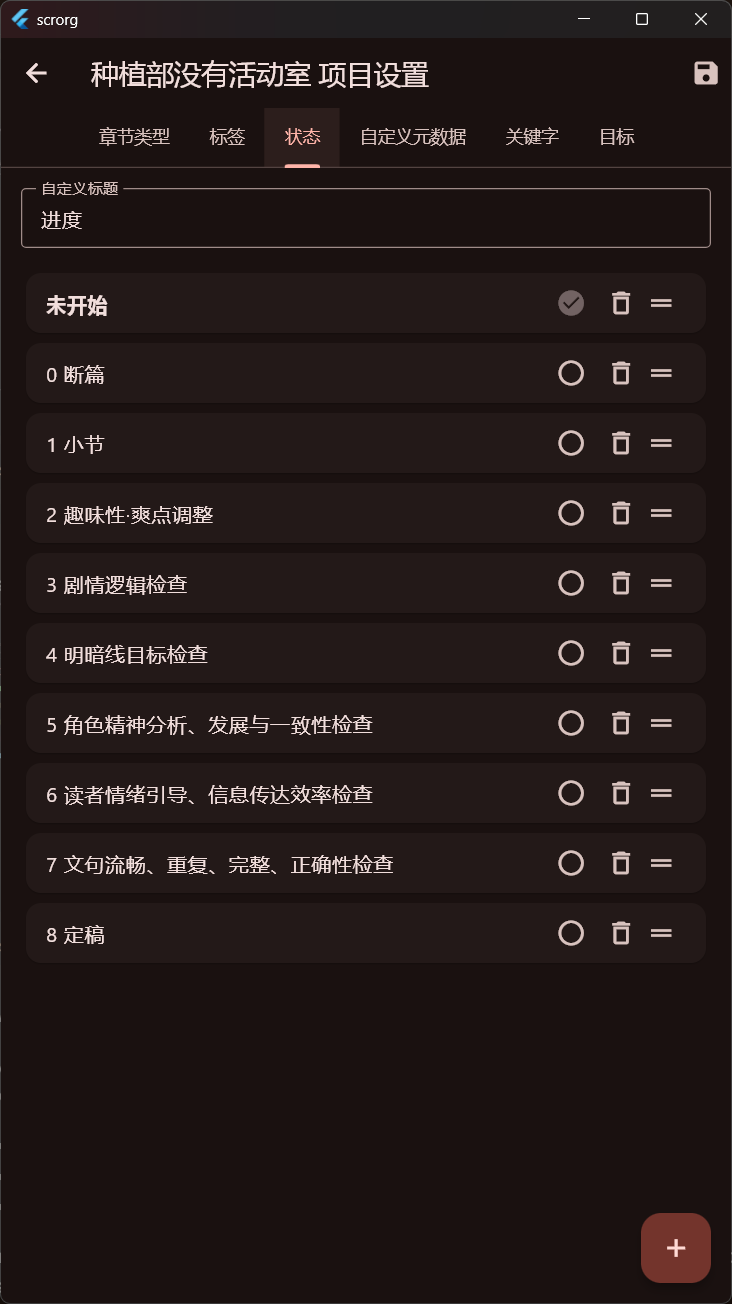
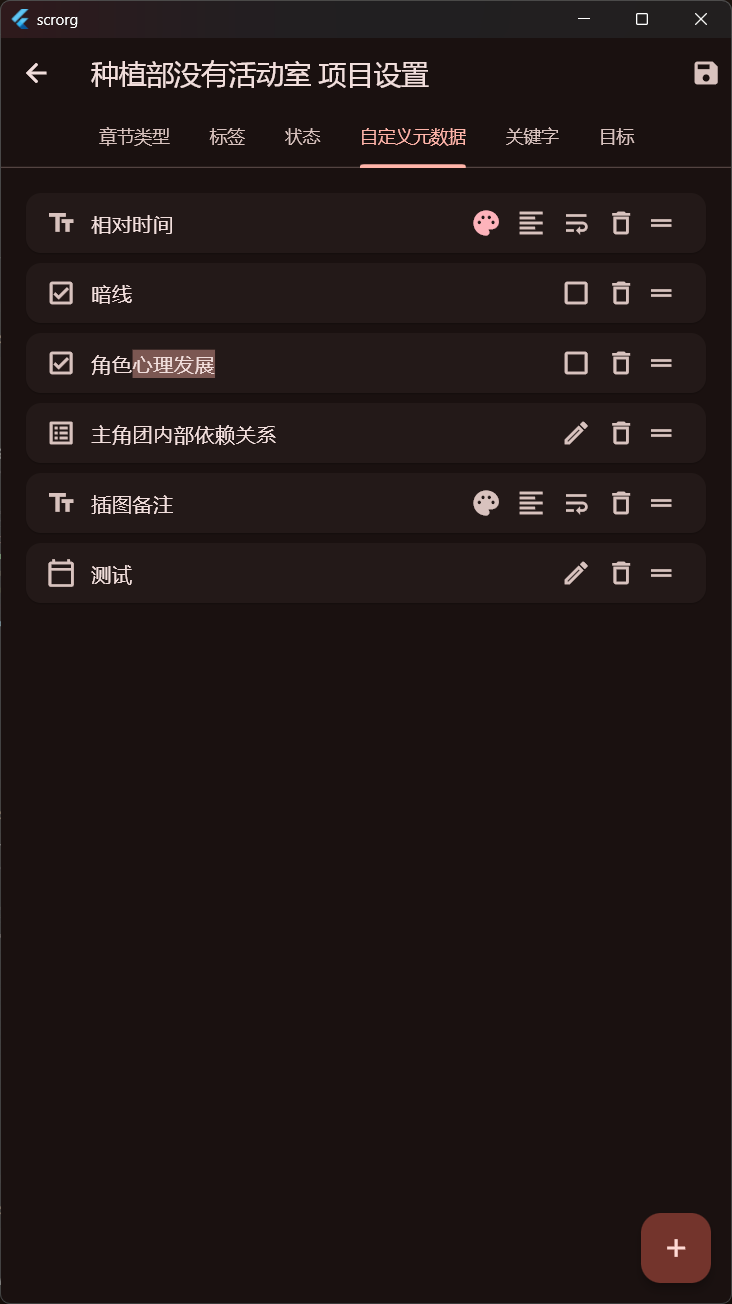
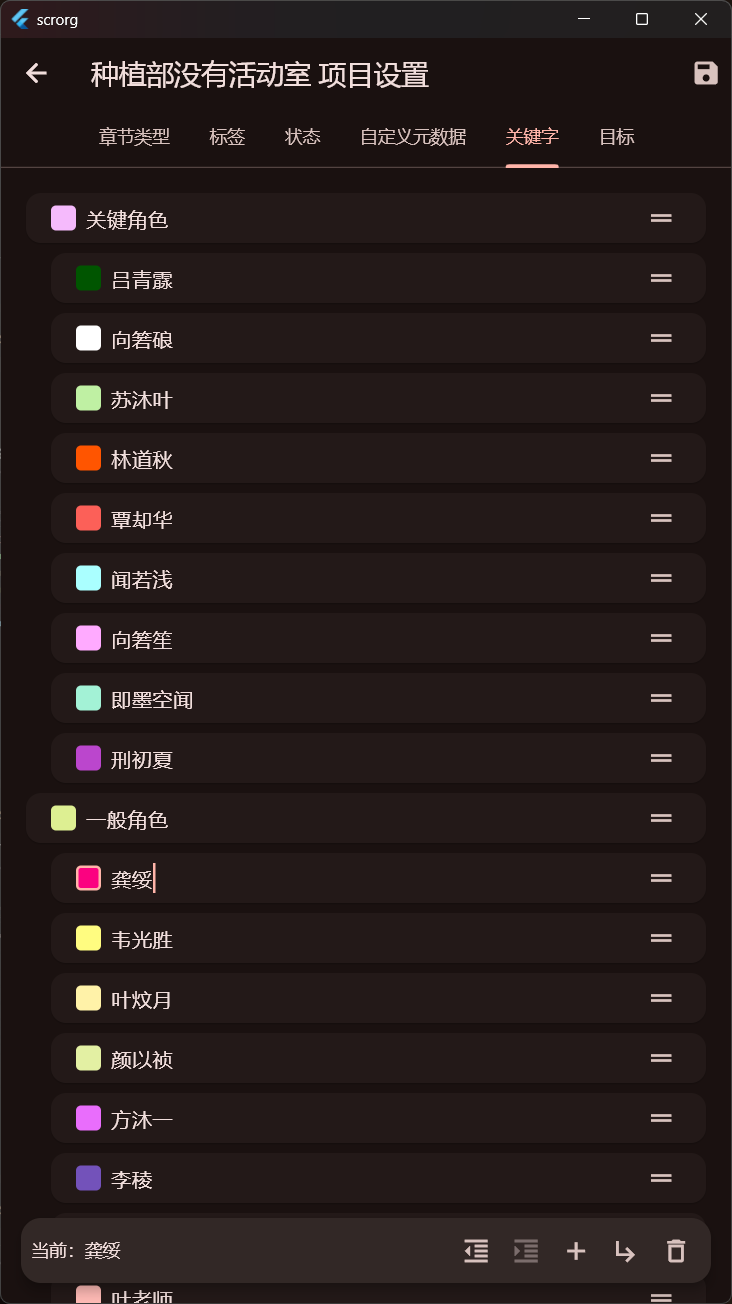
- Parsing and editing of all project metadata (labels, status, custom metadata, etc.)
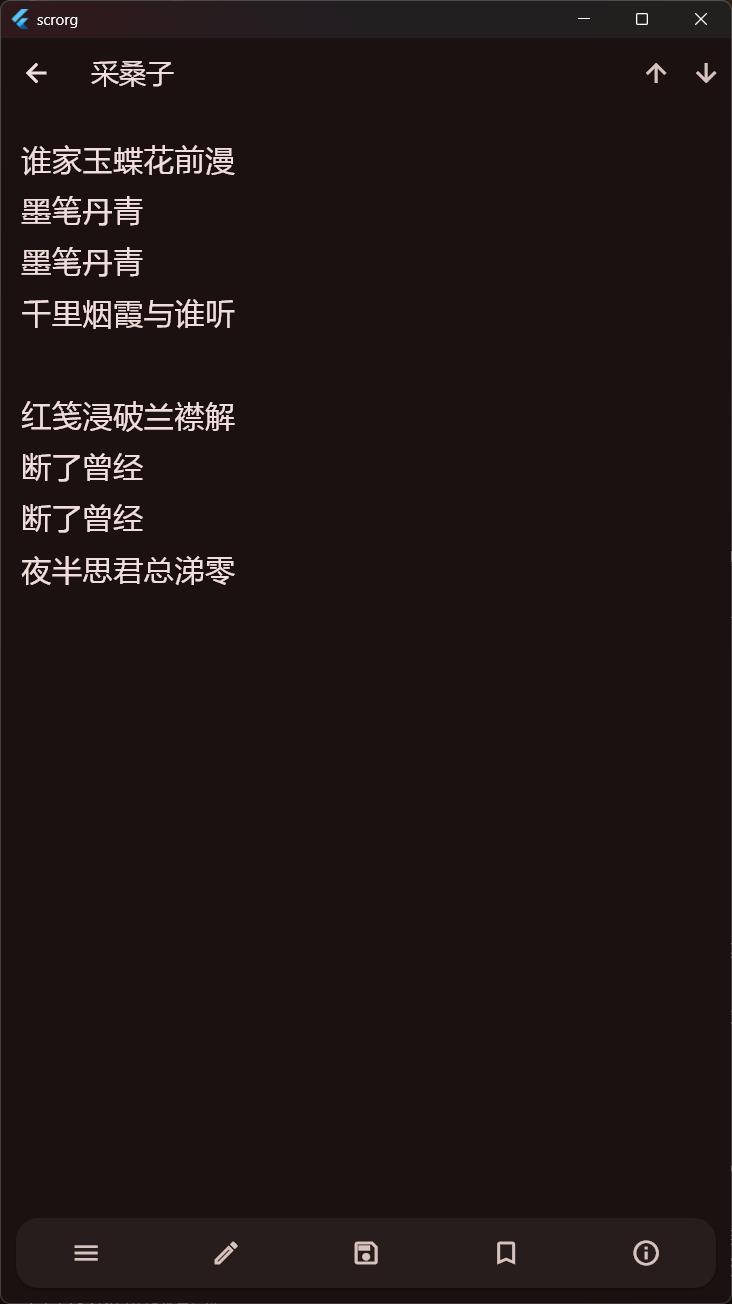
- Parsing and editing of document content, synopsis, notes, and metadata
- WebDAV synchronization for project syncing
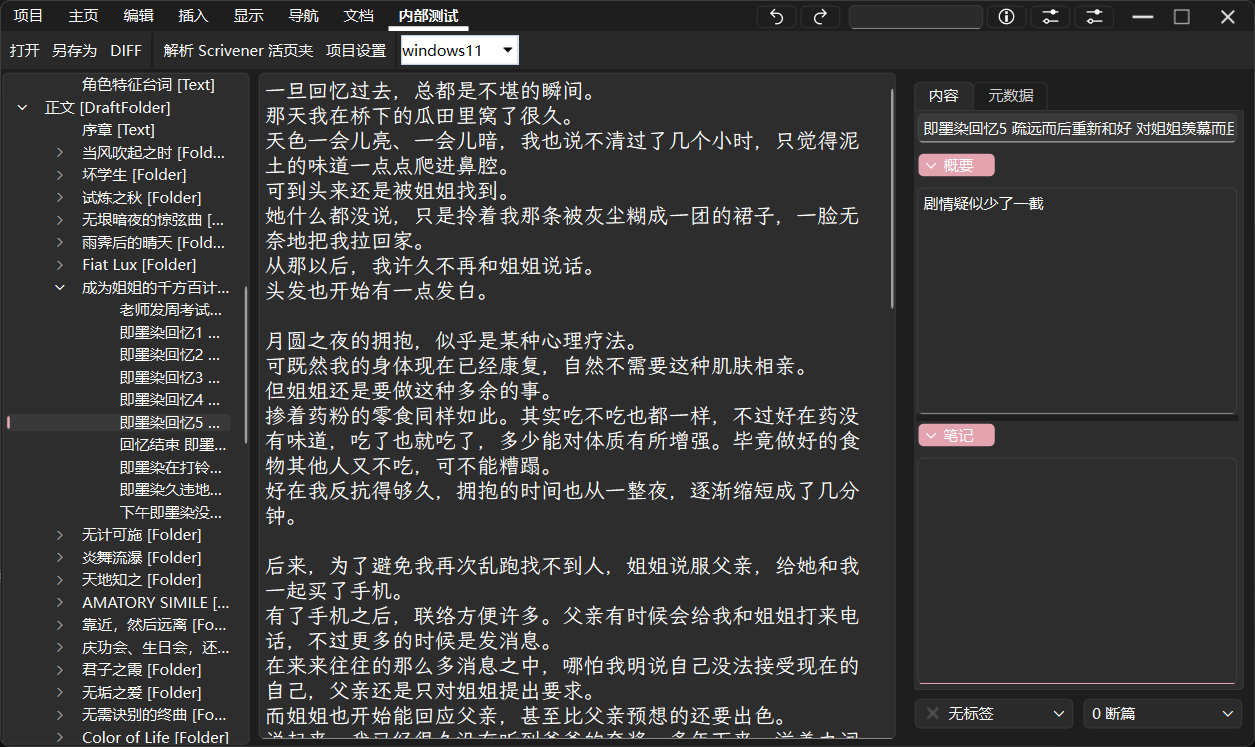
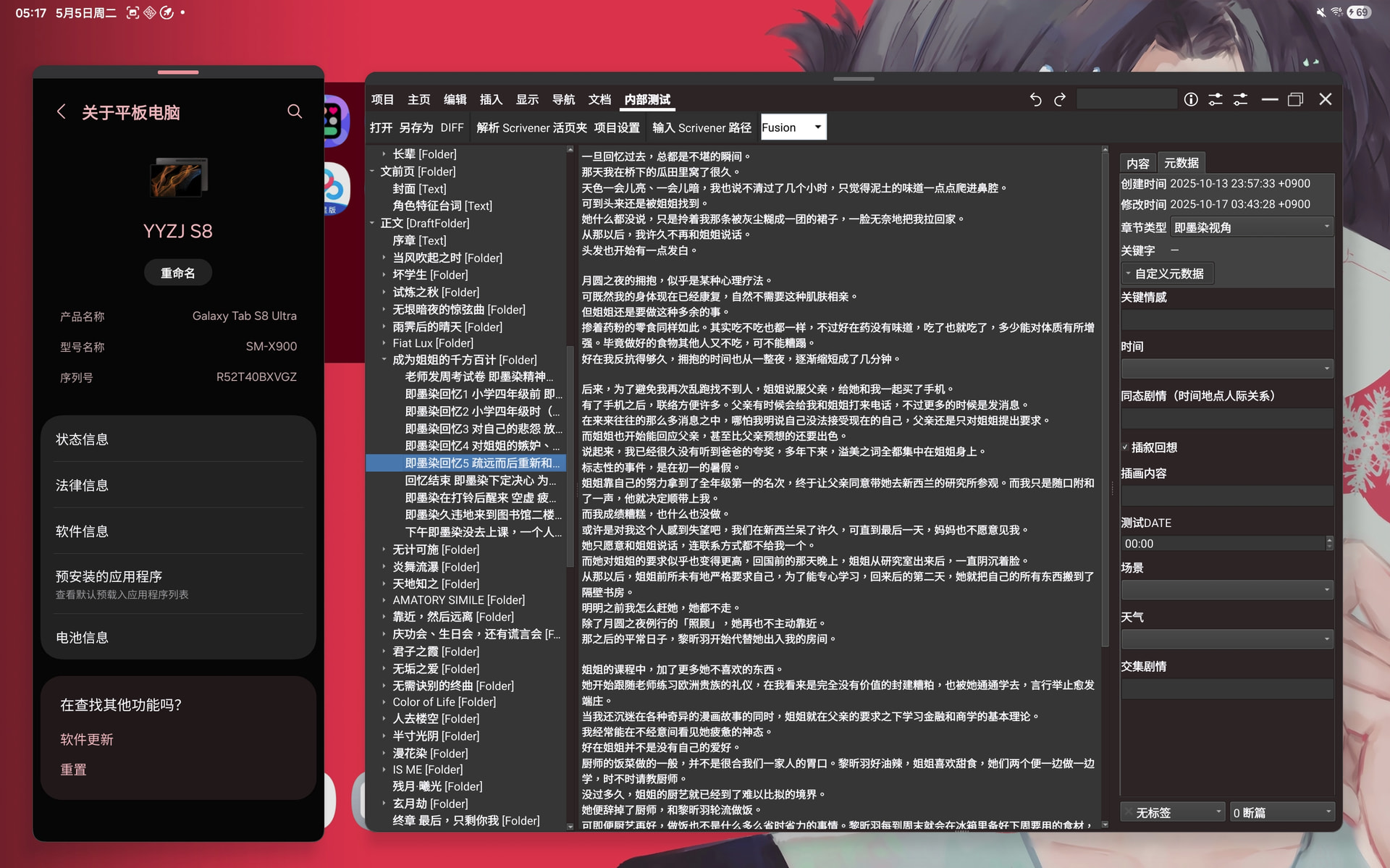
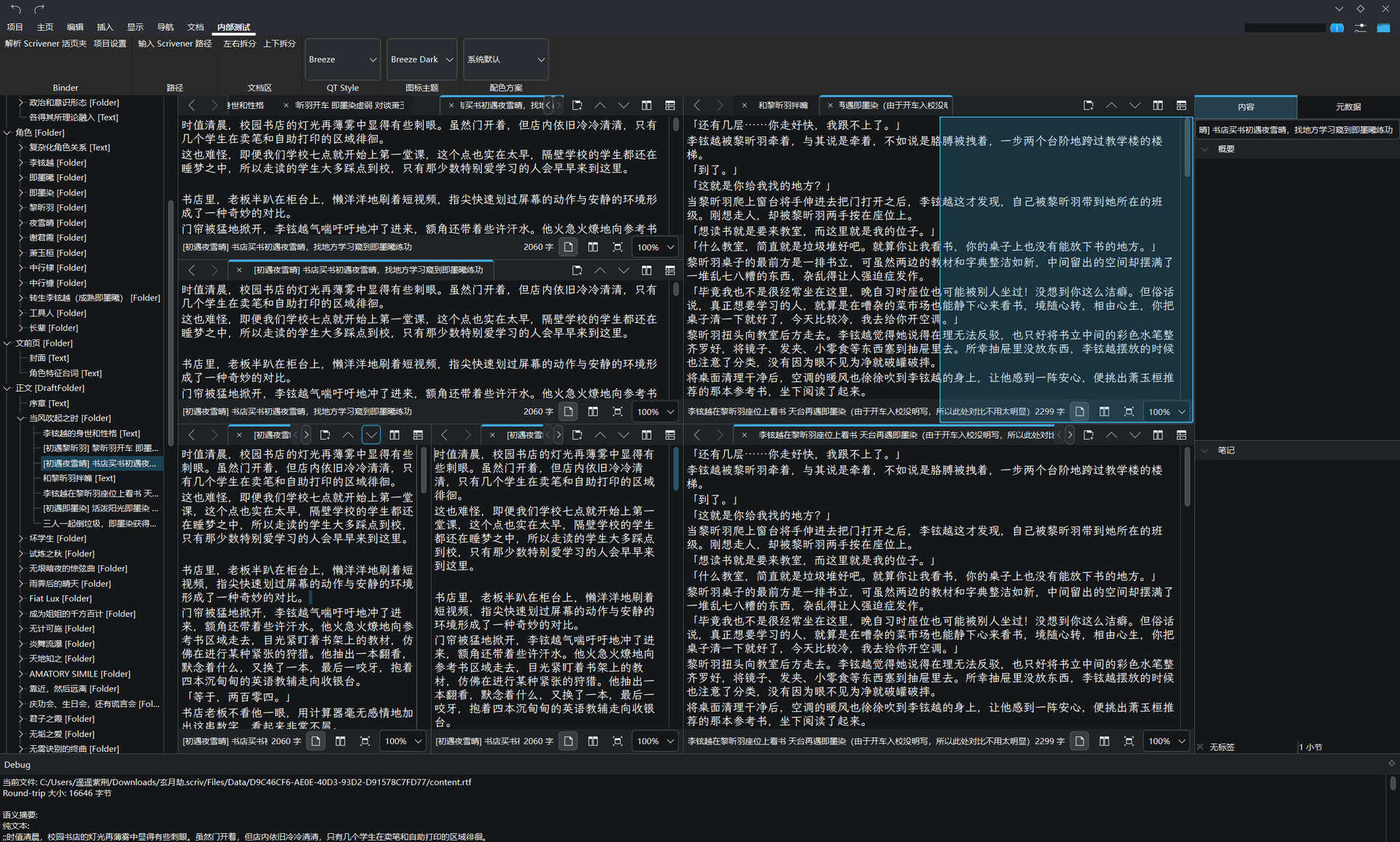
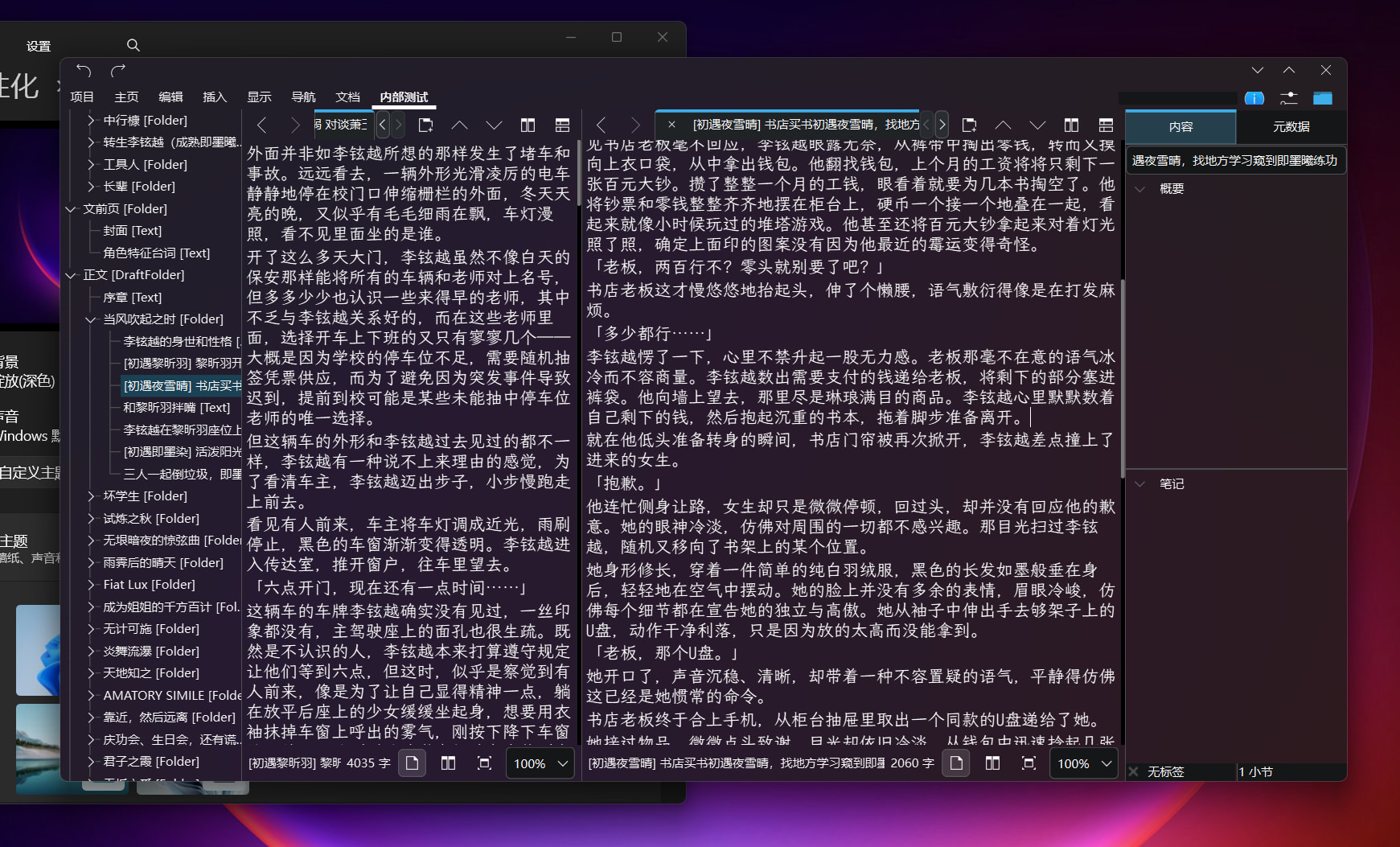
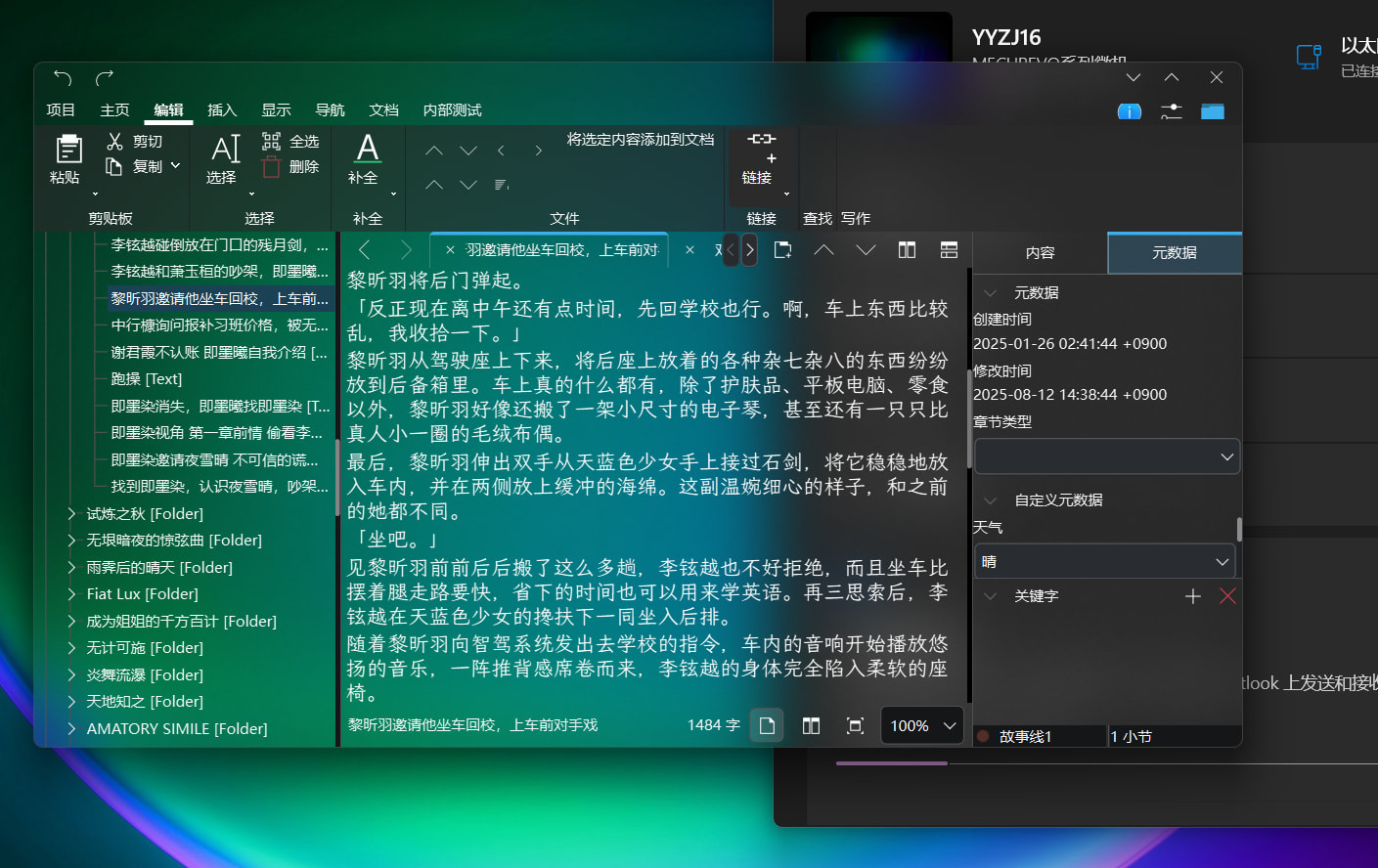
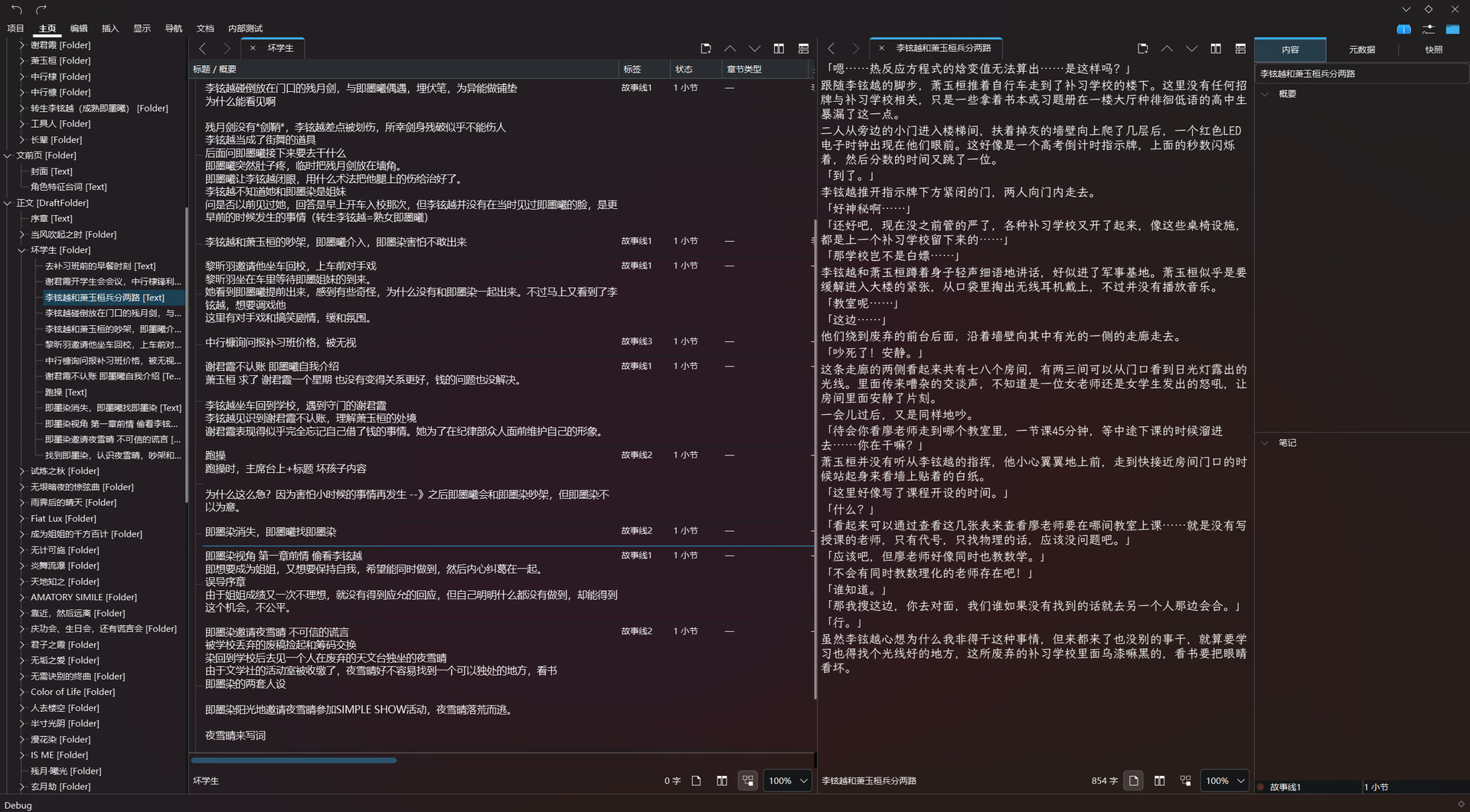
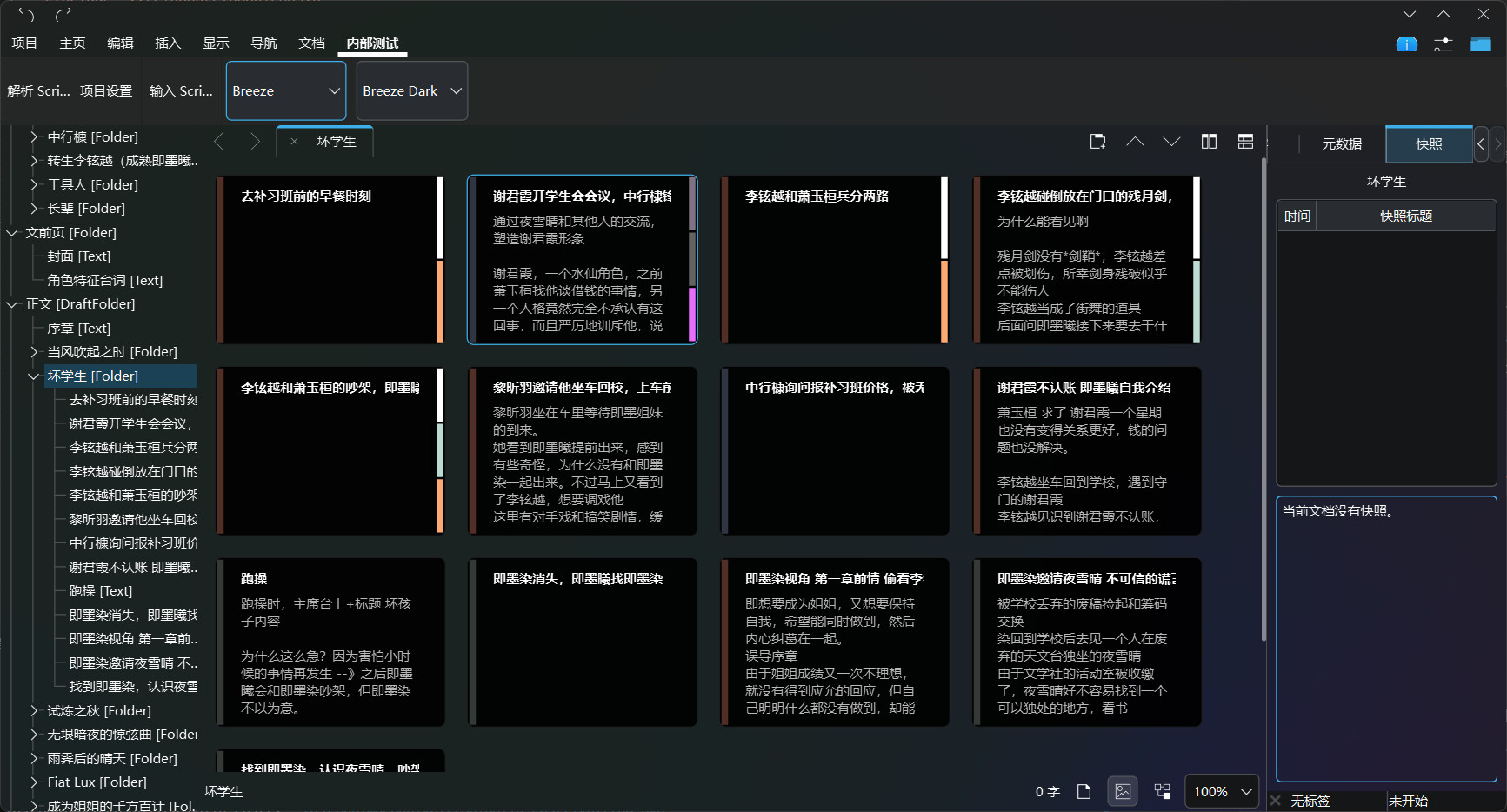
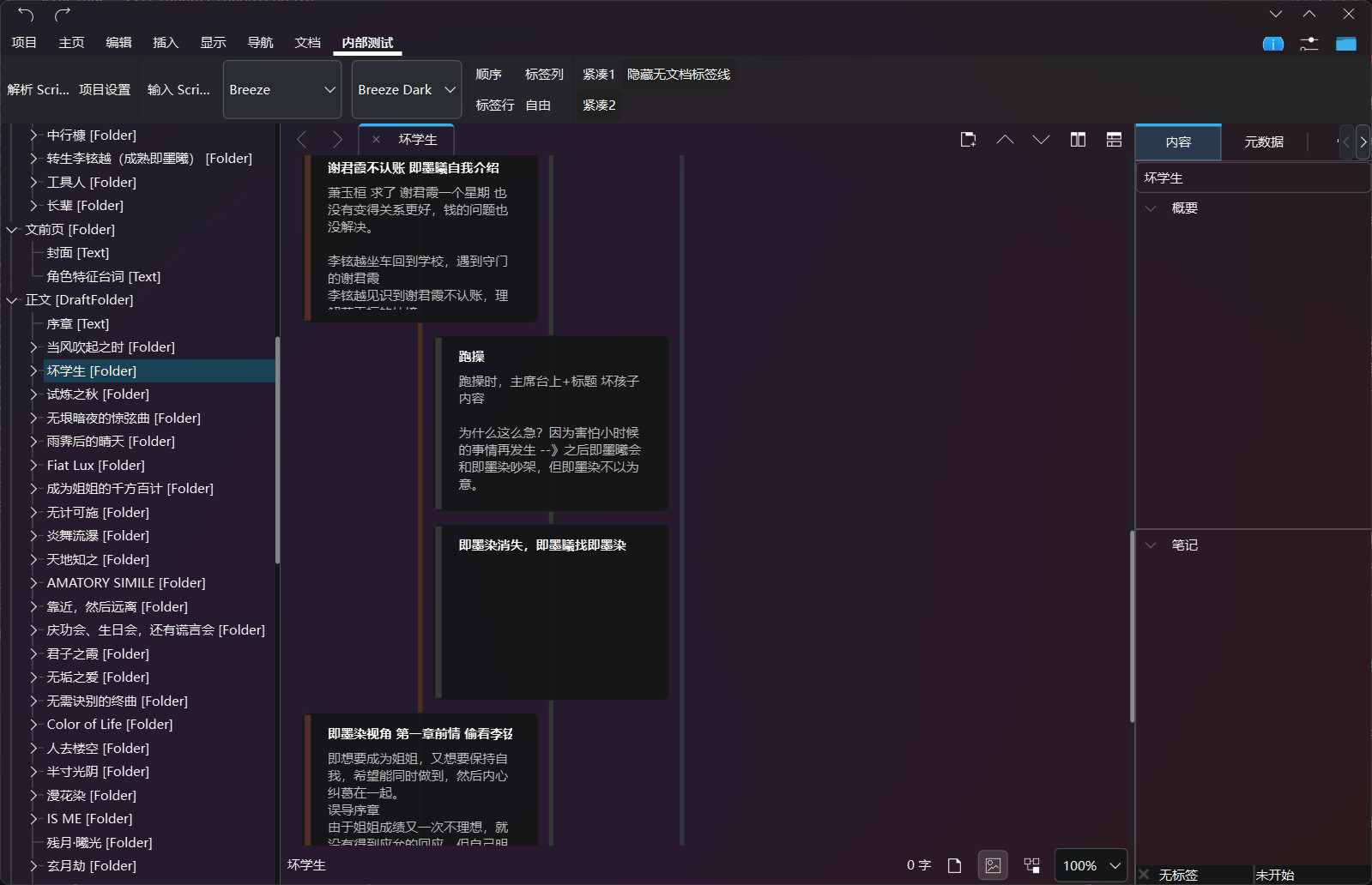
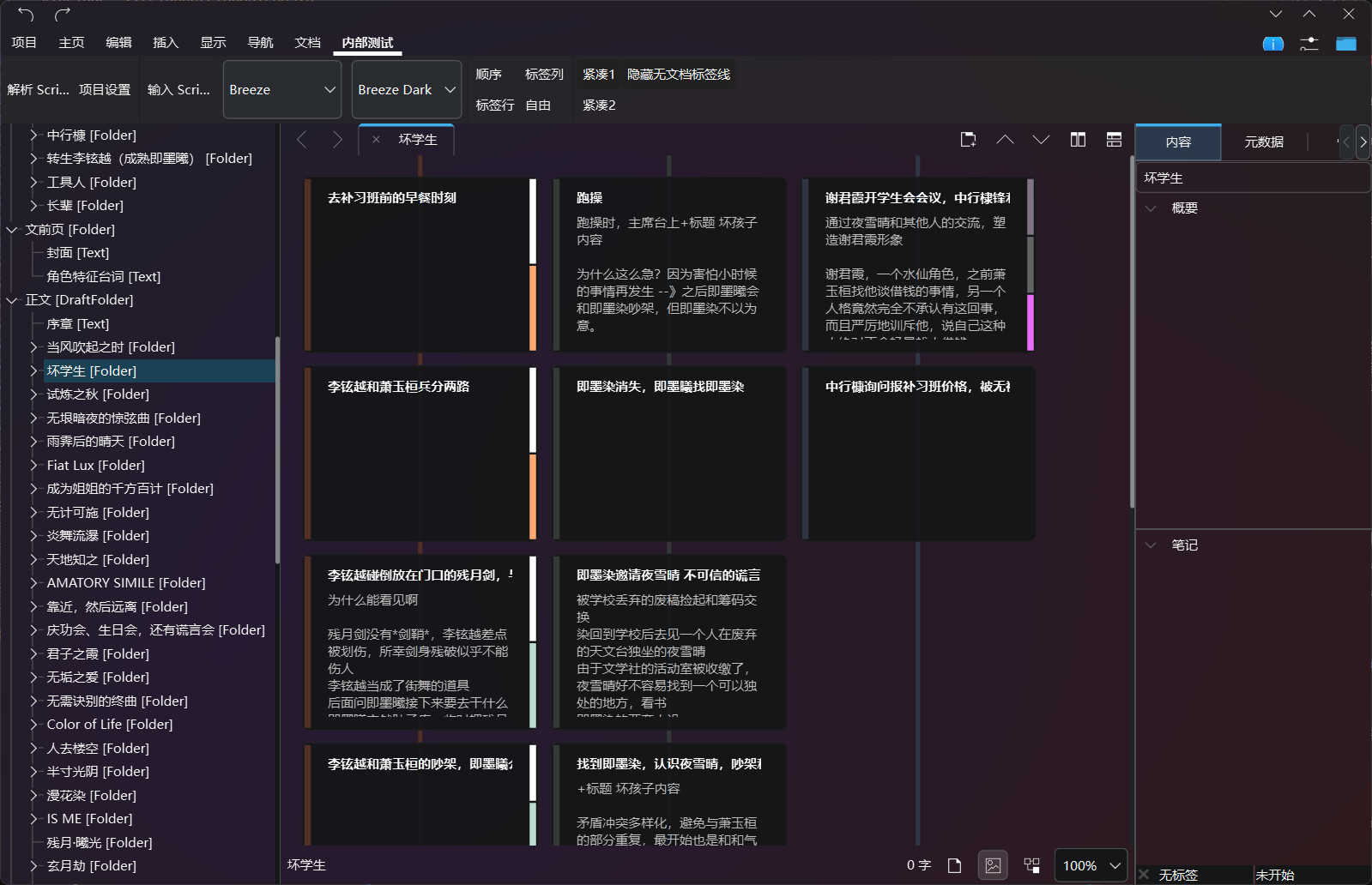
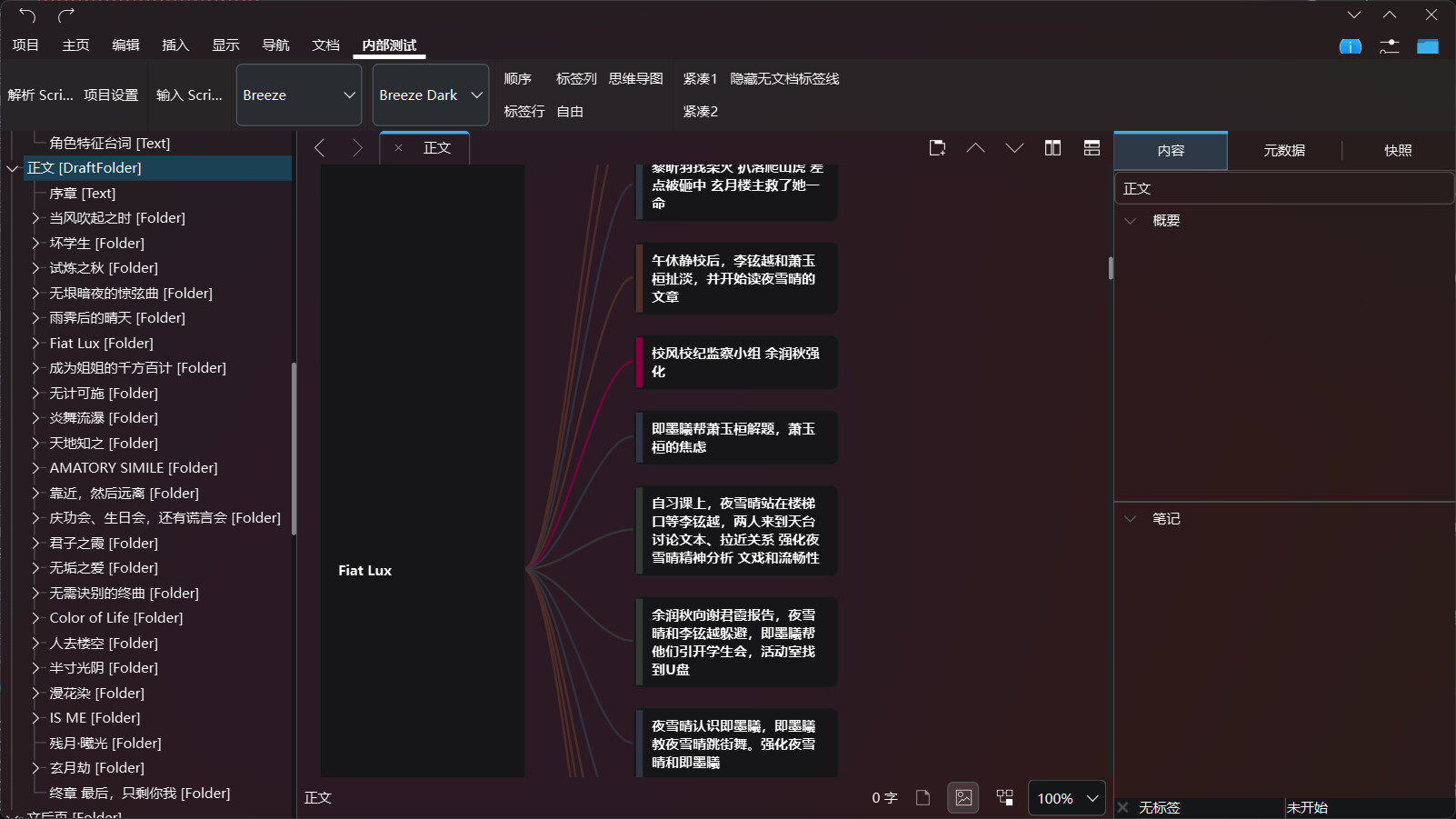
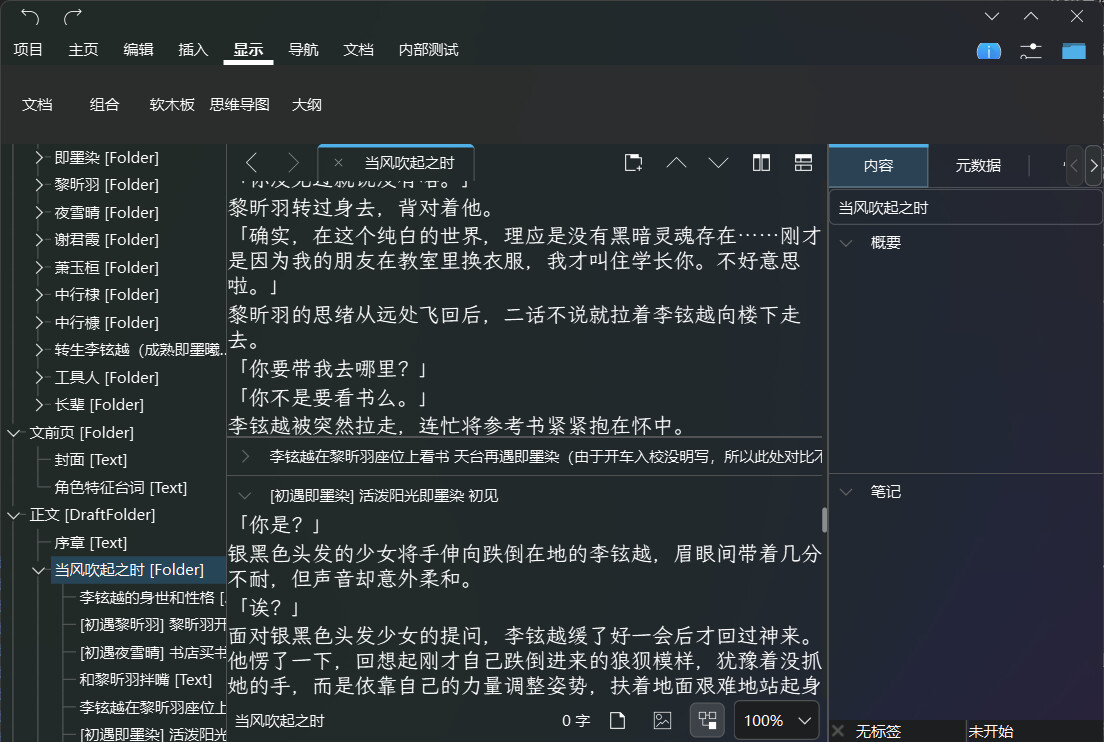
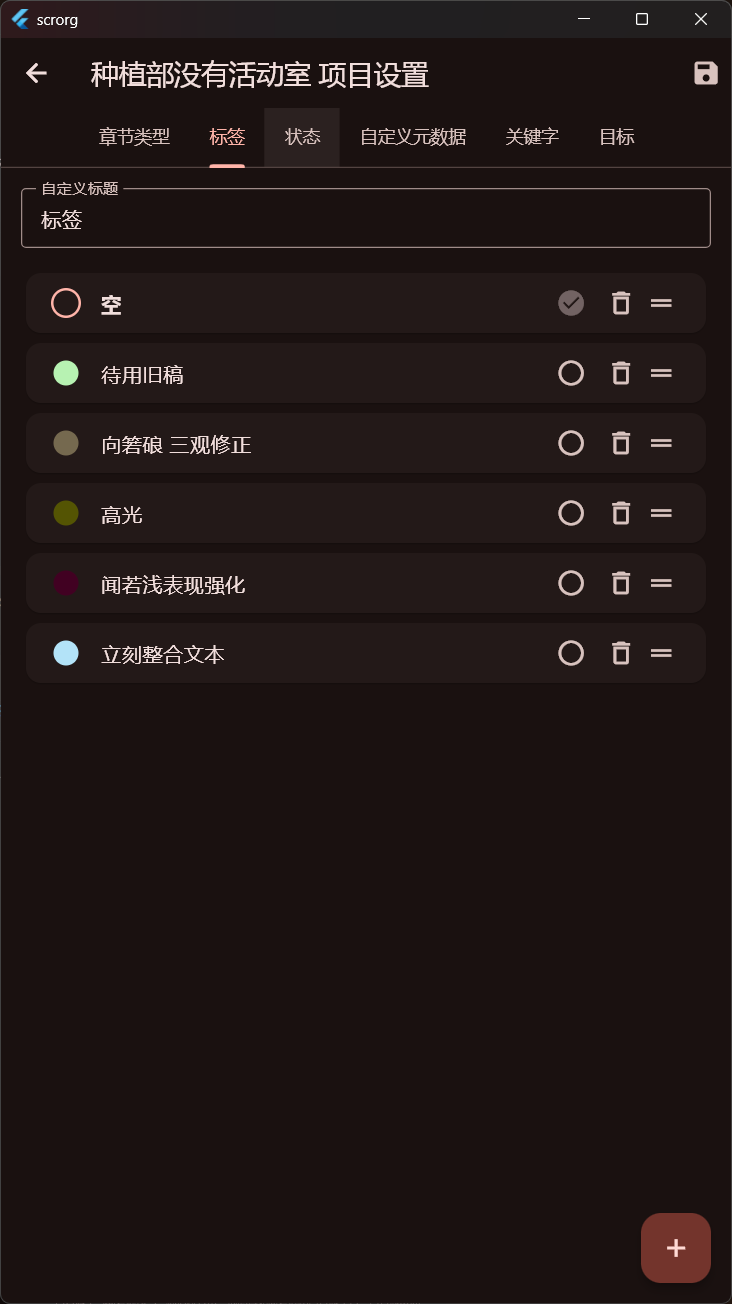
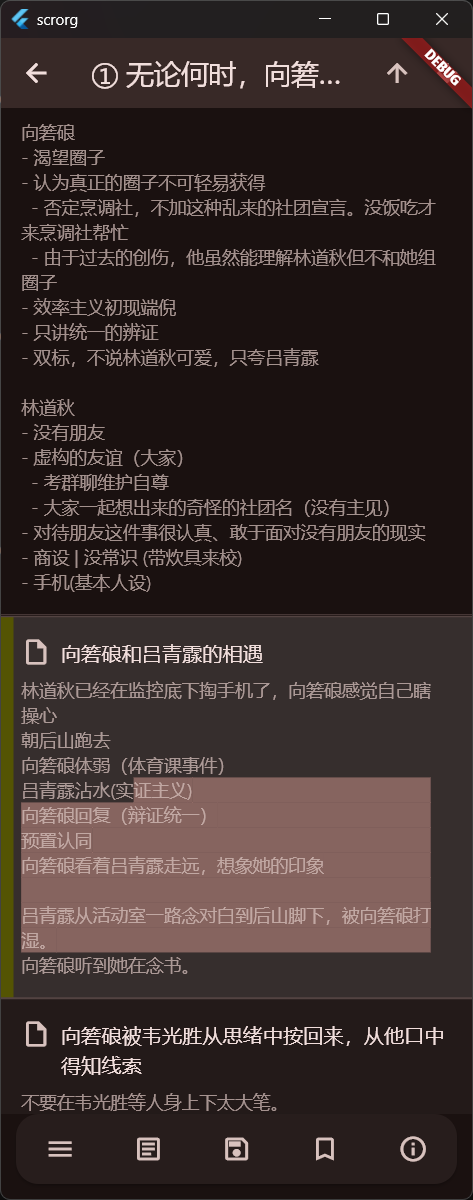
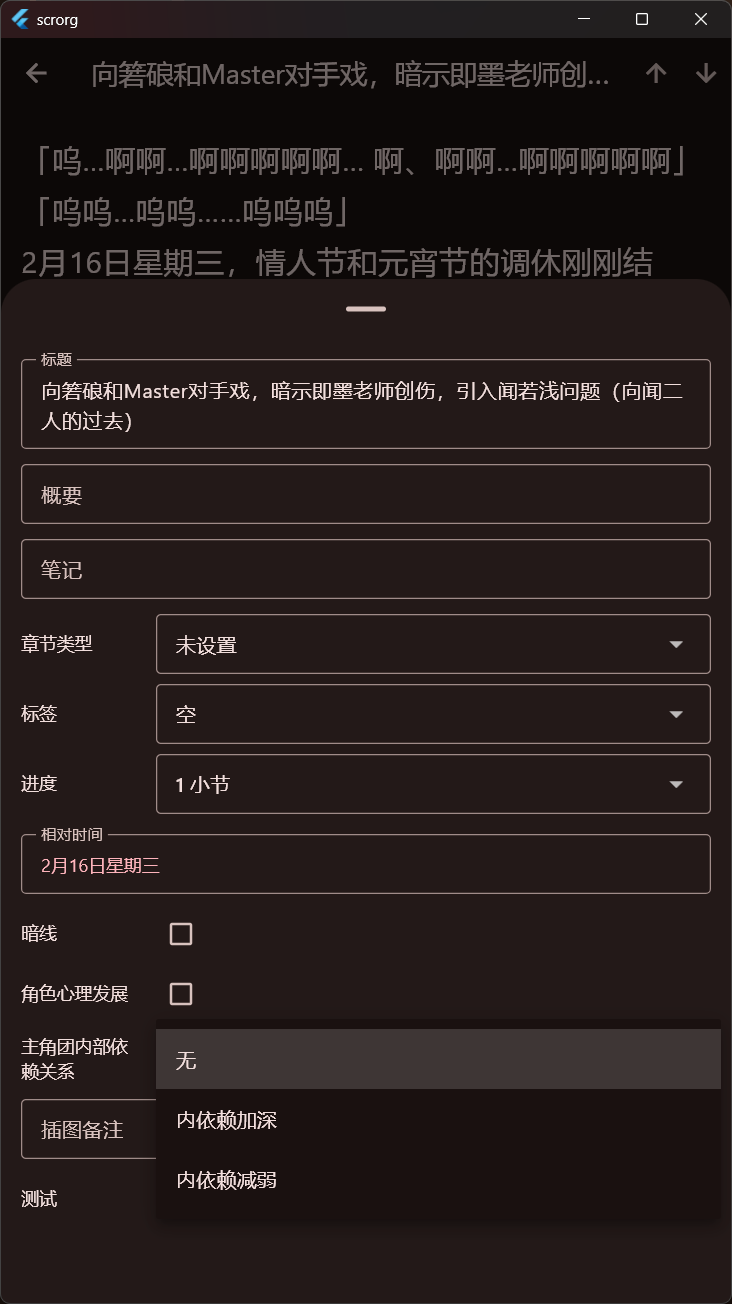
Here is some snapshots:
Home

Binder

Project Setting
Label
Status
CustomMetaData
Keywords
Editor
Folder Card View
Inspector
However, I’m currently running into challenges with the main content format.
As you may know, Scrivener stores document bodies in RTF. It introduces several complications on the editing side, such as:
- Loss of styling in certain edge cases
- Encoding inconsistencies during read/write cycles (such as Chinese)
- Subtle formatting drift after repeated save operations
To mitigate this, I’ve implemented a diff view on save so users can review changes before committing. This helps, but it still feels like a workaround rather than a proper solution.
Since the current implementation targets Android, there is also a significant limitation: Android does not have a mature or native RTF parsing solution comparable to desktop environments. This makes it difficult to reliably preserve full RTF fidelity during round-trip editing, especially for complex formatting structures.
My Question
I would like to better understand how the Windows(QT) Version of Scrivener handles RTF parsing and document editing internally.
Specifically:
- Do they parse RTF directly into a structured intermediate representation?
- Or do they convert RTF into HTML or Qt’s internal rich-text model (
QTextDocument) first? - How do they ensure formatting consistency across read → modify → write cycles?
- Is there typically a canonical internal format before exporting back to RTF?
My goal is to align my implementation more closely with Scrivener’s own architecture, in order to avoid formatting loss and encoding issues at the source.
Any insights into Qt’s QTextDocument workflow or Scrivener-like document pipelines would be greatly appreciated.
Thanks in advance!