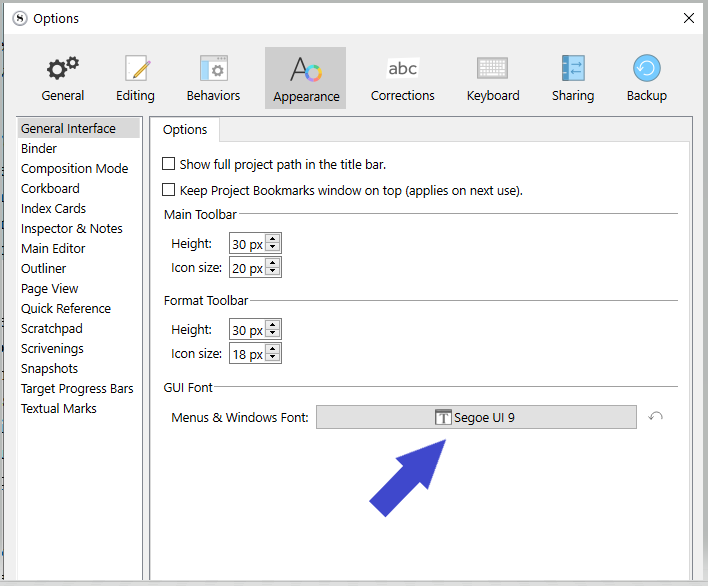
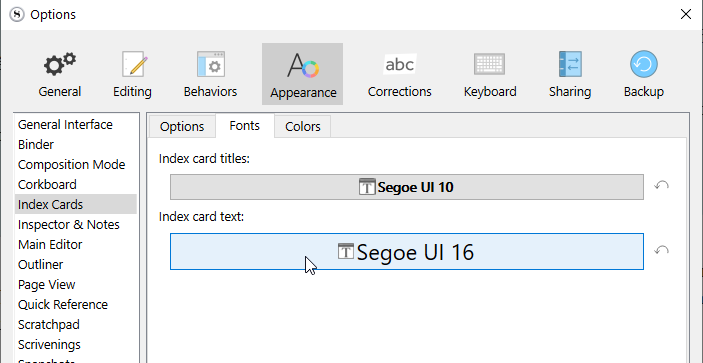
I am unable to increase the font size and type for the Inspector. Found the option for the Binder but NOT the Inspector.
Win11/Scrivener3
I am unable to increase the font size and type for the Inspector. Found the option for the Binder but NOT the Inspector.
Win11/Scrivener3
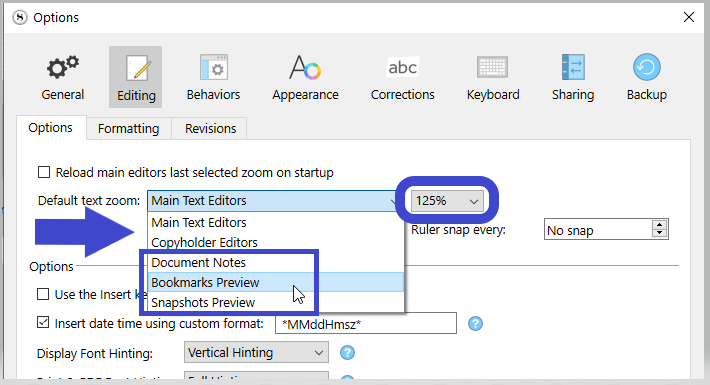
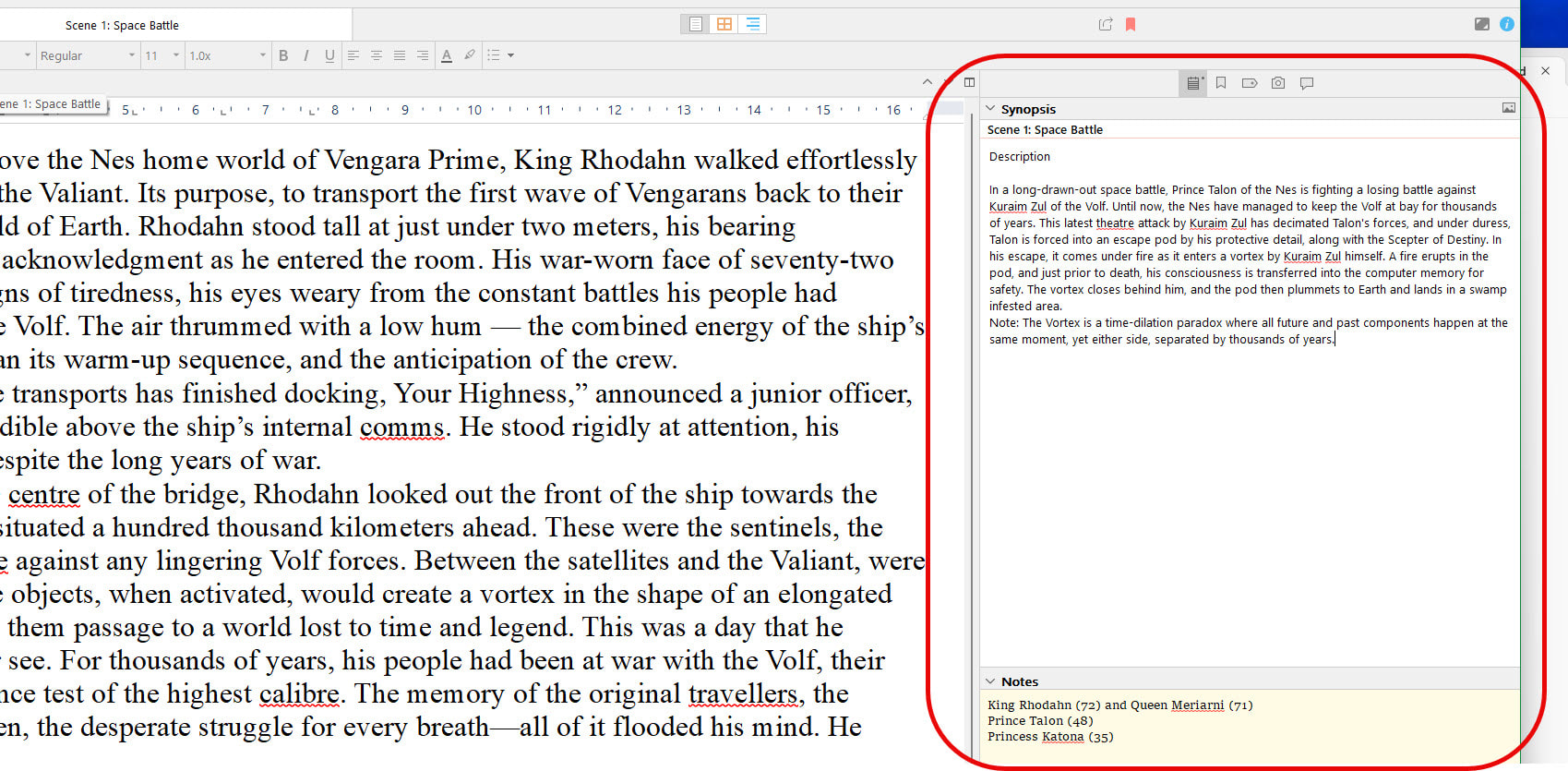
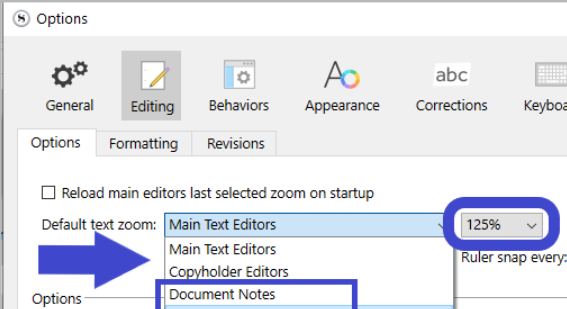
For the document notes (Yellow / bottom section), you can two-fingers spread or Ctrl+mousewheel.
(The above screenshot shows the default setting upon a new session.)
OK. Thank you. That was not obvious. Appreciate this Vincent. Thanks
Inspector notes and bookmarks in the Inspector can have the font size increased by holding the ctrl button and using the mouse wheel rather than having to go thru the menu.
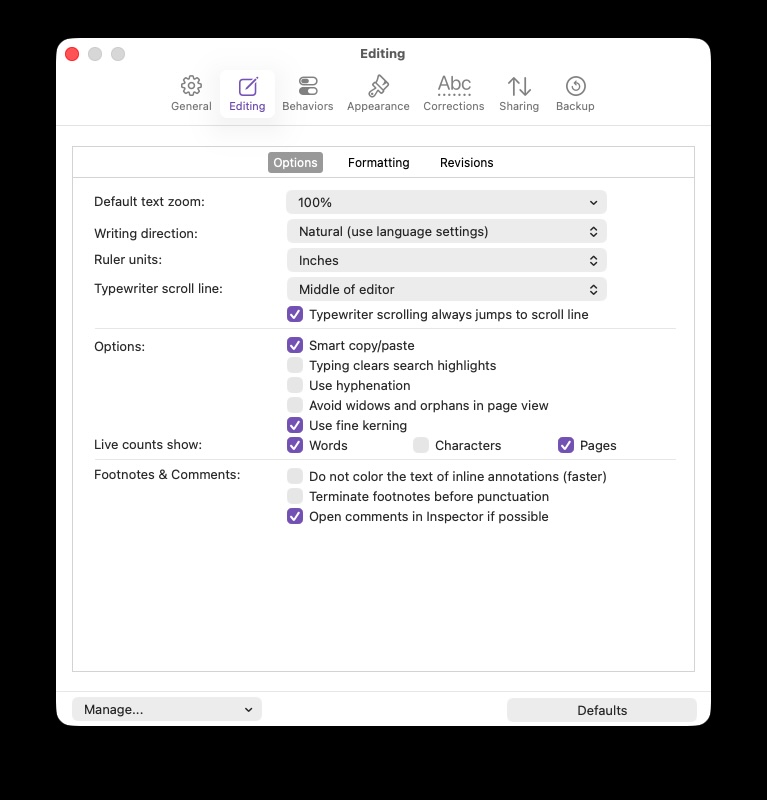
I am not finding that option in my settings (Scriv 3.5.2, MacOS). I’m wondering if the Default text zoom setting has been moved, or if I’m overlooking it somehow.
Here’s what the settings dialog shows on my app:
I’m a Windows user.
@November_Sierra
There’s only this “one size fits all” setting in the Mac version, you can select how much, but not what.
On the Mac, you can focus in the document notes area and use the regular View ▸ Zoom commands to adjust the notes zoom, and that setting will persist in the project through all documents until you change it. This is how it should work on Windows, but at the moment you’ll find that the zoom commands still apply to the editor when focus is in notes, and thus the different control in Settings is necessary.