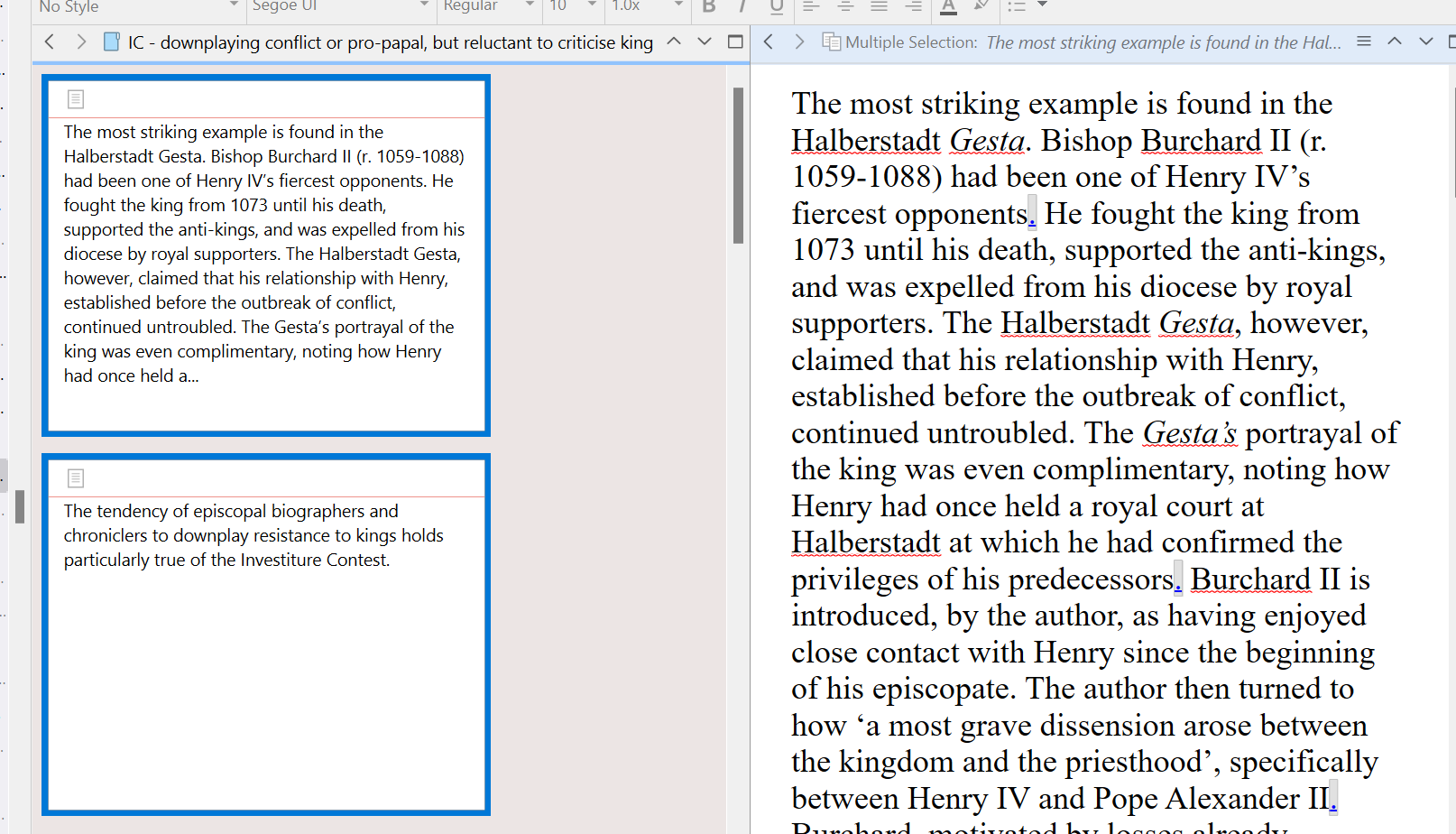
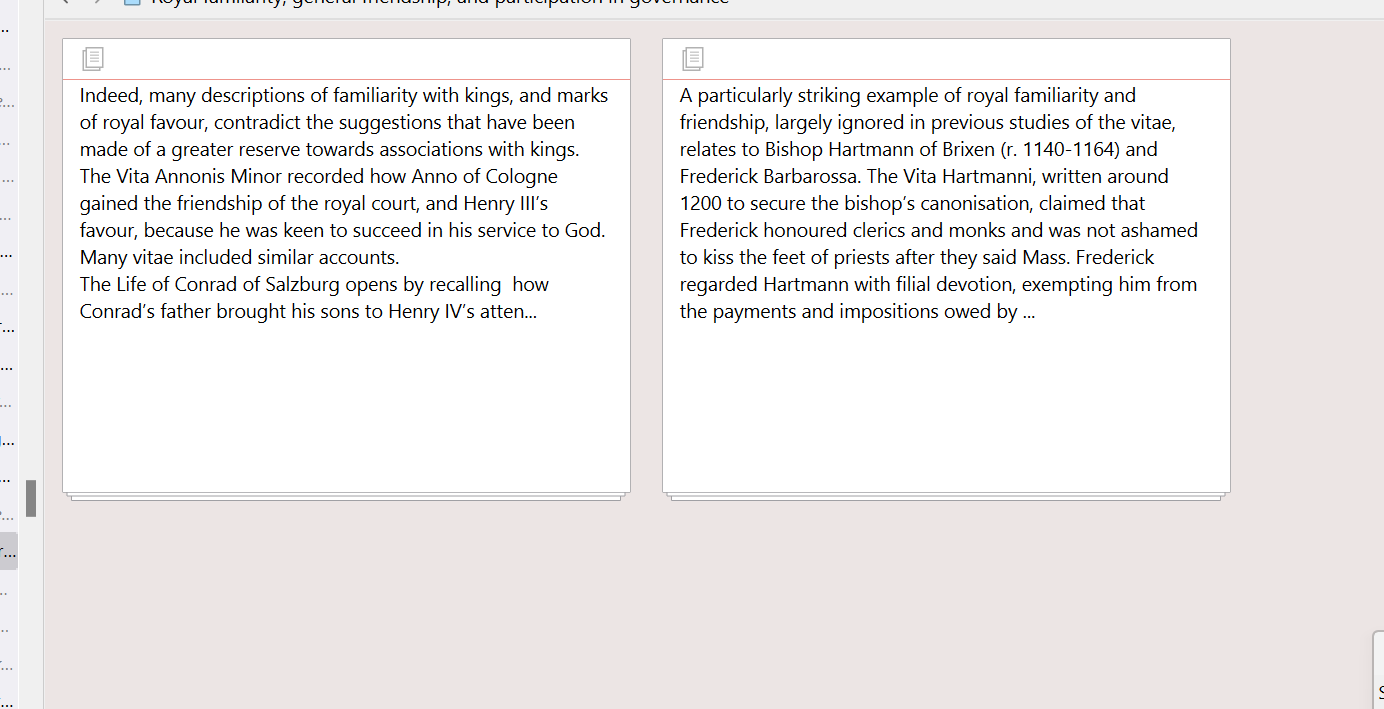
Well that’s what I’m getting at, you are making use of a tool that is meant to generate a short and generic synopsis from the content, not reproduce all of its thousands of words. Nor does it generate text into a visual space, arbitrarily large or small. It creates a fixed quantity of text on the disk and stores that into a .txt file; same thing that happens when you type your own words into this space.
So it isn’t that it’s not filling the available space, it’s that you made the card bigger than the synopsis is. Or let’s put it another way, you had the software make a synopsis 50 words long (or whatever), so why would you expect the software to populate it with 75, and from what would it do so? Why should it assume anything for those extra 25 words to make the white space black and white instead of white? Why would it arbitrarily jam words into the card after your hand-crafted synopsis, just to fill “empty” space?
I think maybe that’s the point of confusion. The synopsis is designed to be a tool you can use to describe your section so you remember what it is, without having to consult large amounts of text to do so. If you typed in 17 words into a card, then wouldn’t it feel a bit odd for the software to just start jamming “random” text after the 17 words merely to make sure the card wasn’t empty looking?
Sure, in this case you aren’t doing that, you’re using an automatic generator to save yourself the time of describing things manually, but it’s still a fixed width description, even if the software comes up with it.
So to return to what I was saying: if you want more text, then select however much text helps you identify this section, from the other sections, and use the Documents ▸ Auto-Fill ▸ Set Synopsis from Selection menu command.
There is no limiter on that when you tell the software specifically which text to use, which is what I was getting at when I said you can have 50k words on a card. I don’t mean you have have that much, but that you can have one, fifteen, 75, or an entire series and everything in between. You aren’t stuck with the limiter that the software uses when you don’t tell it what to use for the synopsis and let it sort it out.
A relatively minor change I thought, but I’ve looked through the forums and it clearly isn’t popular use case.
I think it’s because in most cases the title of an item, and if that is not sufficient, a description by which one identifies a section, is enough to understand the contents represented by that card, in a symbolic sense like we would think of an icon representing the contents of a file on the disk. You are it seems coming from a different kind of software that affords one little or no such summary view, and thus one can only ever identify the structure of their work by skimming through vast quantities of text and moving those entire quantities around on large management boards.
That’s fine, to be clear, but that’s not the kind of software Scrivener is. Its design approach is rather the opposite, an attempt to get away from that necessity, and is premised on the concept that one can generate a shorthand for all of that, and come to understand the structure of their work through single sentences, short phrases even (often I just use titles to organise things, no synopsis at all!). You don’t need to see every word in the section because you know what is in the section from your hand-crafted summaries—same concept as a physical corkboard.
But again that’s kind of beside the point. If you want more text, put more text on the card. That’s really the dirt simple answer to your question.