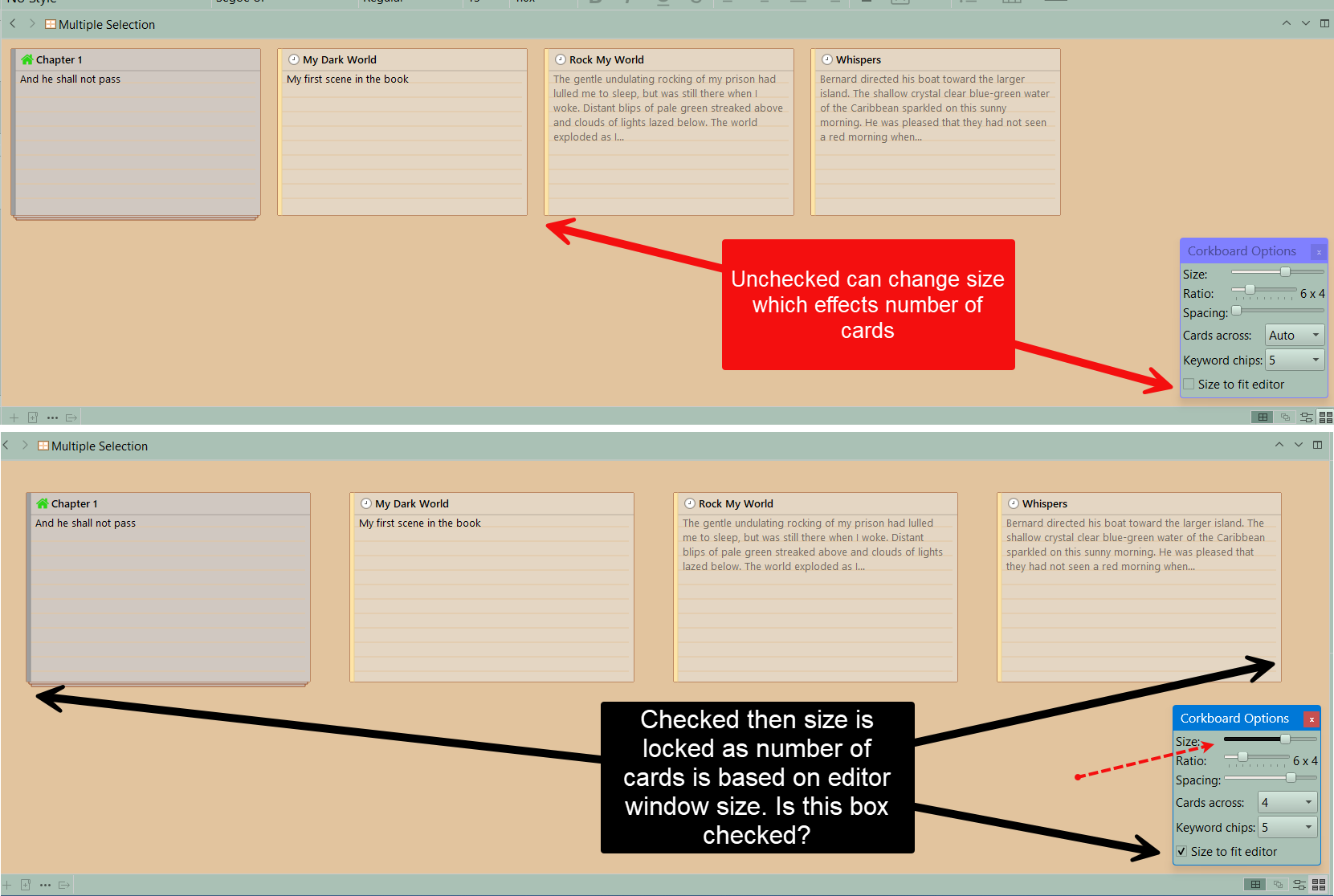
The index cards will not change size. They insist on four cards across. I’ve pressed all the options, but it won’t change. I’d like the cards bigger and perhaps three or just two across.
Thank you
The index cards will not change size. They insist on four cards across. I’ve pressed all the options, but it won’t change. I’d like the cards bigger and perhaps three or just two across.
Thank you
The right combination of number of cards, size of the cards, and stretching the cards will either give a fixed size with a number of cards fitting the screen, or a fixed number of cards fitting the screen.
Keep trying. 
Thank you, both. I was “trying” and also I had unchecked that box. But miracle, this morning it’s now working and I have now 3 cards in a row. It might have been a bug in the program and restarting fixed it.
Glad to here merry scrivener.