I am already using Scrivener in one conventional project, but I’m considering transcribing part of an old out of copyright Latin textbook as another.
Recreating the diacritial marks are not an issue, but I’m seriously wondering how to recreate the use of the brace ({) character particularly when a single brace to the left covers two lines the the right.
Maybe you can insert a table (Insert > Table) of three columns. You adjust it so that the middle column is narrower and place the {'s there and the text to the left and right. Then, you can choose to make the table white and thus functionally invisible.
I can’t think of any other way, as I believe Scrivener has no option to separate text into columns.
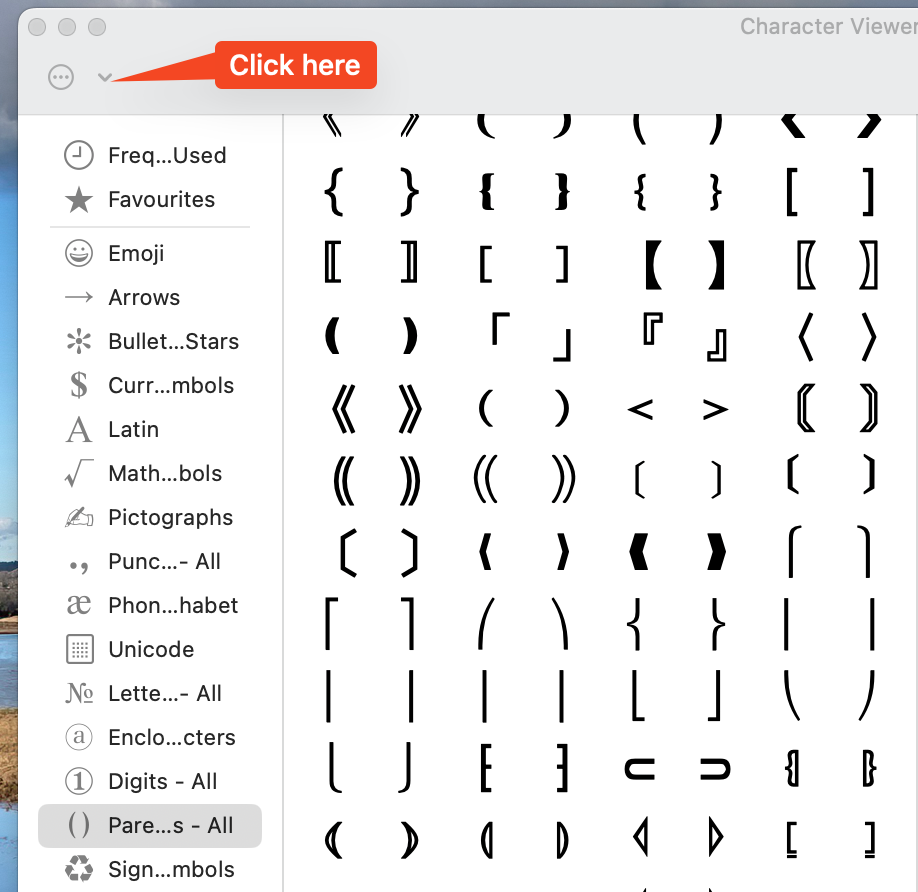
Open Emoji and symbols: All Parentheses you have the elements to create multiline braces etc. If you don’t see All Parentheses in the left sidebar click the circle-with-three-dots and choose it from the dropdown:
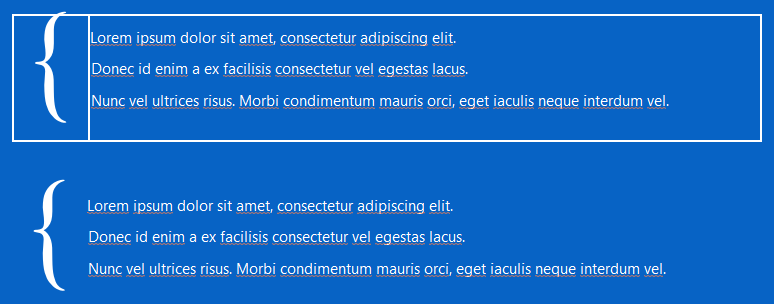
I was able to do this in Scrivener with a Table. Perhaps this can help:
Table is 1 row, 2 columns: 10%, 90% Cell Width, Table Border 0px, Cell Background None.
Parenthesis is center aligned TNR 96pt/0.8x, text is Segoe 11pt/1.5x.