I searched and found similar topics, but they were for the Windows version, and their solutions were different than what I discovered.
I recently discovered my Inspector buttons were missing and started panicking. I opened up one of my other projects, and the buttons reappeared. After scouring the internet, I realized I’d had multiple scenes selected in Scrivenings mode. I didn’t realize this at first because I went full screen and the Binder disappeared.
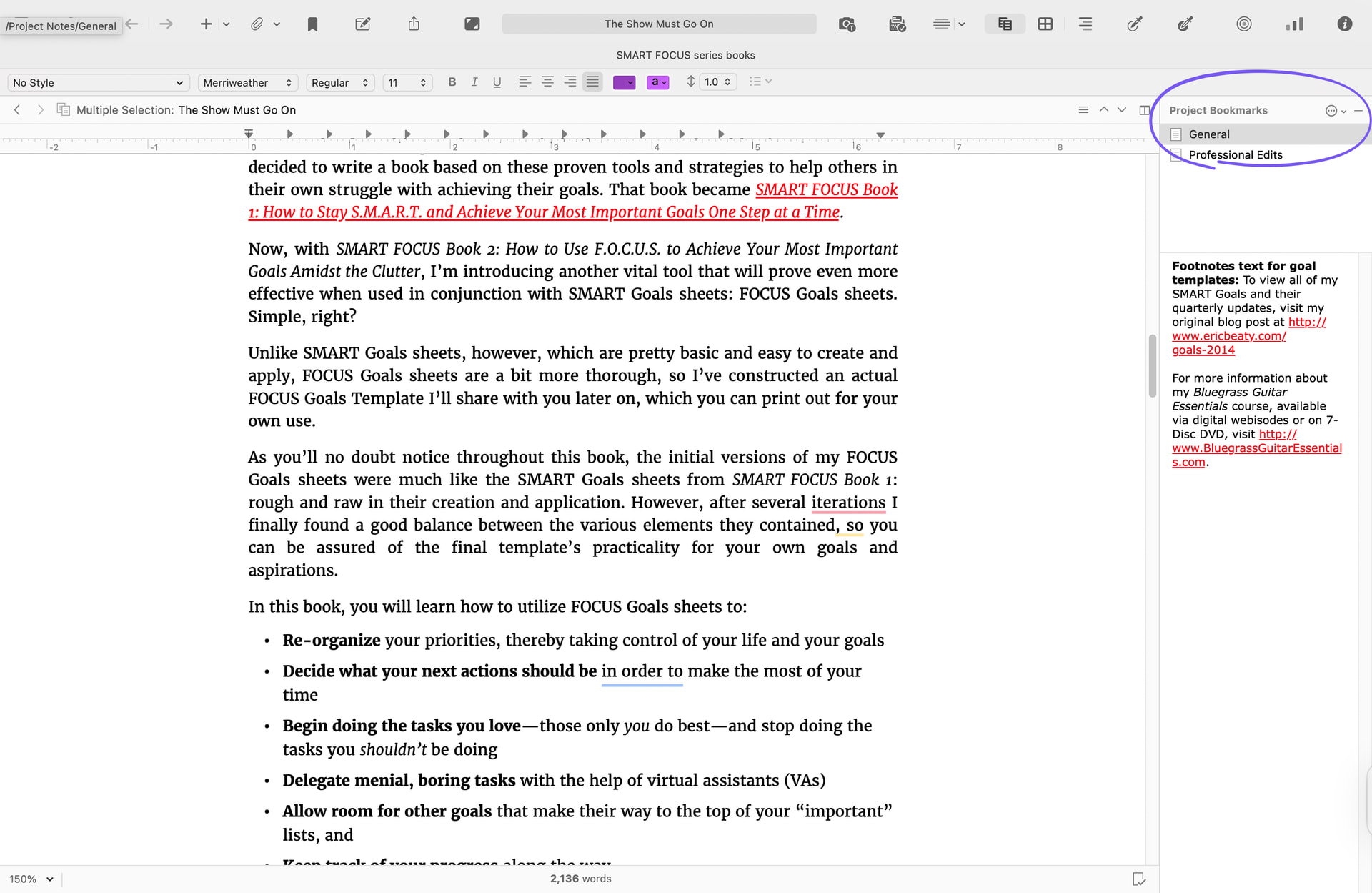
So if your Inspector buttons ever disappear, check to see if you don’t have multiple chapters, scenes, folders, or documents selected.